If you’ve recently upgraded to an iPhone 15 or are considering making the switch, one of the first questions you might ask is: What kind of charging cable do I need for this new device? The answer isn’t as straightforward as it might seem, thanks to recent changes in Apple’s design philosophy and industry standards. Over the past decade, iPhone users have relied on Lightning cables, but with the iPhone 15 series, Apple has shifted to USB-C—a move driven by global regulations and user demand for greater compatibility.
In this guide, we’ll break down everything you need to know about iPhone 15 charging cables, from the technical specifications that matter most to the common pitfalls to avoid. Whether you’re looking to buy your first cable or replace an old one, this article will help you make an informed decision.
Table of Contents
The Shift to USB-C: Why iPhone 15 Uses This Standard
To understand why USB-C is now the go-to cable for iPhone 15, it helps to look at the bigger picture. For years, Lightning was Apple’s proprietary port, offering fast charging and data transfer while keeping the ecosystem tightly controlled. However, the European Union’s 2024 mandate requiring all smartphones to use a common charging port pushed Apple to adopt USB-C—a standard already used by Android devices, laptops, and accessories worldwide.
This shift isn’t just about compliance. USB-C offers several advantages over Lightning, including reversible design (no more fumbling to plug it in), improved durability, and better support for high-speed data transfer. For iPhone 15 users, this means more flexibility: you can use the same cable to charge your phone, connect it to a laptop, or even power external devices like portable speakers.
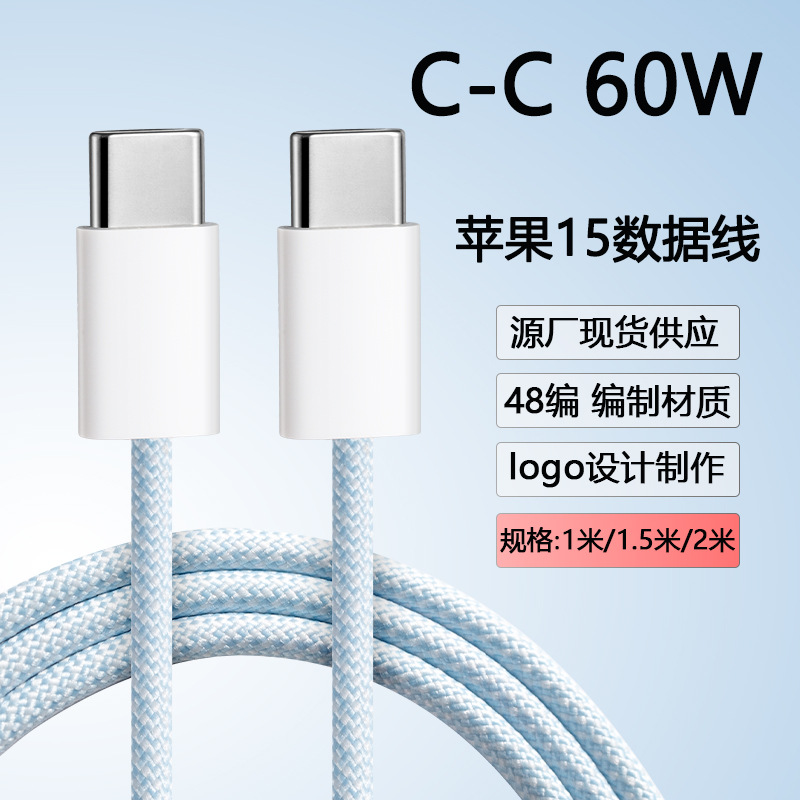
Key Specifications for iPhone 15 Charging Cables
Not all USB-C cables are created equal. To ensure your iPhone 15 charges safely and efficiently, it’s important to understand the technical details that define a quality cable. Here are the most critical factors:
USB-C Port Compatibility
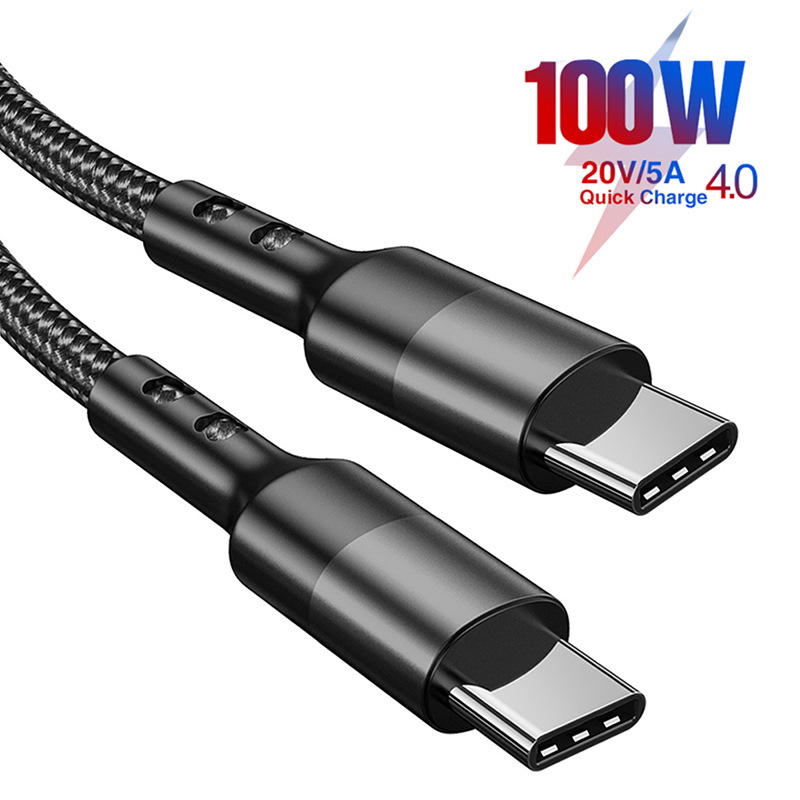
All iPhone 15 models—whether the base iPhone 15, the Pro, or the Pro Max—feature a USB-C port. This universal port supports both charging and data transfer, but the capabilities can vary based on the cable’s specifications. For example, a basic USB-C cable might only support up to 5V/2A (10W) charging, while a more advanced one could handle up to 20V/5A (100W) for faster charging.
Data Transfer Speeds
iPhone 15 retains USB 2.0 data transfer speeds through its USB-C port, which caps at 480Mbps. This is significantly faster than the Lightning port’s 480Mbps as well, but it’s still slower than USB 3.2 or Thunderbolt 3/4, which can reach 5Gbps or higher. If you primarily use your cable for charging, this won’t be an issue—but if you frequently transfer large files (like 4K videos) from your iPhone to a computer, you may want to invest in a cable that supports higher data rates.
Power Delivery (PD) Support
Fast charging on iPhones relies on USB Power Delivery (PD) technology. iPhone 15 models support up to 27W of PD charging, though actual speeds depend on the charger you pair with the cable. For example, using a 30W USB-C PD charger with a compatible cable can charge your iPhone 15 from 0% to 50% in about 30 minutes. Without PD support, the same cable might only deliver 5W of slow charging.
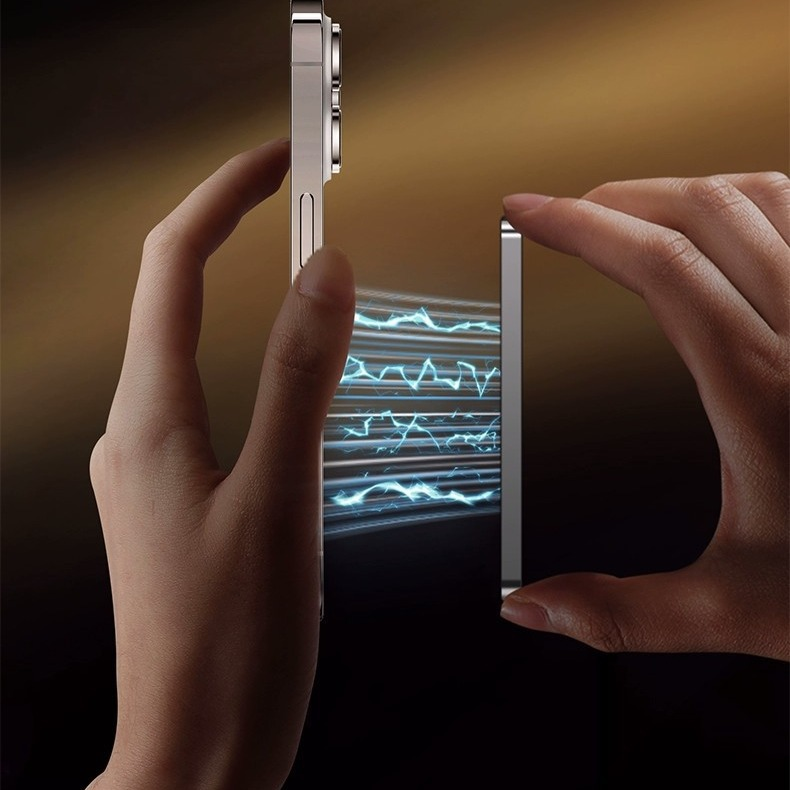
Types of Charging Cables for iPhone 15
Now that you understand the basics, let’s explore the different types of USB-C cables that work with iPhone 15—and which ones are worth considering.
Official Apple Cables
Apple offers a range of USB-C cables designed specifically for its devices. The most common is the USB-C to USB-C cable, available in lengths of 1 meter (3.3 feet) or 2 meters (6.6 feet). These cables are MFi-certified (Made for iPhone/iPad), meaning they meet Apple’s strict quality standards for safety and performance. They support up to 20V/5A (100W) charging and USB 2.0 data transfer, making them ideal for both everyday use and fast charging.
For users who need longer cables, Apple also sells a 3-meter (9.8-foot) USB-C to USB-C cable. This is a great option for charging your iPhone from a distance—say, while watching TV or working at a desk. However, longer cables can sometimes reduce charging efficiency, so keep that in mind if speed is a priority.
Third-Party Alternatives
Thanks to USB-C’s universal design, third-party brands like Anker, Belkin, and Ugreen offer high-quality cables that are often more affordable than Apple’s. These cables are also MFi-certified (or comply with USB-IF standards), ensuring they work reliably with iPhone 15. Many third-party options include additional features, such as braided exteriors for durability, reinforced connectors to prevent fraying, or built-in surge protection to safeguard your device from voltage spikes.
When shopping for third-party cables, look for certifications like “MFi Certified” or “USB-IF Certified.” These labels indicate that the cable has been tested for safety and compatibility, reducing the risk of damaging your iPhone or causing overheating. Avoid no-name brands that lack these certifications—cheap, unregulated cables may save you money upfront but can lead to costly repairs down the line.
Adapters and Converters
If you still have Lightning accessories you want to use with your iPhone 15, Apple sells a USB-C to Lightning adapter. This small dongle lets you connect Lightning cables, chargers, or accessories to your iPhone 15’s USB-C port. However, it’s important to note that using Lightning accessories with iPhone 15 won’t take advantage of USB-C’s faster charging speeds. For example, a 20W Lightning charger paired with the adapter will only deliver 5W of power to your phone.
Factors to Consider When Choosing a Cable
Selecting the right USB-C cable for your iPhone 15 depends on your specific needs. Here are some key considerations to keep in mind:
Length
The length of your cable affects both convenience and performance. Shorter cables (1 meter) are ideal for charging at your desk or bedside, where you don’t need extra reach. Longer cables (2–3 meters) are better for charging in bed, on the couch, or in a car. Just be aware that longer cables may experience slightly more resistance, which can reduce charging speed—though this is usually negligible with high-quality cables.
Durability
iPhone users are no strangers to frayed cables, especially if they’re prone to bending or pulling their cords. Look for cables with reinforced stress points at the connectors—typically made of TPE (thermoplastic elastomer) or braided nylon. These materials are more resistant to wear and tear than basic PVC coatings, extending the cable’s lifespan.
Charging Speed Requirements
If you’re someone who needs a quick top-up during the day, prioritize cables that support fast charging. As mentioned earlier, this requires a USB-C PD-compatible cable paired with a compatible charger. For most users, a 20W or 30W charger with a 1-meter USB-C cable will suffice for daily use. If you have a larger battery (like the iPhone 15 Pro Max), a 30W or higher charger might be worth considering.
Data Transfer Needs
If you frequently transfer photos, videos, or other files from your iPhone to a computer, opt for a cable that supports USB 2.0 speeds. Most USB-C cables meet this requirement, but some ultra-budget options might only support slower USB 1.1 speeds, which could take hours to transfer large files.
Avoiding Common Mistakes with iPhone 15 Cables
Even with the right cable, improper use can lead to issues like slow charging, overheating, or damage to your iPhone. Here are some common mistakes to avoid:
Using Non-MFi or Unregulated Cables
As mentioned earlier, non-certified cables may not meet safety standards, increasing the risk of short circuits, overheating, or damage to your iPhone’s internal components. Always check for MFi certification or USB-IF compliance before purchasing.
Overloading the Cable with High-Power Devices
While iPhone 15 supports up to 27W of PD charging, plugging it into a charger that exceeds its maximum input (e.g., a 100W laptop charger) won’t make it charge faster. In fact, it could cause the cable to overheat. Stick to chargers that match your iPhone’s recommended wattage—20W to 30W is sufficient for most models.
Bending or Kinking the Cable
Repeatedly bending a cable at sharp angles can damage the internal wires, leading to intermittent charging or data transfer. To prolong its life, avoid wrapping the cable too tightly around objects or storing it in a way that puts stress on the connectors.
Conclusion
Choosing the right charging cable for your iPhone 15 is simpler than it might seem once you understand the basics of USB-C compatibility, power delivery, and data transfer. Whether you opt for an official Apple cable or a trusted third-party brand, prioritizing MFi certification, durability, and your specific needs (like charging speed or cable length) will ensure you get the most out of your device. By avoiding common mistakes like using uncertified cables or overloading your charger, you can keep your iPhone 15 powered safely and efficiently for years to come.
How to purchase: https://looperbuy.com/search?keywords=what+type+of+charging+cable+for+iphone+15&globalType=1688
Frequently Asked Questions
Q1: Can I use my old Lightning cables with iPhone 15? A: Yes, but with limitations. Apple sells a USB-C to Lightning adapter that lets you connect Lightning cables to your iPhone 15’s USB-C port. However, Lightning cables only support up to 5W of charging (unless paired with a fast charger, but even then, the adapter limits it to 5W). For faster charging, use a USB-C to USB-C cable instead.
Q2: What’s the difference between USB-C cables for iPhone 15 and Android devices? A: Physically, USB-C cables are the same across devices, but compatibility depends on the device’s hardware and software. iPhone 15 uses USB-C for both charging and data, but it may not support all features of Android-specific USB-C cables—for example, some Android cables support higher data transfer speeds (USB 3.2/Thunderbolt) that iPhone 15 can’t utilize. However, for basic charging and USB 2.0 data transfer, most USB-C cables work across devices.
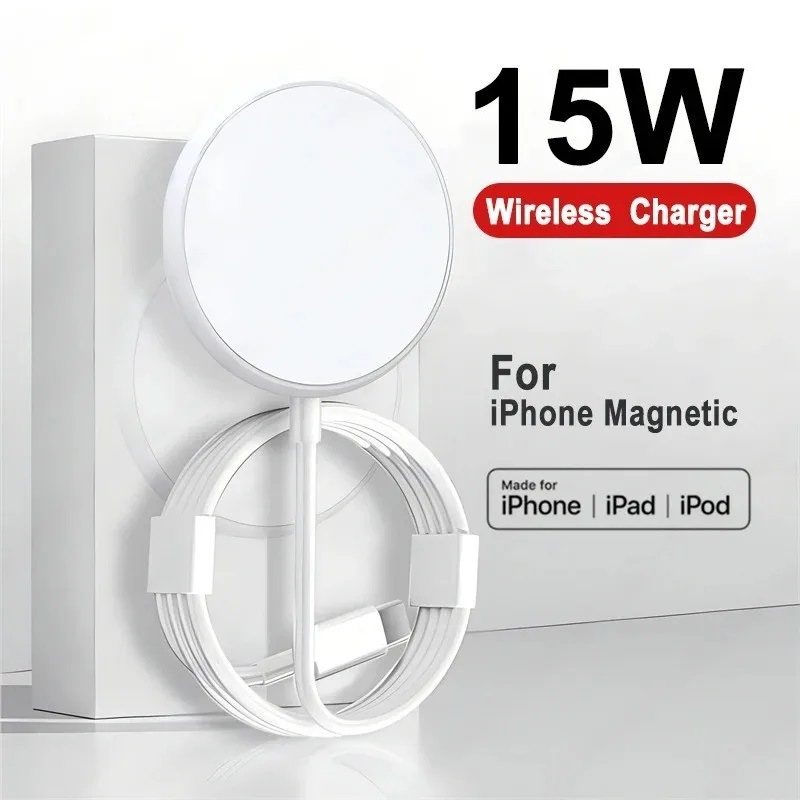
Q3: Do I need a special cable for MagSafe with iPhone 15? A: No. MagSafe is a magnetic accessory system that works with any USB-C cable, as long as the cable supports the required power delivery. For example, a standard USB-C to USB-C cable will work with MagSafe chargers, though some third-party MagSafe accessories may include specialized cables for optimized performance.
Q4: What’s the maximum charging speed supported by iPhone 15 cables? A: iPhone 15 models support up to 27W of PD charging. To achieve this, you’ll need a USB-C PD-compatible charger and a cable that supports 20V/5A (100W) power delivery. Most standard USB-C cables meet this requirement, but always check the cable’s specifications to be sure.
Q5: Are third-party USB-C cables safe for iPhone 15? A: Yes, as long as they’re MFi-certified or comply with USB-IF standards. Reputable third-party brands like Anker and Belkin produce high-quality cables that are just as safe as Apple’s official options. Avoid unbranded or uncertified cables, as they may lack proper safety features.
Hot Tags: iPhone 15 Charging Cables; USB-C for iPhone 15; MagSafe Charging; Fast Charging Cables; MFi Certified Cables; Portable Charging Solutions; Durable Charging Cables; Wireless Charging for iPhone 15; Car Chargers for iPhone 15; Data Transfer Cables