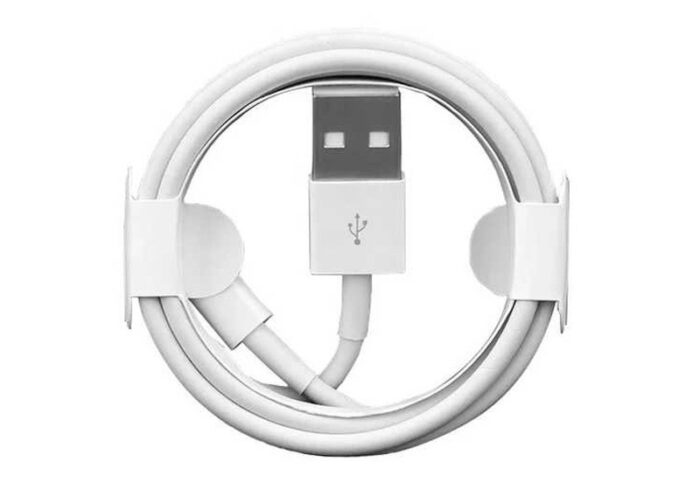
As technology evolves, so do the accessories that come with our devices. The iPhone 15 marks a significant shift in Apple’s approach to charging, moving from the traditional Lightning connector to the more versatile USB-C standard. This change not only affects how we charge our devices but also opens up a world of possibilities for faster data transfer and compatibility with a wider range of devices. In this article, we will explore everything you need to know about the Apple charging cable for the iPhone 15, including its features, benefits, and the best practices for using it effectively.
Table of Contents
Understanding the Shift to USB-C
Why USB-C?
The transition to USB-C for the iPhone 15 is a strategic move by Apple to unify its charging solutions across its product line. USB-C has become the industry standard for many devices, including laptops, tablets, and other smartphones. This change simplifies the user experience by allowing one type of cable to charge multiple devices, reducing the clutter of different cables and adapters.
Benefits of USB-C
- Faster Charging: USB-C supports higher power delivery, allowing for faster charging times. The iPhone 15 can utilize up to 20W of power, significantly reducing the time it takes to charge the device fully.
- Data Transfer Speeds: USB-C cables can support data transfer rates of up to 10Gbps, making it easier to transfer large files quickly between devices.
- Universal Compatibility: With USB-C, users can charge their iPhone 15 using chargers from other devices, such as laptops and tablets, making it more convenient for those who own multiple gadgets.
Features of the Apple Charging Cable for iPhone 15
Design and Build Quality
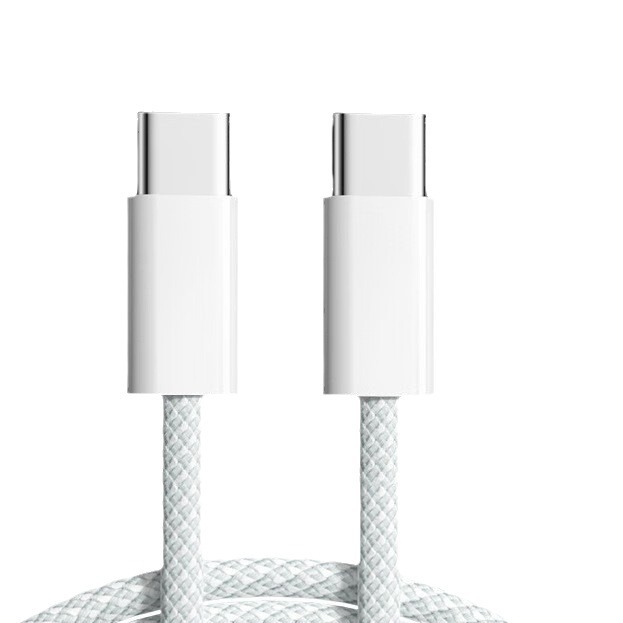
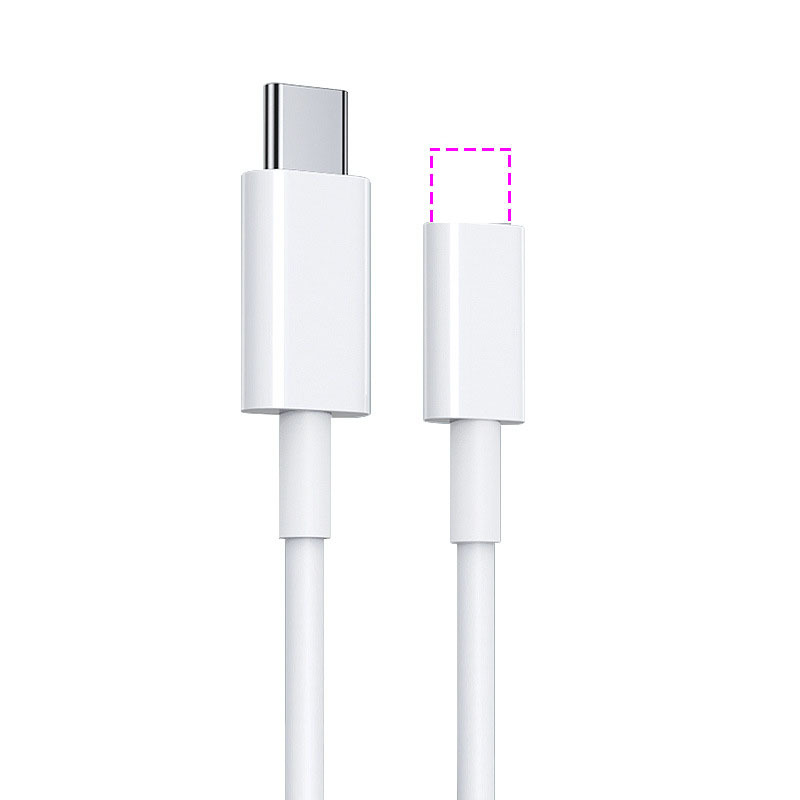
The Apple charging cable for the iPhone 15 features a sleek design with a durable construction. The cable is made from high-quality materials that resist tangling and wear, ensuring longevity. The connectors are designed to fit snugly into the device, providing a reliable connection for charging and data transfer.
Length Options
Apple offers the charging cable in various lengths, including 1 meter and 2 meters. This flexibility allows users to choose a length that best suits their needs, whether they are charging at a desk or using the device while it charges.
Compatibility
The Apple charging cable is compatible with all iPhone 15 models, including the iPhone 15, iPhone 15 Plus, iPhone 15 Pro, and iPhone 15 Pro Max. Additionally, it can be used with other Apple devices that support USB-C, such as the iPad Pro and MacBook.
How to Use the Apple Charging Cable Effectively
Charging Your iPhone 15
To charge your iPhone 15, simply connect the USB-C end of the cable to the device and the other end to a compatible power adapter or USB-C port. For optimal charging speed, it is recommended to use a power adapter that supports at least 20W of power delivery.
Data Transfer
To transfer data between your iPhone 15 and another device, connect the cable to both devices. Ensure that the receiving device supports USB-C for seamless data transfer. This feature is particularly useful for users who need to move large files quickly, such as photos and videos.
Using with Other Devices
One of the significant advantages of the USB-C standard is its versatility. You can use the Apple charging cable to charge not only your iPhone 15 but also other devices, such as your iPad or even some laptops. This universality makes it a valuable accessory for anyone with multiple devices.
Best Practices for Maintaining Your Charging Cable
Avoiding Damage
To prolong the life of your charging cable, avoid bending it at sharp angles, especially near the connectors. Store the cable in a way that prevents tangling and kinking, which can lead to internal damage over time.
Cleaning the Connectors
Regularly check and clean the connectors of your charging cable to ensure a good connection. Dust and debris can accumulate, affecting charging efficiency. Use a soft, dry cloth to wipe the connectors gently.
Using Certified Accessories
When purchasing additional charging accessories, ensure they are certified by Apple or meet the USB-C standard. Using non-certified accessories can lead to slower charging speeds or even damage to your device.
Exploring Additional Features of USB-C
Reverse Charging Capabilities
One of the exciting features of the USB-C port on the iPhone 15 is its ability to support reverse charging. This means you can use your iPhone to charge other devices, such as AirPods or even another smartphone. This feature is particularly useful in situations where you may not have access to a power outlet.
Enhanced Audio and Video Support
The USB-C port also allows for enhanced audio and video capabilities. Users can connect their iPhone 15 to external displays or audio devices, providing a more versatile multimedia experience. This is especially beneficial for those who use their iPhones for presentations or media consumption.
Future-Proofing Your Device
By adopting USB-C, Apple is future-proofing its devices. As more manufacturers adopt this standard, users can expect greater compatibility with a wide range of accessories and peripherals. This shift not only enhances the user experience but also aligns with global trends towards universal charging solutions.
Specifications of the iPhone 15 USB-C Charging Cable
Power Delivery and Charging Speed
The USB-C charging cable that comes with the iPhone 15 supports power delivery of up to 20W, which is sufficient for fast charging. However, the iPhone 15 Pro models can utilize up to 27W for even quicker charging. This means that with a compatible charger, users can achieve a 50% charge in approximately 30 minutes for the standard models and about 25 minutes for the Pro models.
Data Transfer Rates
While the iPhone 15 supports USB-C, it is important to note that the included cable only supports USB 2.0 data transfer speeds, which max out at 480 Mbps. This is adequate for most users, but those who require faster data transfer speeds, such as video professionals, may want to invest in a higher-quality USB-C cable that supports USB 3.2, which can transfer data at speeds up to 10Gbps.
Build Quality and Durability
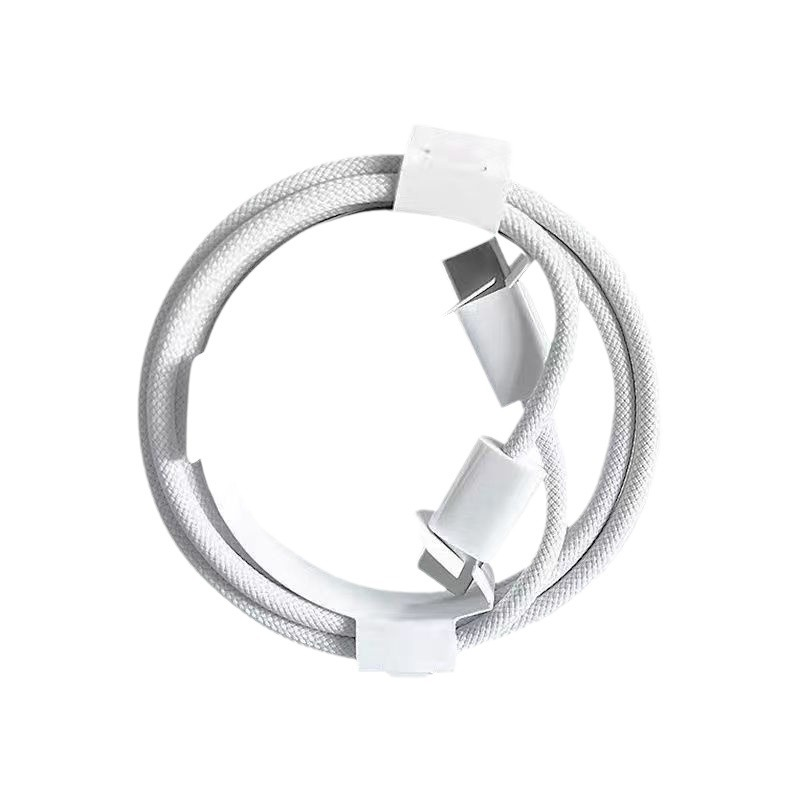
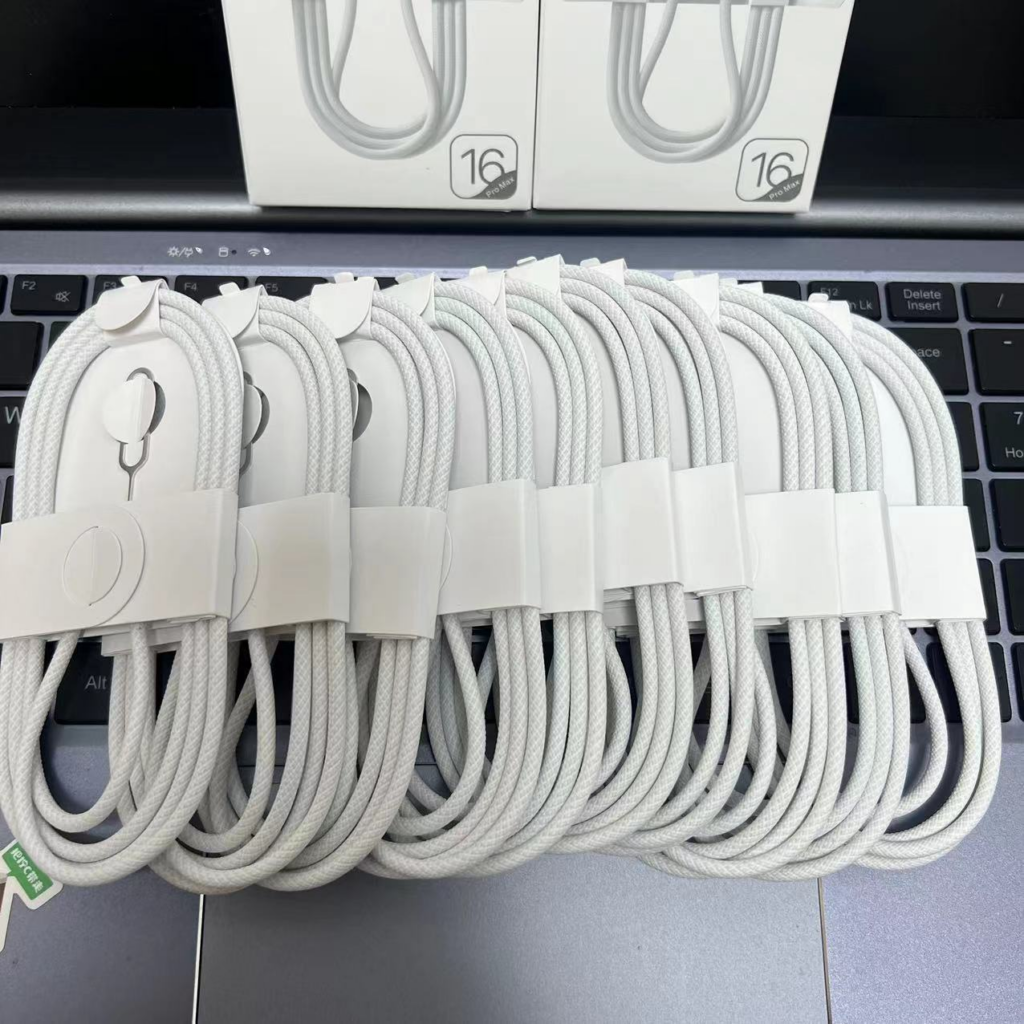
The Apple charging cable is designed with durability in mind. It features a woven outer layer that helps prevent tangling and enhances its lifespan. The connectors are robust, ensuring a secure fit and reliable performance over time. The cable is also lightweight, making it easy to carry around without adding bulk to your bag.
Environmental Considerations
Sustainability Efforts
Apple has made significant strides in its commitment to sustainability, and the transition to USB-C is part of this initiative. By standardizing charging cables across its product line, Apple reduces electronic waste and encourages users to recycle their old cables and chargers. The company has also focused on using recycled materials in its products, further minimizing its environmental impact.
Reducing E-Waste
With the adoption of USB-C, users can now use a single type of cable for multiple devices, which helps reduce the number of cables that end up in landfills. This move aligns with global efforts to combat e-waste and promotes a more sustainable approach to technology consumption.
Additional Features and Use Cases
Connecting to External Displays
The USB-C port on the iPhone 15 allows users to connect their devices to external displays. This feature is particularly useful for presentations, video playback, or simply enjoying content on a larger screen. Users can connect their iPhone to a monitor or TV using a USB-C to HDMI adapter, enabling high-definition video output.
Charging Other Devices
In addition to charging the iPhone 15, the USB-C port allows users to charge other devices. For instance, you can charge your AirPods or Apple Watch directly from your iPhone. This feature is especially handy when you are on the go and need to power up your accessories without carrying multiple chargers.
Enhanced Gaming Experience
For gamers, the USB-C port opens up new possibilities. Users can connect their iPhone 15 to gaming controllers or other peripherals that support USB-C, enhancing their gaming experience. This capability allows for more immersive gameplay and better control, especially for mobile gaming enthusiasts.
Using with Third-Party Accessories
The versatility of USB-C means that a wide range of third-party accessories can be used with the iPhone 15. From external storage devices to high-quality audio interfaces, the options are vast. This compatibility allows users to expand the functionality of their devices and tailor their experience to their specific needs.
The Impact of USB-C on User Experience
Simplified Charging Solutions
The switch to USB-C simplifies the charging process for users who own multiple Apple devices. Instead of needing different cables for each device, users can rely on a single USB-C cable for their iPhone, iPad, and MacBook. This not only reduces clutter but also makes it easier to keep track of charging accessories.
Improved Accessory Ecosystem
With USB-C becoming the standard, users can take advantage of a broader ecosystem of accessories. Many third-party manufacturers are now producing USB-C compatible devices, which means users have more options when it comes to choosing chargers, docks, and other peripherals. This increased competition can lead to better prices and more innovative products.
Enhanced Functionality
The USB-C port on the iPhone 15 allows for more than just charging. Users can connect a variety of devices, such as external hard drives, cameras, and even some gaming consoles. This versatility enhances the overall functionality of the iPhone 15, making it a more powerful tool for both work and play.
Differences Between USB 2.0 and USB 3.2 Cables
Data Transfer Speeds
One of the most significant differences between USB 2.0 and USB 3.2 cables is the data transfer speed. USB 2.0 cables, which are included with the iPhone 15, support speeds up to 480 Mbps. In contrast, USB 3.2 cables can achieve speeds of up to 10 Gbps, making them ideal for users who frequently transfer large files, such as high-resolution videos or extensive photo libraries.
Power Delivery Capabilities
While both USB 2.0 and USB 3.2 cables can deliver power, USB 3.2 cables typically support higher power delivery rates. This means that users can charge their devices faster when using a USB 3.2 cable with a compatible charger. For example, while the iPhone 15 can charge at 20W with a USB 2.0 cable, using a USB 3.2 cable with a higher wattage charger can enhance charging efficiency.
Compatibility with Accessories
USB 3.2 cables are often backward compatible with USB 2.0 devices, allowing users to connect a wide range of accessories. However, to take full advantage of the higher speeds and power delivery capabilities, both the cable and the connected device must support USB 3.2. This compatibility is crucial for users who want to maximize the performance of their iPhone 15 and other devices.
Conclusion
The Apple charging cable for the iPhone 15 represents a significant advancement in charging technology, offering faster charging, improved data transfer speeds, and universal compatibility. By understanding how to use and maintain this cable effectively, you can enhance your overall experience with your iPhone 15 and other devices. As Apple continues to innovate, staying informed about the latest accessories will ensure you get the most out of your technology.
How to purchase:Online B2B sourcing platform, China purchase, Chinese suppliers – LooperBuy
Frequently Asked Questions
1. What type of charger do I need for my iPhone 15?
You need a USB-C charger that supports at least 20W of power delivery for optimal charging speed.
2. Can I use my old Lightning cables with the iPhone 15?
No, the iPhone 15 uses a USB-C connector, so you will need to use a USB-C cable or an adapter to connect your old Lightning accessories.
3. How long does it take to charge the iPhone 15 fully?
Using a 20W charger, the iPhone 15 can be charged to about 50% in approximately 30 minutes and fully charged in about 1.5 hours.
4. Is the Apple charging cable compatible with other devices?
Yes, the Apple charging cable can be used with other USB-C compatible devices, including iPads and some laptops.
5. What should I do if my charging cable is not working?
Check for any visible damage to the cable or connectors, try using a different power adapter, and ensure that the charging port on your iPhone is clean and free of debris.
HOT TAG: iPhone 15 USB-C charging cable, fast charging technology, universal compatibility, data transfer speeds, environmental sustainability, e-waste reduction, reverse charging capabilities, external display connection, gaming accessories, third-party USB-C accessories, durable design, charging tips, Apple ecosystem integration, simplified charging solutions, enhanced functionality, high-quality materials, user experience improvement, versatile charging options, multi-device compatibility, future-proof technology.