Table of Contents
Introduction
The Redmi 3S, a budget-friendly smartphone released in 2016, remains a popular choice in secondary markets for its battery life and performance. However, users frequently report issues with the phone call screen, including black screens, unresponsive touch during calls, and display glitches. This article explores the root causes of these problems, offers step-by-step fixes, and provides maintenance tips to extend your device’s lifespan. Whether you’re a tech-savvy user or a casual owner, this guide will help you resolve call screen annoyances efficiently.
Common Redmi 3S Call Screen Problems

Understanding the symptoms is the first step toward a solution. Here’s what users typically encounter:
1. Black Screen During Calls
The proximity sensor may malfunction, causing the display to remain off even after ending a call.
2. Unresponsive Touchscreen
The screen fails to register taps or swipes while on a call, forcing users to restart the device.
3. Flickering or Gray Bars
Visual artifacts appear during calls, often linked to software glitches or hardware degradation.
4. Call Screen Freezes
The interface becomes unresponsive, requiring a force reboot.
Hardware-Related Causes and Fixes
Physical components often trigger call screen issues. Here’s how to diagnose and resolve them:
1. Proximity Sensor Calibration
- Issue: Dust or misalignment disrupts the sensor.
- Fix: Use a soft brush to clean the area above the screen. If unresolved, enable sensor calibration in developer settings.
2. Damaged Display Cable
- Issue: Loose or frayed cables inside the device.
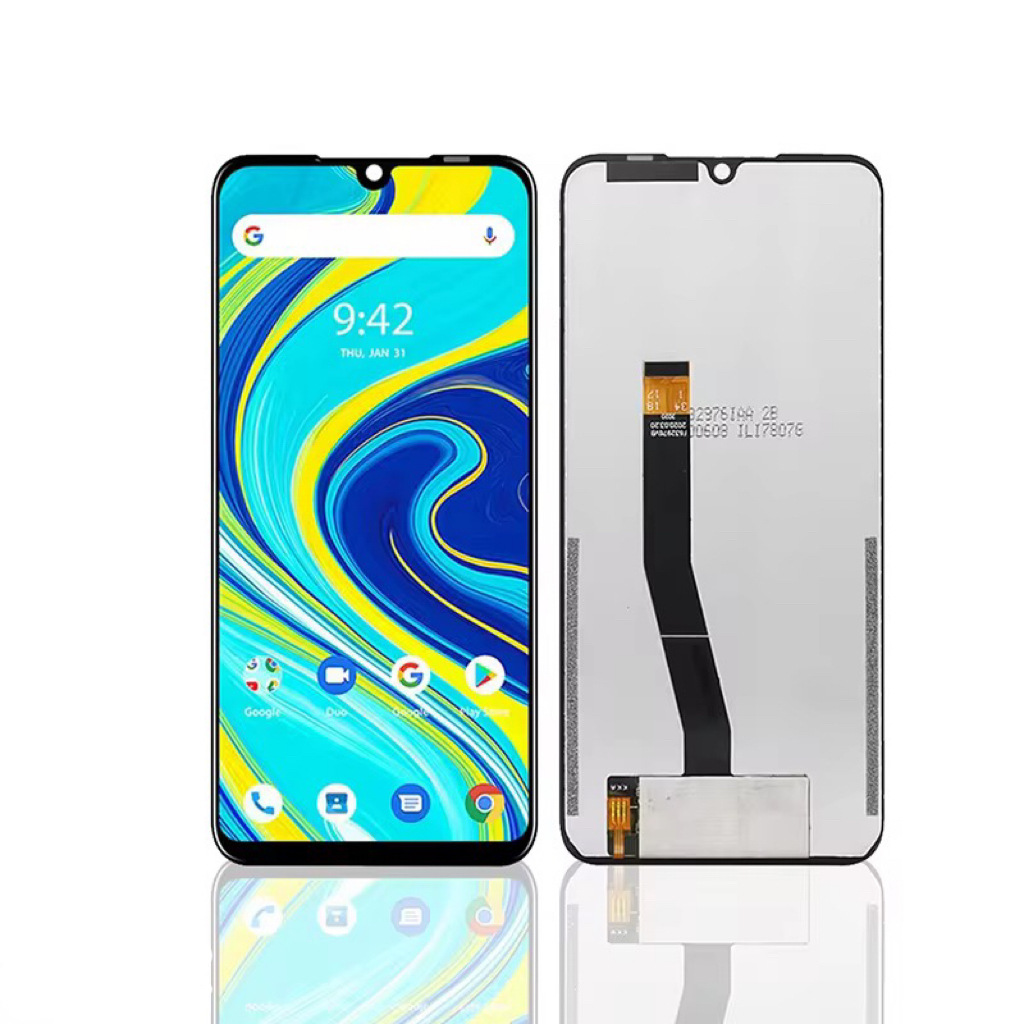
- Fix: Non-technical users should seek professional repair. Avoid DIY fixes to prevent voiding warranties.
3. Faulty Digitizer
- Issue: The touch layer deteriorates over time.
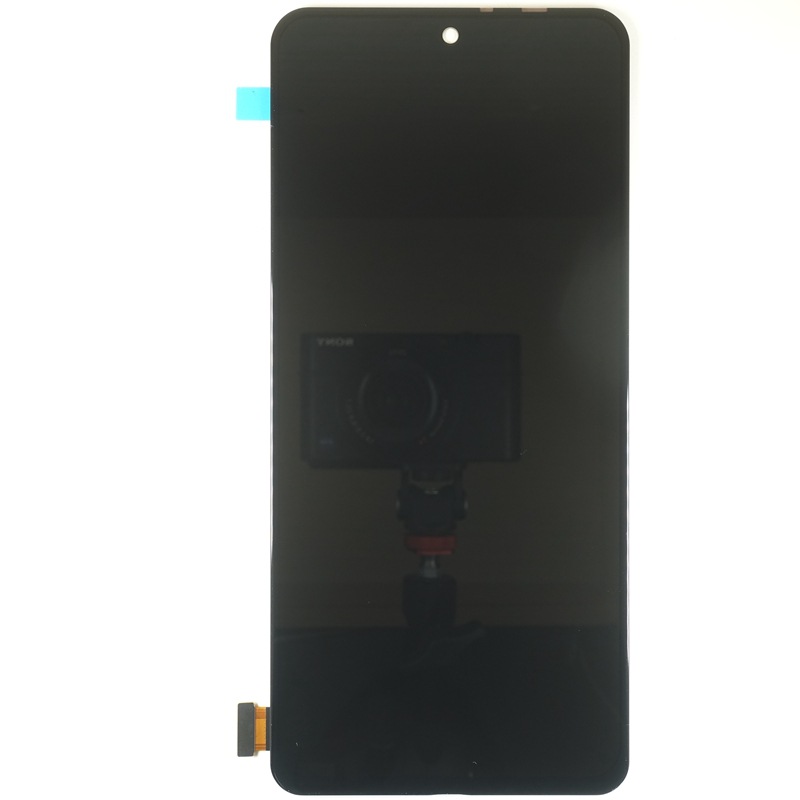
- Fix: Replace the screen assembly. Genuine parts are recommended for optimal performance.
Software-Related Solutions
MIUI, Xiaomi’s Android skin, occasionally introduces bugs affecting call screens. Try these fixes:
1. Update MIUI
- Steps: Go to Settings > About Phone > System Update. Install pending patches to resolve known issues.
2. Clear Cache Partition
- Steps: Reboot into Recovery Mode (Power + Volume Up) and select Wipe Cache Partition.
3. Disable Third-Party Call Apps
- Issue: Apps like Truecaller or Google Dialer may conflict with MIUI.
- Fix: Uninstall or disable them temporarily to test functionality.
4. Factory Reset (Last Resort)
- Warning: Backup data first. Reset via Settings > Additional Settings > Backup & Reset.
User Testimonials and Real-World Fixes
Community-driven solutions often outperform official advice. Here’s what worked for others:
1. Adjust Display Timeout
- Fix: Set screen timeout to 30 seconds to prevent accidental blackouts.
2. Use Safe Mode
- Steps: Hold Power Off > Tap OK to boot into Safe Mode. If issues disappear, a third-party app is the culprit.
3. Replace the Proximity Sensor Flex Cable
- Cost-Effective Solution: A $5 cable replacement resolved persistent black screens for many users.
Preventative Maintenance Tips
Prolong your Redmi 3S’s call screen health with these habits:
1. Avoid Extreme Temperatures
Heat and cold accelerate hardware degradation. Keep your device in moderate environments.
2. Use a Protective Case
A rugged case minimizes drop-related internal damage.
3. Regularly Update Apps
Outdated apps may introduce compatibility issues. Enable auto-updates in the Play Store.
Conclusion
Redmi 3S call screen issues stem from a mix of hardware wear and software bugs. By systematically troubleshooting components, updating MIUI, and leveraging community fixes, you can restore reliable functionality. Always prioritize backups before major changes and consult professionals for complex repairs.
Related Questions and Answers
Q: Why does my Redmi 3S screen stay black during calls?
A: The proximity sensor likely thinks you’re holding the phone to your ear. Clean the sensor area and disable any screen-dimming apps.
Q: Can a factory reset fix call screen glitches?
A: Yes, but only if the issue is software-related. Backup data first, as resets erase all content.
Q: How much does a Redmi 3S screen replacement cost?
A: Genuine replacements range from 20–40, including labor. Cheaper alternatives may compromise touch sensitivity.
Q: Is the Redmi 3S still worth repairing in 2025?
A: For basic use, yes. However, consider upgrading if you rely on modern apps or 4G connectivity.
Q: Why does the touchscreen freeze during WhatsApp calls?
A: Third-party calling apps often strain the device’s aging hardware. Use the default dialer or limit multitasking.
Hot Tags: Redmi 3s Phone Call Screen; Redmi 3s Proximity Sensor Fix; Redmi 3s Black Screen During Calls; Redmi 3s Touchscreen Unresponsive; Redmi 3s Miui Call Issues; Redmi 3s Screen Replacement Cost; Redmi 3s Factory Reset Guide; Redmi 3s Safe Mode; Redmi 3s Display Cable Repair; Redmi 3s Call Screen Freeze