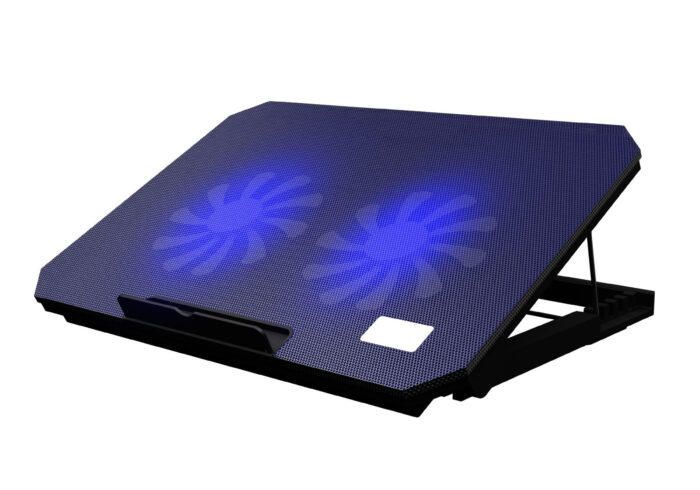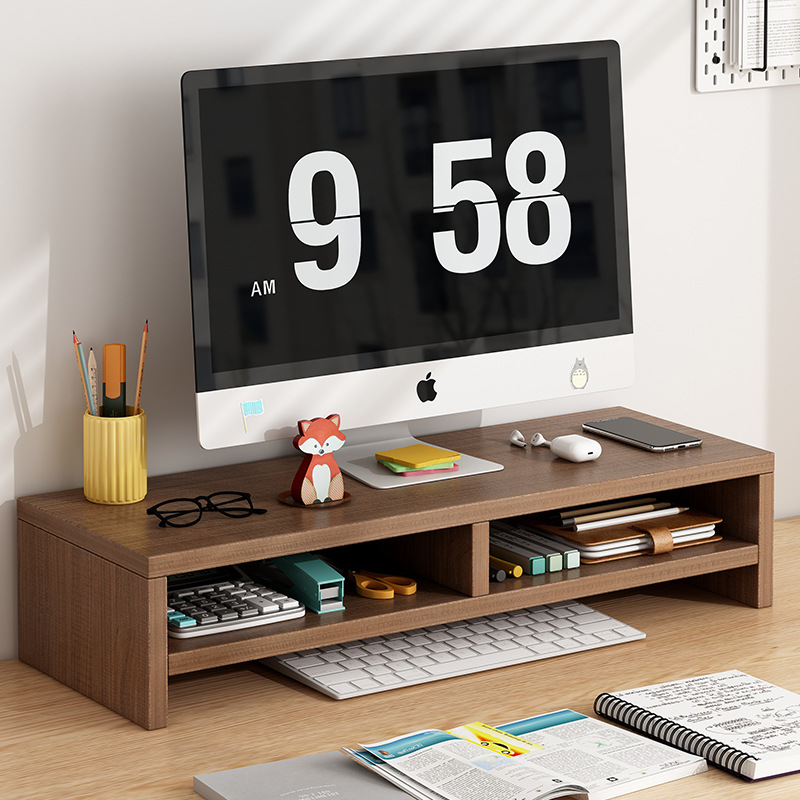
The modern workspace is undergoing a significant revolution. As more professionals recognize the detrimental effects of prolonged sitting, the demand for ergonomic solutions has skyrocketed. Integrating a computer stand desk into your daily routine is no longer just a luxury; it is a fundamental shift toward better physical health, enhanced productivity, and a more dynamic approach to work. By allowing users to seamlessly transition between sitting and standing, these desks offer the flexibility required to mitigate the risks of sedentary behavior and foster a more vibrant professional life.
Table of Contents
The Evolution of the Modern Office
The traditional desk setup, which prioritized static seating, is increasingly being viewed as a contributor to various musculoskeletal issues and metabolic health concerns. The sedentary nature of desk jobs has been linked to increased risks of heart disease, diabetes, and chronic back pain. The rise of the computer stand desk represents a conscious move away from this restrictive, health-depleting model toward an environment that supports the human need for movement.
Understanding the Ergonomic Advantage
Ergonomics is the science of designing the workplace to fit the worker, rather than forcing the worker to fit the workplace. A computer stand desk is the centerpiece of this philosophy. By providing adjustable height settings, it encourages a neutral posture—where the neck, shoulders, and back are properly aligned. This alignment is critical for preventing common complaints like lower back pain, neck strain, and tension headaches. Furthermore, the ability to alternate positions keeps the body engaged, promoting better blood circulation and preventing the muscle stiffness that typically builds up during an eight-hour shift.
The Psychological and Metabolic Benefits
Beyond physical health, standing at work can profoundly influence mental state and metabolism. Many users report increased energy levels and improved focus when they stand during tasks that require active thought, creative brainstorming, or high-energy communication. The standing posture keeps the brain more alert, reducing the “after-lunch slump” that often follows a heavy meal while sitting. Physically, the act of standing periodically helps keep the metabolism active compared to the state of prolonged rest associated with sitting. While not a substitute for rigorous exercise, this movement helps counteract the “sitting disease” that has become pervasive in modern office environments, contributing to better long-term metabolic health.
Choosing the Perfect Desk for Your Needs
With a vast array of options on the market, finding the right computer stand desk requires balancing functionality, space constraints, aesthetics, and budget. It is not enough to simply purchase the first desk you see; you must ensure it serves your specific professional workflow.
Assessing Types and Mechanisms
There are several primary types of standing desks to consider, each with unique advantages:
- Electric Standing Desks: These are generally the most convenient, featuring whisper-quiet motors that adjust the height at the touch of a button. They are ideal for users who want to switch positions frequently without breaking their concentration or exerting physical effort. They often come with memory settings, allowing you to save your ideal sitting and standing heights.
- Manual/Crank Desks: These use a hand crank to adjust the height. While they require physical effort, they are often more affordable and do not require proximity to a power outlet, making them a great choice for minimalist setups.
- Desk Converters: For those who are attached to their existing desk, a converter sits on top and allows the user to raise their monitor and keyboard. This is a cost-effective solution for immediate ergonomic improvement without replacing your entire furniture suite.
- Fixed-Height Standing Desks: Designed specifically for those who prefer to stand full-time, these desks are usually more stable but lack the versatility of adjustable models.
Critical Features to Evaluate
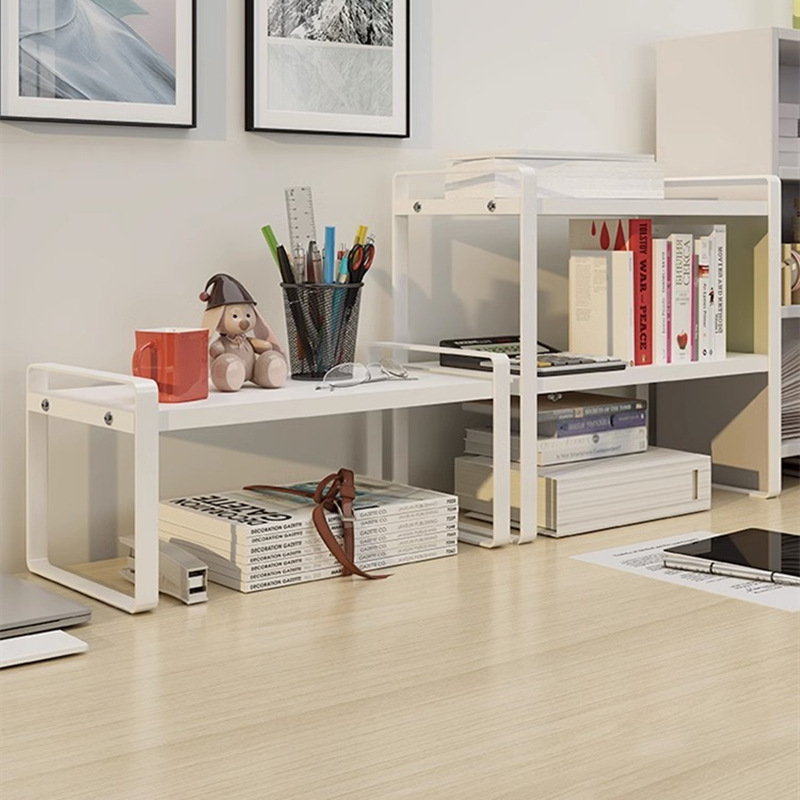
When selecting your unit, consider the weight capacity, especially if you have a multiple-monitor setup or heavy audio/video equipment. Stability is paramount; the desk should not wobble at its highest setting, as instability can be distracting and even dangerous for delicate electronics. Additionally, examine the range of height adjustment to ensure it suits your specific height, whether you are sitting or standing. Some desks offer a wider range, which is beneficial for taller individuals. Cable management is another essential feature that keeps your workspace tidy and prevents dangerous tripping hazards. Look for desks with integrated cable trays or grommets to route power cords and data cables cleanly.
Integrating Movement into Your Workday
Acquiring a computer stand desk is only the first step. To fully reap the benefits, one must develop a sustainable, long-term routine. Simply having the equipment is useless if it remains in the same position all day.
Establishing a Balanced Routine
The key to success with a stand-up desk is balance. Avoiding the temptation to stand for the entire day is crucial, as this can lead to leg and foot fatigue, as well as varicose veins over time. Aim for a mix: perhaps 45 minutes of sitting followed by 15-30 minutes of standing. Listen to your body and adjust these intervals based on comfort. Some experts recommend the “20-8-2” rule: sit for 20 minutes, stand for 8 minutes, and move around for 2 minutes. Using an anti-fatigue mat while standing can significantly improve comfort by cushioning your feet and reducing the strain on your joints, knees, and lower back.
Setting Up Your Ergonomic Station
Correct setup ensures that you are actually maintaining good posture while standing. Your monitor should be at eye level to prevent looking down, which strains the neck and leads to “tech neck.” Your keyboard and mouse should be positioned so that your elbows remain at a 90-to-100-degree angle, with wrists in a neutral position. This setup minimizes repetitive strain injuries (RSI) like carpal tunnel syndrome and keeps your shoulders relaxed, allowing you to work longer with less fatigue.
Designing the Ultimate Ergonomic Environment
Your desk does not exist in a vacuum; it is part of a broader workspace ecosystem that influences your productivity and health. A holistic approach to your office design will yield the best results.
Optimizing Your Workspace Layout
Place your computer stand desk in a location that maximizes natural light and minimizes screen glare, which can lead to eye strain. If possible, arrange your cables neatly using clips, sleeves, or trays to maintain a clean aesthetic, which can help reduce mental clutter and stress. The area surrounding your desk should be clear of obstacles, allowing you the freedom to step away, pace while thinking, or adjust your position without obstruction. Consider the flow of your room; a desk positioned facing a window or a door can provide a better sense of space and perspective.
Complementary Ergonomic Tools
To enhance the benefits, consider additional accessories. A high-quality ergonomic chair with lumbar support is essential for the times you choose to sit; avoid chairs that force you into a slumping position. Monitor arms can provide the necessary flexibility to adjust screen height perfectly, regardless of whether you are sitting or standing. This is particularly important for professionals who use multiple displays. Finally, ensure your lighting is adequate. Task lighting, such as an adjustable desk lamp, can prevent eye strain, which often occurs alongside poor posture when working in dim environments. Also, consider specialized footwear or even barefoot-friendly surfaces for when you are standing, as arch support becomes vital during long sessions.
The Future of the Active Workspace
As we look toward the future, the integration of technology into our furniture is likely to increase. We are already seeing “smart” standing desks that track your time spent standing and send notifications to your smartphone or computer, reminding you to change positions. These advancements aim to gamify the experience of staying active, making it easier to stick to health goals. Furthermore, the trend toward standing desks is evolving into the trend toward “movement desks” or even walking desks—treadmill workstations that allow for very low-intensity walking while performing tasks. While these may not be for everyone, they represent the next frontier in the effort to combat the sedentary nature of modern professional life.
Ultimately, the goal is to create a workspace that supports your human biology rather than conflicting with it. By integrating a computer stand desk, you are making a commitment to your long-term vitality. The combination of standing, moving, and sitting ergonomically creates a dynamic work environment that sustains high performance, reduces the likelihood of chronic pain, and improves your overall quality of life. The transition may take a few days of adjustment, but the rewards in energy, comfort, and productivity are well worth the effort.
How to purchase:Online B2B sourcing platform, China purchase, Chinese suppliers – LooperBuy
Article Summary
This comprehensive guide explores the significant benefits of integrating a computer stand desk into the professional workspace. It highlights how these desks promote ergonomic health, improve metabolic activity, and increase productivity by reducing the negative effects of sedentary behavior. The article covers essential factors for choosing the right desk, including mechanisms (electric vs. manual) and key features like stability and weight capacity. Furthermore, it provides actionable advice on creating a balanced daily routine, optimizing the surrounding workspace, and selecting complementary ergonomic accessories to ensure long-term comfort and success in a modern, active office environment.
Hot Tags:
Computer Stand Desk; Standing Desk Benefits; Ergonomic Workspace; Height Adjustable Desk; Sit Stand Desk; Office Furniture; Home Office Setup; Productivity Tools; Back Pain Relief; Healthy Work Habits; Adjustable Standing Desk; Ergonomic Office; Desk Converter; Modern Workspace; Active Work; Workplace Wellness; Office Ergonomics; Desk Setup Ideas; Electric Standing Desk; Proper Posture; Physical Health; Metabolic Health; Office Equipment; Computer Desk Design; Professional Productivity; Workspace Optimization; Desk Accessories; Spine Health; Ergonomic Solutions; Standing Desk Guide
Related Questions & Answers
· What is the recommended ratio of sitting to standing at a desk?
While there is no one-size-fits-all rule, a common recommendation is to start with a ratio of 3:1 or 2:1 (sitting to standing). Listen to your body and aim to change positions every 30 to 60 minutes to maintain comfort and prevent fatigue.
· Do I need an anti-fatigue mat for my standing desk?
An anti-fatigue mat is highly recommended. It provides cushioning that reduces the pressure on your feet, knees, and back, making it much more comfortable to stand for longer periods.
· How high should my monitor be when using a standing desk?
The top of your monitor screen should be at or slightly below eye level. This ensures you are looking straight ahead rather than down, which helps maintain neutral neck and shoulder posture.
· Can a standing desk really help with back pain?
Yes, for many people, switching between sitting and standing helps relieve the pressure on the spine caused by prolonged sitting. Proper posture and using an adjustable desk can significantly alleviate musculoskeletal discomfort.
· Is an electric standing desk better than a manual one?
Electric desks are generally more convenient because they allow for quick and effortless height adjustments, which encourages more frequent position changes. Manual desks are a great, budget-friendly alternative but may discourage frequent adjustments due to the physical effort involved.