In today’s digital age, connectivity is key. Whether you’re charging your devices, transferring data, or connecting peripherals, having the right cables is essential. One of the most common types of cables used for these purposes is the micro USB to USB data cable. This article will explore the features, benefits, and various applications of micro USB to USB data cables, as well as tips for choosing the right one for your needs.
Table of Contents
Understanding Micro USB to USB Data Cables
What is a Micro USB to USB Data Cable?
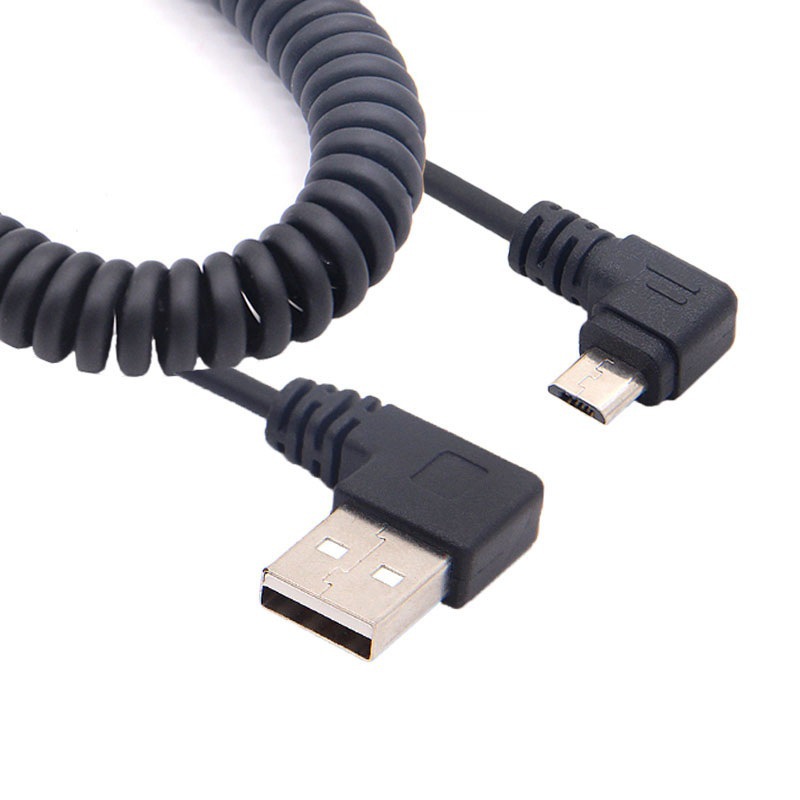
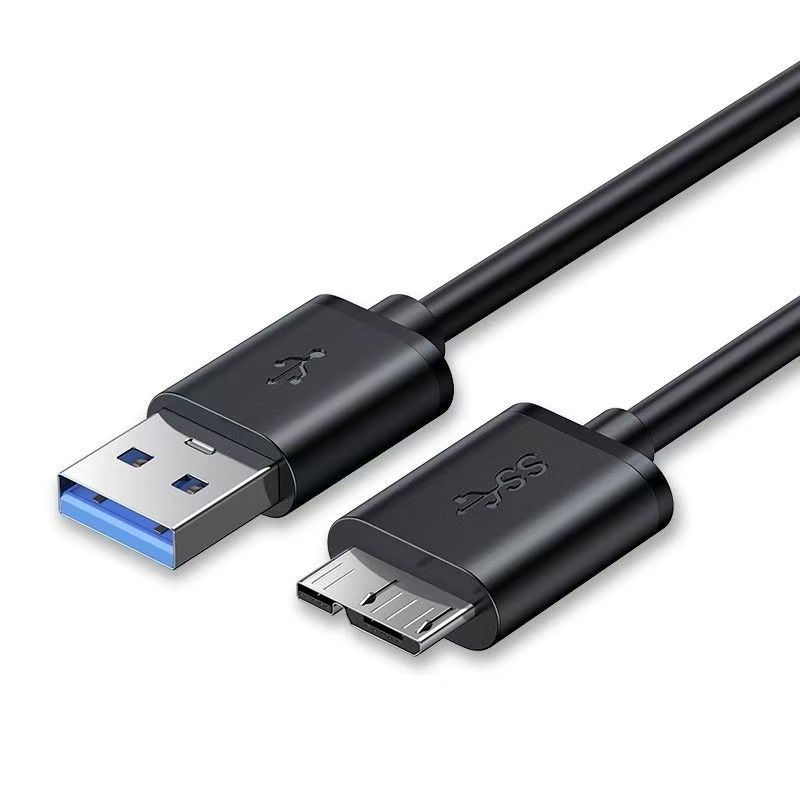
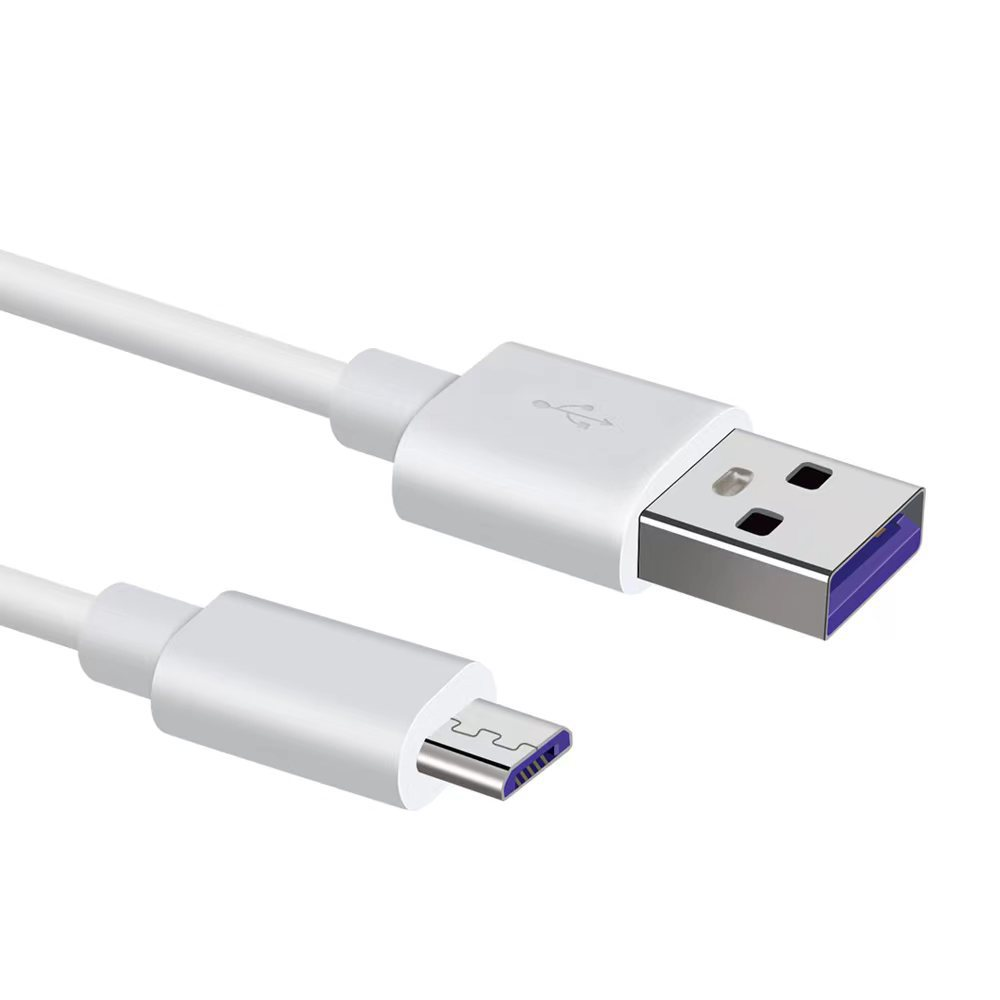
A micro USB to USB data cable is a type of cable that features a micro USB connector on one end and a standard USB connector on the other. This cable is commonly used to connect devices such as smartphones, tablets, cameras, and other electronics to computers, chargers, or power banks. The micro USB connector is smaller than the standard USB connector, making it ideal for portable devices.
The Importance of Data Transfer
Data transfer is a crucial function of micro USB to USB cables. These cables allow users to transfer files, photos, and videos between devices quickly and efficiently. Whether you’re backing up important data or syncing files, having a reliable data cable is essential for maintaining connectivity and ensuring that your devices work seamlessly together.
Benefits of Using Micro USB to USB Data Cables
Versatility
One of the primary benefits of micro USB to USB data cables is their versatility. They can be used with a wide range of devices, including smartphones, tablets, cameras, and gaming controllers. This compatibility makes them a valuable accessory for anyone who uses multiple devices.
Fast Charging Capabilities
Many micro USB to USB data cables support fast charging, allowing users to charge their devices quickly and efficiently. This feature is particularly beneficial for those who are always on the go and need to recharge their devices in a hurry. Look for cables that support higher amperage for optimal charging speeds.
Cost-Effectiveness
Micro USB to USB data cables are generally affordable and widely available. This cost-effectiveness makes them an accessible option for consumers who need reliable charging and data transfer solutions without breaking the bank. Additionally, many retailers offer bulk purchasing options, allowing you to stock up on cables at a lower price.
Lightweight and Portable
These cables are typically lightweight and easy to carry, making them ideal for travel. Whether you’re heading to work, school, or on vacation, a micro USB to USB data cable can easily fit into your bag or pocket, ensuring that you have the connectivity you need wherever you go.
Choosing the Right Micro USB to USB Data Cable
Length Considerations
When selecting a micro USB to USB data cable, consider the length that best suits your needs. Cables are available in various lengths, from short 1-foot cables for charging at a desk to longer 10-foot cables for more flexibility. Choose a length that allows you to comfortably use your device while it is charging or connected.
Quality and Durability
Investing in a high-quality micro USB to USB data cable is essential for ensuring longevity and performance. Look for cables made from durable materials, such as braided nylon or reinforced connectors, which can withstand daily wear and tear. Reading reviews and checking for warranties can also help you identify reliable options.
Compatibility
Ensure that the micro USB to USB data cable you choose is compatible with your devices. While most cables will work with standard micro USB ports, some devices may have specific requirements. Always check the specifications of your devices to ensure compatibility.
Additional Features
Some micro USB to USB data cables come with additional features, such as built-in charging indicators, data transfer speeds, or even multi-functional capabilities. Consider which features are important to you and how they will enhance your overall experience with the cable.
Creative Uses for Micro USB to USB Data Cables
Charging Multiple Devices
Micro USB to USB data cables can be used to charge multiple devices simultaneously when connected to a USB hub or power bank. This is particularly useful for individuals who own multiple devices and need to keep them charged while on the go.
Data Transfer Between Devices
These cables are ideal for transferring data between devices, such as moving photos from your smartphone to your computer or syncing files between devices. This functionality is essential for maintaining organization and ensuring that important data is backed up.
Connecting Peripherals
Micro USB to USB data cables can also be used to connect peripherals, such as keyboards, mice, or game controllers, to devices that support USB connections. This versatility allows for a more seamless user experience, especially for gaming or productivity tasks.
Caring for Your Micro USB to USB Data Cable
Regular Inspection
To ensure the longevity of your micro USB to USB data cable, regularly inspect it for signs of wear or damage. Check for frayed wires, bent connectors, or any other issues that may affect performance. If you notice any damage, consider replacing the cable to avoid potential problems.
Proper Storage
When not in use, store your micro USB to USB data cable in a cool, dry place. Avoid wrapping it too tightly or placing heavy objects on top of it, as this can cause damage to the cable. Consider using a cable organizer or pouch to keep it tangle-free and protected.
Avoiding Overuse
While micro USB to USB data cables are designed for durability, excessive bending or pulling can lead to damage over time. Be mindful of how you handle the cable, and avoid yanking it out of ports or twisting it excessively.
The Popularity of Micro USB to USB Data Cables
A Common Accessory
Micro USB to USB data cables have become a common accessory for many smartphone and electronic device users. Their widespread compatibility and affordability make them a go-to choice for consumers looking for reliable charging and data transfer solutions.
Gift-Giving
Micro USB to USB data cables make practical gifts for friends and family members who own devices that require this type of connection. Consider pairing the cable with a portable charger or other accessories for a thoughtful and useful gift.
Conclusion
Micro USB to USB data cables are essential tools for anyone looking to stay connected and keep their devices charged. With their versatility, affordability, and ease of use, these cables provide a reliable solution for charging and data transfer needs. By understanding the benefits, choosing the right cable, and caring for it properly, you can ensure that your devices remain functional and accessible.
How to purchase:https://looperbuy.com/search?keywords=micro+usb+to+usb+data+cable&globalType=1688
Frequently Asked Questions
- How many devices can I charge with a micro USB to USB data cable?
You can charge multiple devices simultaneously when using a USB hub or power bank that supports multiple connections.
- Are all micro USB to USB data cables the same?
No, there can be differences in quality, length, and additional features. It’s essential to choose a cable that meets your specific needs.
- Can I use a micro USB to USB data cable for fast charging?
Many micro USB cables support fast charging, but ensure that both your device and charger are compatible with fast charging technology.
- How do I know if my micro USB to USB data cable is damaged?
Inspect the cable for frayed wires, bent connectors, or any visible damage. If you notice any issues, consider replacing the cable.
- Can I use a micro USB to USB data cable with a power bank?
Yes, micro USB to USB data cables are commonly used to charge devices from power banks, making them a convenient option for on-the-go charging.
HOT TAG: micro USB to USB cable, data transfer, charging solutions, smartphone accessories, cable care, device compatibility, fast charging, portable charging, tech essentials, user experience