In the world of DJing, having the right equipment can make all the difference in delivering an unforgettable performance. One often overlooked piece of gear is the laptop stand. A good laptop stand not only enhances your setup but also improves your comfort and efficiency while performing. This article will explore the various aspects of selecting the ideal laptop stand for DJs, including types, features, and tips for maximizing your setup.
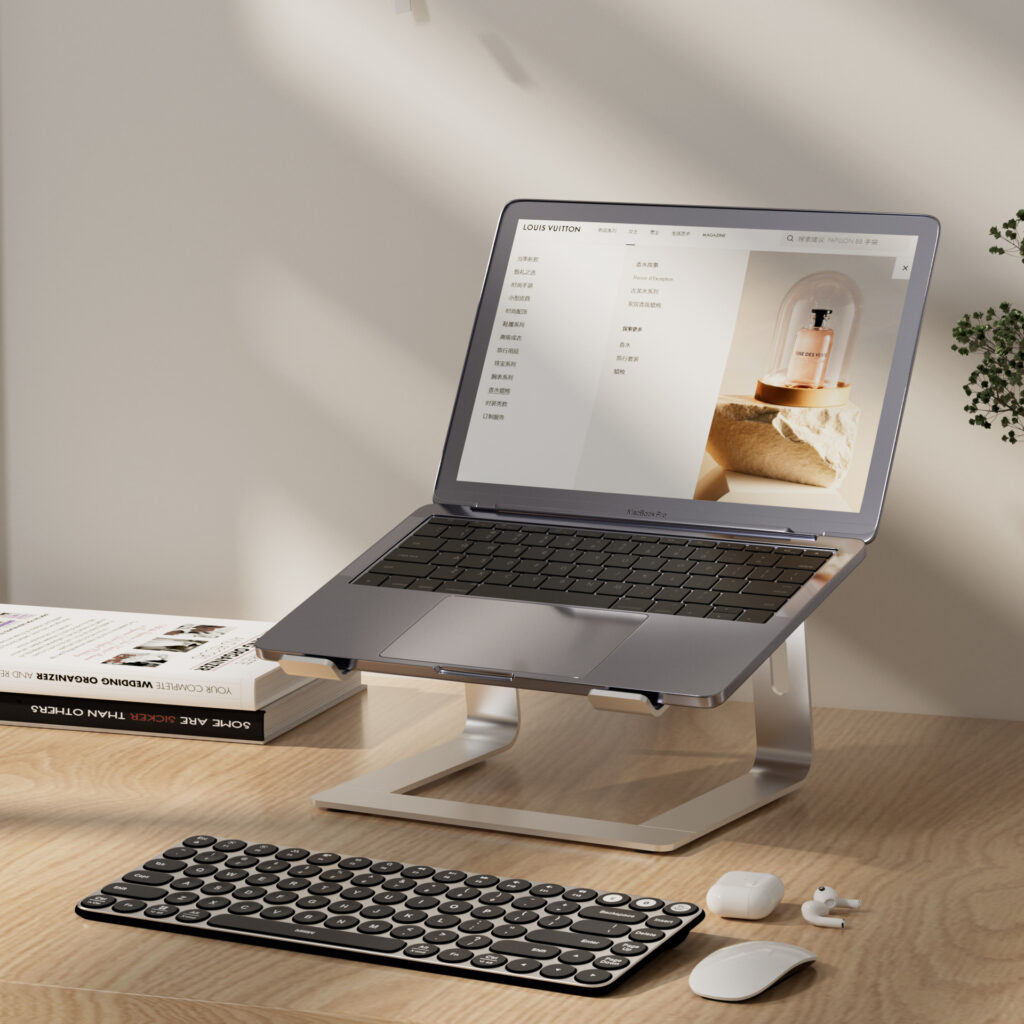
Table of Contents
Understanding the Importance of a Laptop Stand
Enhancing Comfort and Ergonomics
When performing for hours, comfort is paramount. A laptop stand allows you to position your laptop at eye level, reducing strain on your neck and back. This ergonomic setup can help you maintain focus and energy throughout your set. Proper ergonomics can also prevent long-term health issues, making it essential for DJs who spend significant time in front of their laptops.
Improving Visibility and Accessibility
A well-placed laptop stand ensures that your screen is easily visible, allowing you to monitor your software and track your performance without straining. Additionally, it keeps your laptop accessible for quick adjustments, enhancing your overall workflow. This visibility is crucial during live performances, where every second counts, and you need to make real-time decisions.
Protecting Your Equipment
Using a laptop stand can also protect your device from spills, dust, and accidental damage. Elevating your laptop keeps it away from potential hazards on the DJ booth, ensuring it remains in optimal condition. This protection is particularly important in crowded venues where drinks and equipment can easily come into contact.
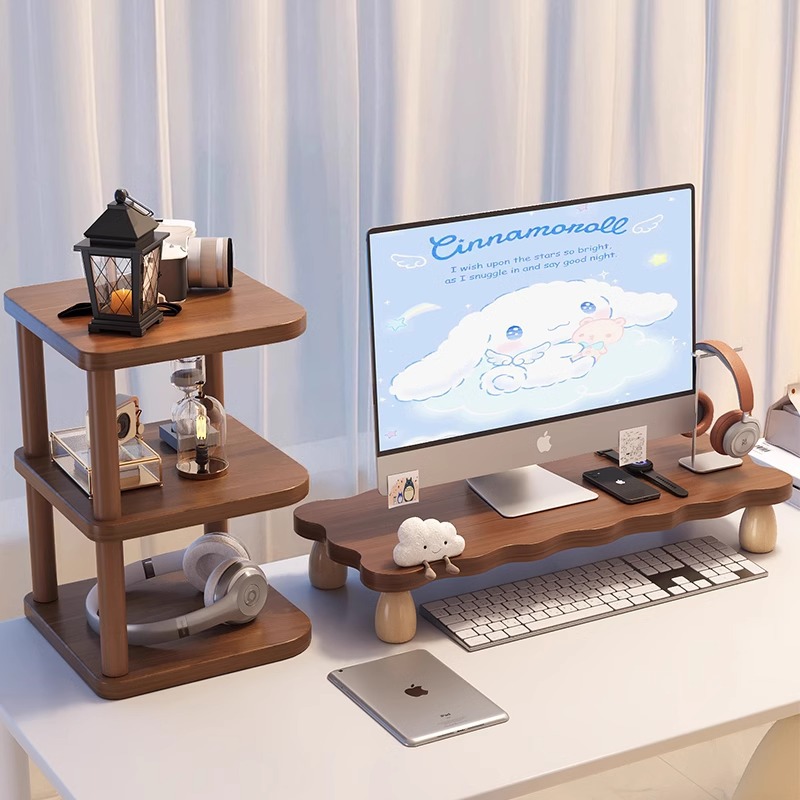
Types of Laptop Stands for DJs
Adjustable Stands
Adjustable laptop stands are versatile and can be modified to suit different heights and angles. This flexibility is particularly beneficial for DJs who perform in various venues, as it allows for customization based on the setup. Many adjustable stands feature locking mechanisms to ensure stability at your desired height.
Fixed Stands
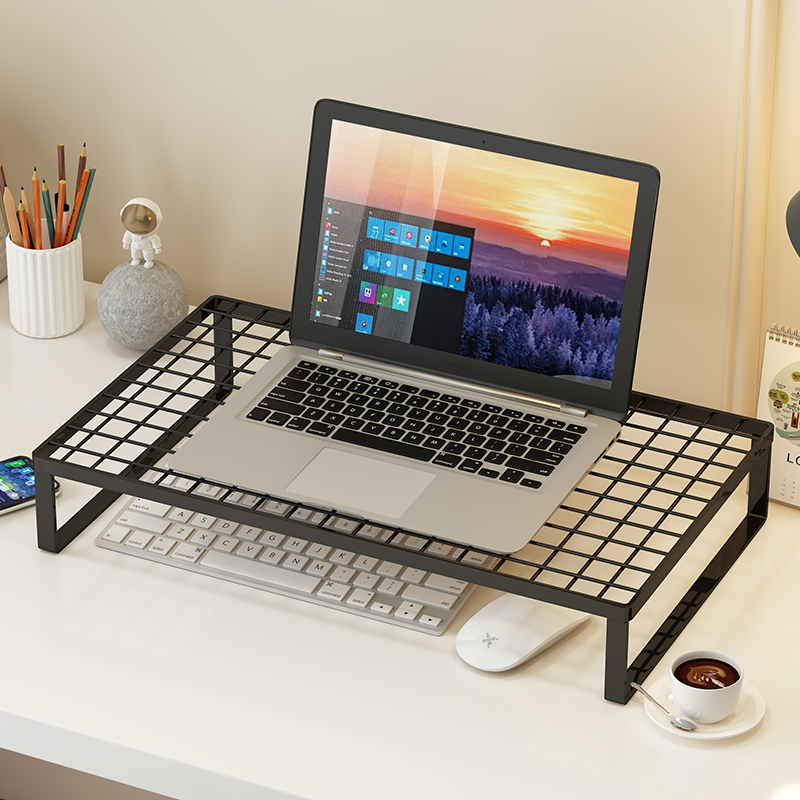
Fixed stands offer a stable and sturdy option for DJs who prefer a consistent setup. While they lack the adjustability of their counterparts, they often provide a more robust support system, ideal for heavy laptops. Fixed stands are typically made from durable materials, ensuring they can withstand the rigors of frequent use.
Portable Stands
For DJs on the go, portability is key. Lightweight and foldable laptop stands are designed for easy transport, making them perfect for mobile DJs who need to set up quickly and efficiently. Many portable stands come with carrying cases, adding an extra layer of convenience for traveling DJs.
Multi-Function Stands
Some laptop stands come with additional features, such as built-in storage for cables or even integrated lighting. These multi-functional options can enhance your setup and provide added convenience during performances. For instance, stands with cable management systems help keep your workspace organized, reducing clutter and distractions.
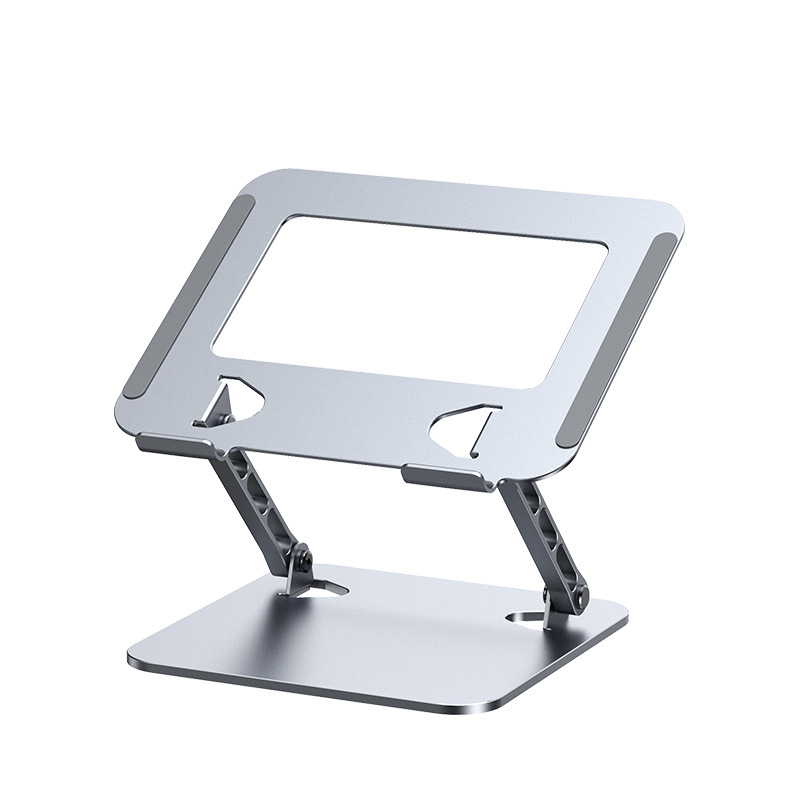
Key Features to Consider
Stability and Durability
When selecting a laptop stand, stability is crucial. Look for stands made from high-quality materials that can support the weight of your laptop without wobbling. Durability is also important, especially for DJs who frequently transport their gear. A well-constructed stand can withstand the wear and tear of regular use, ensuring it remains reliable over time.
Height Adjustment Mechanism
A good height adjustment mechanism allows you to easily modify the stand’s height to suit your needs. Look for stands with smooth adjustment features that can be locked in place securely. This feature is particularly useful for DJs who perform in different environments, as it allows for quick adjustments based on the venue’s layout.
Weight Capacity
Ensure that the stand you choose can support the weight of your laptop. Check the manufacturer’s specifications for weight limits to avoid any mishaps during your performance. A stand that cannot support your laptop’s weight may lead to accidents, potentially damaging your equipment.
Portability
If you travel frequently for gigs, consider the portability of the stand. Lightweight and foldable designs are ideal for DJs who need to carry their equipment to different locations. A portable stand should be easy to set up and dismantle, allowing you to focus on your performance rather than your equipment.
Aesthetic Appeal
While functionality is key, the appearance of your laptop stand can also play a role in your overall setup. Choose a design that complements your style and enhances the visual appeal of your performance area. A visually appealing setup can create a more engaging atmosphere for your audience.
Tips for Maximizing Your Laptop Stand Setup
Positioning Your Stand
The placement of your laptop stand can significantly impact your performance. Position it at a comfortable height and angle to ensure easy access to your laptop while maintaining visibility of your audience. A well-positioned stand allows you to engage with your crowd while managing your equipment effectively.
Cable Management
Keep your setup tidy by managing cables effectively. Use cable ties or clips to prevent tangling and ensure that your workspace remains organized. This not only looks professional but also reduces the risk of accidents. A clean setup can enhance your performance by minimizing distractions.
Testing Before the Show
Before your performance, take the time to test your setup. Ensure that your laptop is securely placed on the stand and that all connections are functioning properly. This preparation can help you avoid technical difficulties during your set. Familiarize yourself with your equipment to ensure a smooth performance.
Personalizing Your Setup
Consider adding personal touches to your laptop stand setup. Whether it’s custom stickers, LED lights, or other accessories, personalizing your gear can enhance your performance and make it uniquely yours. A personalized setup can also create a memorable experience for your audience.
Regular Maintenance
Keep your laptop stand in good condition by regularly checking for wear and tear. Clean it periodically to remove dust and debris, ensuring that it remains functional and visually appealing. Regular maintenance can prolong the life of your stand and ensure it performs optimally.
Ergonomic Practices for DJs
Proper Posture
Maintaining proper posture while using a laptop stand is essential for preventing strain and injury. Sit up straight with your shoulders relaxed and your feet flat on the ground. Your elbows should be at a 90-degree angle, allowing for comfortable access to your laptop.
Taking Breaks
Even with an ergonomic setup, it’s important to take regular breaks during long sets. Stand up, stretch, and move around to prevent stiffness and fatigue. Incorporating short breaks into your performance can help you stay energized and focused.
Using External Keyboards and Mice
Consider using an external keyboard and mouse to enhance your ergonomic setup. This allows you to position your laptop at an optimal height while keeping your hands at a comfortable level. External devices can improve your workflow and reduce strain on your wrists.
Conclusion
Choosing the right laptop stand is an essential aspect of any DJ’s setup. By considering factors such as comfort, stability, and portability, you can enhance your performance and create a more enjoyable experience for both yourself and your audience. With the right stand, you can focus on what you do best—delivering an unforgettable musical experience.
To enhance your DJ setup with high-quality laptop stands and other essential gear, visit https://looperbuy.com/ for a wide selection of products tailored to your needs.
Related Questions & Answers
· What are the best ergonomic practices for using a laptop stand while DJing? Maintaining proper posture, taking regular breaks, and using external keyboards and mice can enhance comfort and reduce strain.
· How do different materials (aluminum, steel, plastic) affect laptop stand stability and durability? Aluminum stands are lightweight and portable, steel stands offer maximum stability, while plastic stands are often more affordable but may lack durability.
· What are some innovative laptop stand designs that incorporate cable management solutions? Many modern stands feature built-in cable management systems, such as clips or channels, to keep cables organized and prevent tangling.
· Can I use a laptop stand for other purposes besides DJing? Absolutely! Laptop stands can be used for various activities, including gaming, office work, and home use, making them versatile tools.
· How do I clean my laptop stand? You can clean your laptop stand with a damp cloth and mild detergent. Avoid using harsh chemicals that could damage the material.
Hot Tags: DJ Equipment; Laptop Stand; E-Commerce; Shipping Solutions; Global Logistics; Performance Setup; Music Technology; Portable Stands; Adjustable Stands