In an era where digital literacy is as fundamental as reading and writing, providing children with the right tools is paramount. Among these essential peripherals, the mouse stands out as a critical interface between a child’s creative mind and the vast possibilities of the computer screen. However, standard adult-sized mice are often ill-suited for the smaller anatomy, developing dexterity, and ergonomics of children. Selecting the right children’s computer mice goes beyond simple aesthetics; it involves prioritizing comfort, safety, and functional design to foster a positive, productive, and pain-free computing experience from the very beginning.
Conclusion: Choosing an appropriate computer mouse for children is a foundational investment in their digital journey, balancing ergonomic support, size-appropriate design, and durability to ensure comfort, prevent long-term strain, and enhance their ability to engage with technology effectively.
Table of Contents
The Importance of Ergonomics for Young Users
When it comes to technology, children are not just “small adults.” Their physical development, including the size and strength of their hands, wrists, and fingers, is quite different from that of a grown-up. Using an oversized, adult-oriented mouse can lead to unnatural gripping postures and unnecessary muscular tension.
Addressing Anatomical Needs
Children’s hands are smaller and possess less grip strength. When they are forced to use a device that is too bulky, they often compensate by overextending their fingers or angling their wrists in ways that are biomechanically unfavorable. A mouse designed specifically for a child typically features a more compact chassis, allowing the entire palm to rest naturally without requiring the user to reach or strain to click the main buttons. This promotes a neutral wrist position, which is essential for minimizing the risk of developing repetitive strain discomfort as they grow. The weight of the device is another critical factor; children lack the fine motor control and muscle mass of adults, so a lightweight mouse prevents fatigue during prolonged creative sessions or educational game-play.
Fostering Healthy Digital Habits Early

Establishing good habits early is significantly easier than correcting poor ones later. By providing an ergonomic mouse that fits their hand size, parents and educators help children cultivate a natural, relaxed posture while interacting with the computer. This simple adjustment can make a world of difference in their overall comfort, turning what might become a tedious or tiring task into an enjoyable, fluid experience. When the hardware matches the user, the barrier to technology disappears, allowing the child to focus entirely on the educational content or creative project at hand. Furthermore, maintaining good posture early in life helps prevent the development of poor musculoskeletal alignment that can plague heavy computer users well into adulthood.
Key Features of Quality Children’s Mice
Not all mice marketed to children are created equal. A truly superior children’s computer mouse combines thoughtful engineering with features that accommodate their specific usage patterns, which often involve a mix of learning, exploration, and gaming.
Compact Form Factors and Contours
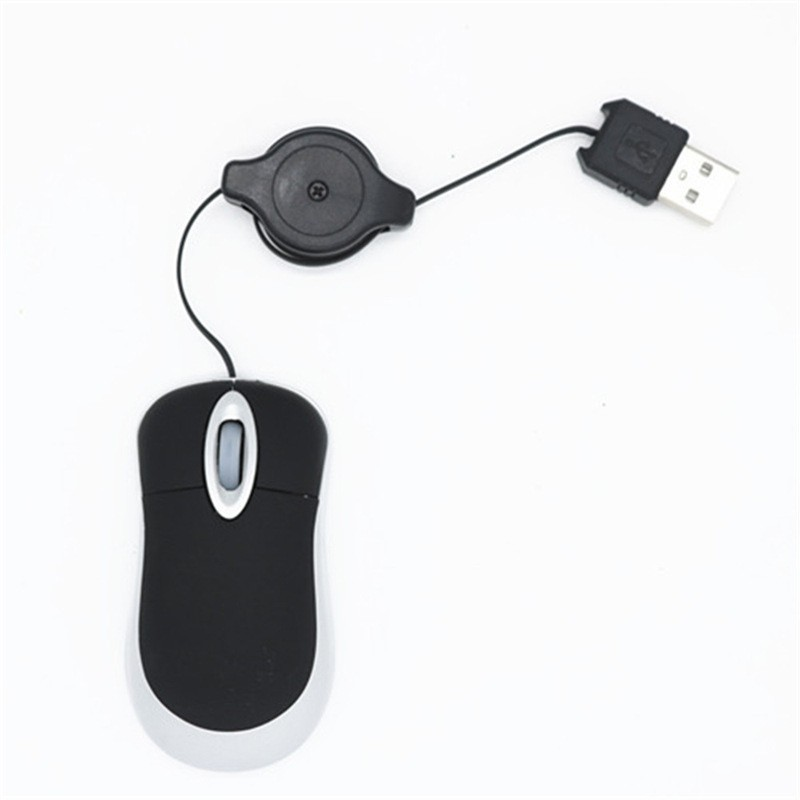
The most critical feature of a children’s mouse is its size. A compact form factor ensures that the buttons are positioned within easy reach of smaller fingers. Furthermore, the contours of the mouse should support the natural curve of a child’s hand. High-quality designs often incorporate a shape that prevents the need for excessive gripping, allowing the hand to rest softly on top of the device. This reduces the effort required to maneuver the mouse, leading to better precision and less fatigue during extended sessions. Ergonomic research suggests that a palm-grip design for kids, as opposed to a fingertip grip, provides better support for their developing wrist ligaments.
Durability and Ease of Use
Children can be hard on their gadgets. A reliable children’s mouse needs to be built with materials that can withstand accidental drops, spills, and the daily rigors of a school or home environment. Beyond physical durability, the buttons themselves should provide tactile feedback that is easy to click without being overly stiff, ensuring that young users don’t have to press down with excessive force, which could cause strain. Rubberized grips are a fantastic addition, as they provide a secure hold for small hands that may still be developing fine motor coordination. Moreover, spill-resistant surfaces are a practical necessity in households where snacks and drinks often accompany screen time.
Sensor Technology and Precision
While children do not need the high-DPI (dots per inch) performance of professional gaming mice, they do need a reliable sensor. A low-quality optical sensor that skips or lags can lead to immense frustration for a child, making it difficult for them to click on small targets or drag-and-drop items accurately. A smooth, responsive sensor that works on a variety of surfaces—from wooden desks to soft mats—ensures that the child’s intent on the screen perfectly matches their physical movement on the table.
Balancing Fun and Functionality
While ergonomics and durability are the backbone of a good peripheral, it is important to remember that technology should also be engaging. The design of a children’s mouse often plays a significant role in how motivated a child is to use it.
Aesthetic Appeal and Engagement
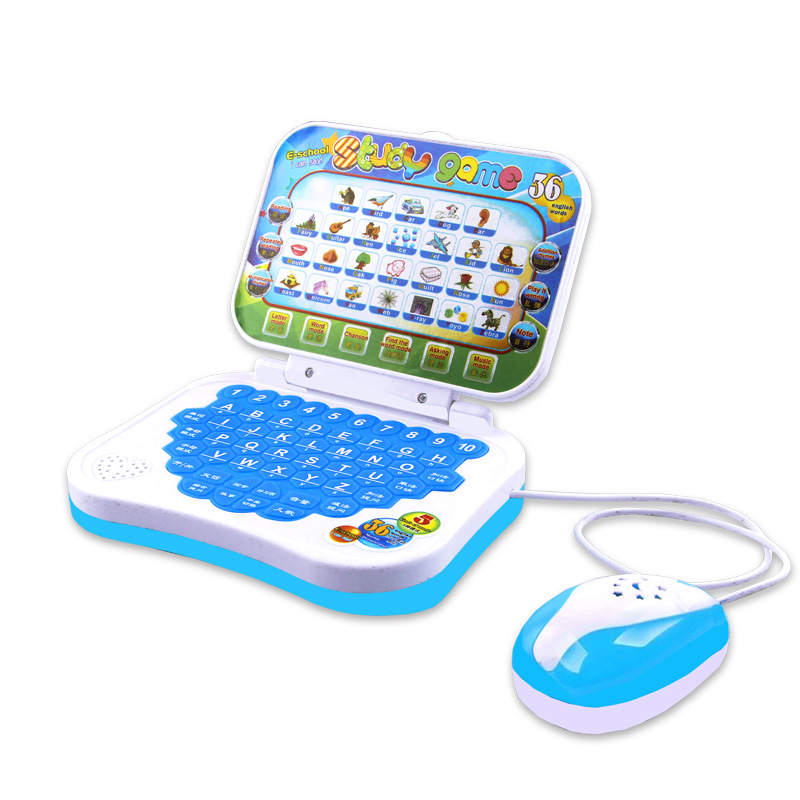
Bright colors, fun shapes, and even themed designs can make the computer mouse feel like a friendly companion rather than a clinical tool. These visual elements can boost a child’s confidence and excitement when approaching a computer. However, this aesthetic appeal should never come at the expense of ergonomic integrity. The best products are those that successfully marry vibrant, child-friendly designs with sound ergonomic principles, proving that a tool can be both fun to hold and healthy for the hand. Designs featuring favorite cartoon characters or animals can serve as a bridge between the physical world the child understands and the abstract, digital world they are beginning to explore.
Simplified Functionality
Adult mice are often overloaded with complex buttons, side-scroll wheels, and intricate software requirements. For a child, this complexity can be overwhelming and counterproductive. A focused, streamlined design that emphasizes the primary functions—left-click, right-click, and a responsive scroll wheel—is far more effective. This simplicity minimizes the learning curve, allowing the child to master the mechanics of pointing and clicking quickly, and enabling them to transition smoothly into more advanced digital tasks. By removing extraneous buttons that might be accidentally pressed, the device becomes more reliable and less confusing for early learners.
Selecting the Right Connectivity for Your Child
The choice between wired and wireless mice often boils down to the specific environment and the age of the user. Each option presents its own set of advantages that should be weighed carefully.
Wired Mice: Reliability and Simplicity
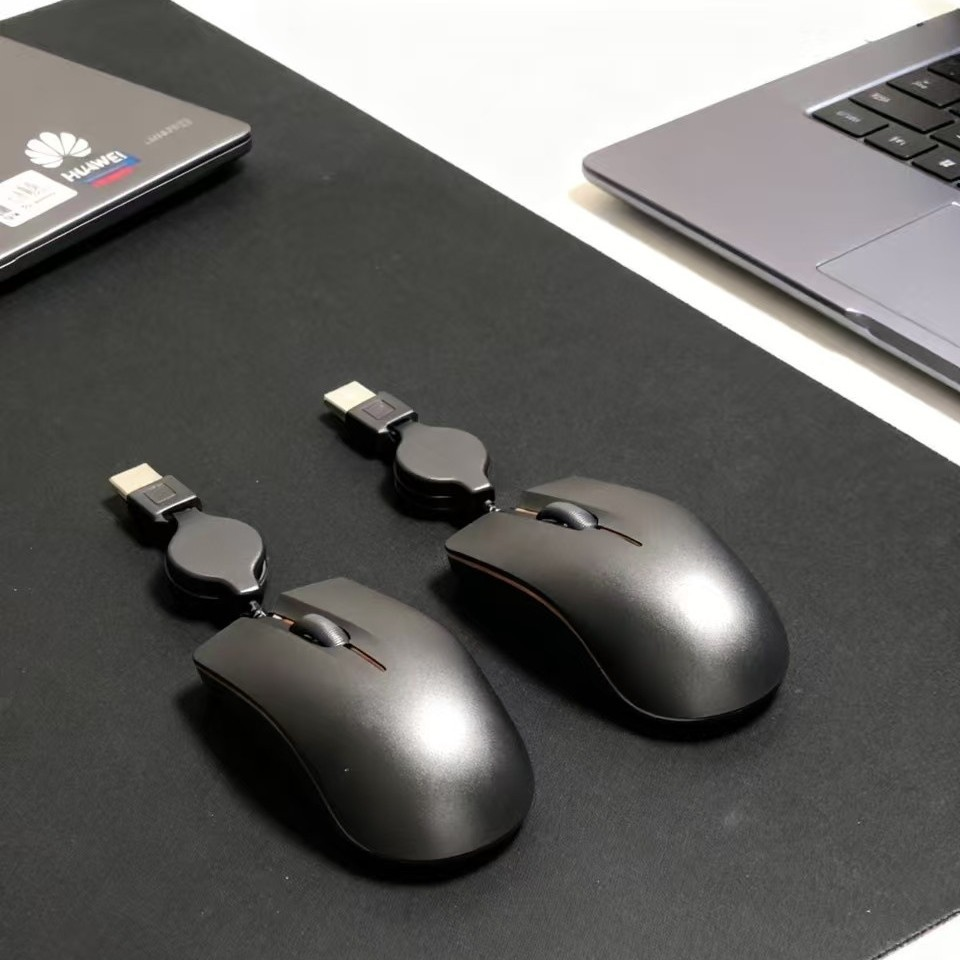
Wired mice are generally more straightforward for children. There is no need to worry about batteries, charging, or connectivity issues—they simply plug in and work. For younger children, or in classroom environments where multiple devices are in use simultaneously, the stability of a wired connection is often preferred. Furthermore, they are typically more affordable, making them a low-risk entry point into digital interaction. The fixed nature of the cable also prevents the mouse from “wandering” off the desk, a common occurrence with children who are still learning to organize their workspace effectively.
Wireless Mice: Freedom of Movement
Wireless mice offer a distinct advantage in terms of workspace flexibility. They eliminate the clutter of cables, which can be an annoyance or even a tripping hazard in some setups. For older children who may be using laptops or tablets in various locations, a wireless mouse provides the freedom to move the device around comfortably. When choosing a wireless option, it is worth looking for models with long-lasting battery life or, even better, built-in rechargeable batteries to avoid the constant need for replacements. Modern Bluetooth or 2.4GHz wireless technologies are extremely reliable, and the absence of a cord allows for a cleaner, more organized desk setup which can help reduce distractions for a child prone to fiddling with cables.
Cultivating a Productive Digital Environment
Ultimately, the computer mouse is just one component of a broader digital environment. To truly set a child up for success, it is important to consider how the mouse fits into their overall setup.
The Role of Desk Setup and Posture
Even the best ergonomic mouse cannot compensate for a poor overall workstation setup. Ensuring that the desk height, chair adjustment, and screen position are all aligned correctly is vital. A child should be able to sit with their feet flat on the floor and their elbows at a roughly 90-degree angle, with the mouse positioned so that their arm remains relaxed. By taking a holistic approach to their digital workspace, parents and teachers can create an environment that promotes comfort, health, and a lifelong positive relationship with technology. Consider using a footrest if the chair is too high, and ensure the monitor is at eye level to prevent neck strain, which often forces children to adjust their sitting position, subsequently affecting how they hold the mouse.
Empowering Independent Exploration
When a child feels comfortable and in control of their tools, they are more likely to explore, create, and learn independently. A well-chosen mouse is an empowering tool that removes physical obstacles, allowing their curiosity to take the lead. Whether they are drawing, writing, or exploring educational software, having a mouse that feels like an extension of their own hand is a subtle but powerful factor in building their digital confidence. It turns the computer from a mysterious black box into a manageable canvas for their imagination. By investing in the right peripheral, we validate the child’s efforts in the digital space and provide them with the professional-grade comfort needed to pursue their intellectual interests without physical limitations. As technology continues to weave itself into the fabric of daily life, the gift of a proper, ergonomic mouse is an investment in their future digital mastery.
Summary of Word Count
How to purchase:Online B2B sourcing platform, China purchase, Chinese suppliers – LooperBuy
Article Abstract
This article explores the critical importance of selecting age-appropriate computer mice for children, emphasizing that their anatomical differences require specialized ergonomic design. By moving beyond adult-sized peripherals, parents and educators can prevent physical strain, promote healthy digital habits, and foster confidence. The text details key considerations—including compact form factors, durability, aesthetic engagement, and the pros and cons of wired versus wireless connectivity—to help readers create a comfortable, productive, and inspiring digital environment for young learners.
Hot Tags:
Children’s Computer Mice; Ergonomic Mice For Kids; Small Hands Mouse; Wired Kids Mouse; Wireless Mouse For Children; Digital Literacy Tools; Comfortable Mouse Design; Best Computer Mouse For Students; Child-Friendly Tech; Educational Computing Gear; Junior Mouse; Compact Ergonomic Mouse; Kid Tech Accessories; Laptop Mouse For Kids; Desktop Mouse For Children; Safe Computing For Kids; Tech For Young Learners; Learning Mouse; Fun Computer Mice; Wrist Health For Kids; Precision Mouse For Kids; Durable Kids Peripherals; Easy To Grip Mouse; Student Tech Gear; School Computer Equipment; Home Learning Tech; Creative Computing Tools; Adjustable Mouse For Kids; Simple Mouse For Children; Tech Engagement For Kids
Related Questions & Answers
· Why is it important to buy a dedicated mouse for a child instead of using an adult one?
An adult mouse is typically designed for a larger hand, which can force a child to overextend their fingers or hold their wrist at an unnatural angle. This can lead to discomfort, fatigue, and, over time, potential issues with repetitive strain. A dedicated child’s mouse is smaller, better suited to their grip strength, and encourages a neutral, healthy posture.
· Should I choose a wired or wireless mouse for a young child?
For younger children, a wired mouse is often better because it eliminates the need for batteries or charging and provides a highly reliable, simple connection. Wireless mice are excellent for older children who need more workspace flexibility or mobility, but they do require managing battery power.
· What are the most important ergonomic features to look for in a children’s mouse?
Key features include a compact size that fits comfortably in the palm, a lightweight chassis to reduce effort during use, and buttons that provide easy, tactile feedback without requiring excessive force. The overall shape should naturally support the child’s hand curve.
· Do fun colors and themes impact the functionality of a children’s mouse?
They do not negatively impact functionality if the device is built with good ergonomic principles. In fact, engaging colors and designs can make the mouse more appealing to children, increasing their motivation and confidence when using the computer.
· How can I ensure my child maintains good posture while using their computer mouse?
Aside from choosing an ergonomic, right-sized mouse, ensure the desk and chair height allow the child to sit with their feet flat on the floor and their elbows at a comfortable 90-degree angle. The mouse should be placed so the arm can move freely without reaching or twisting the shoulder.