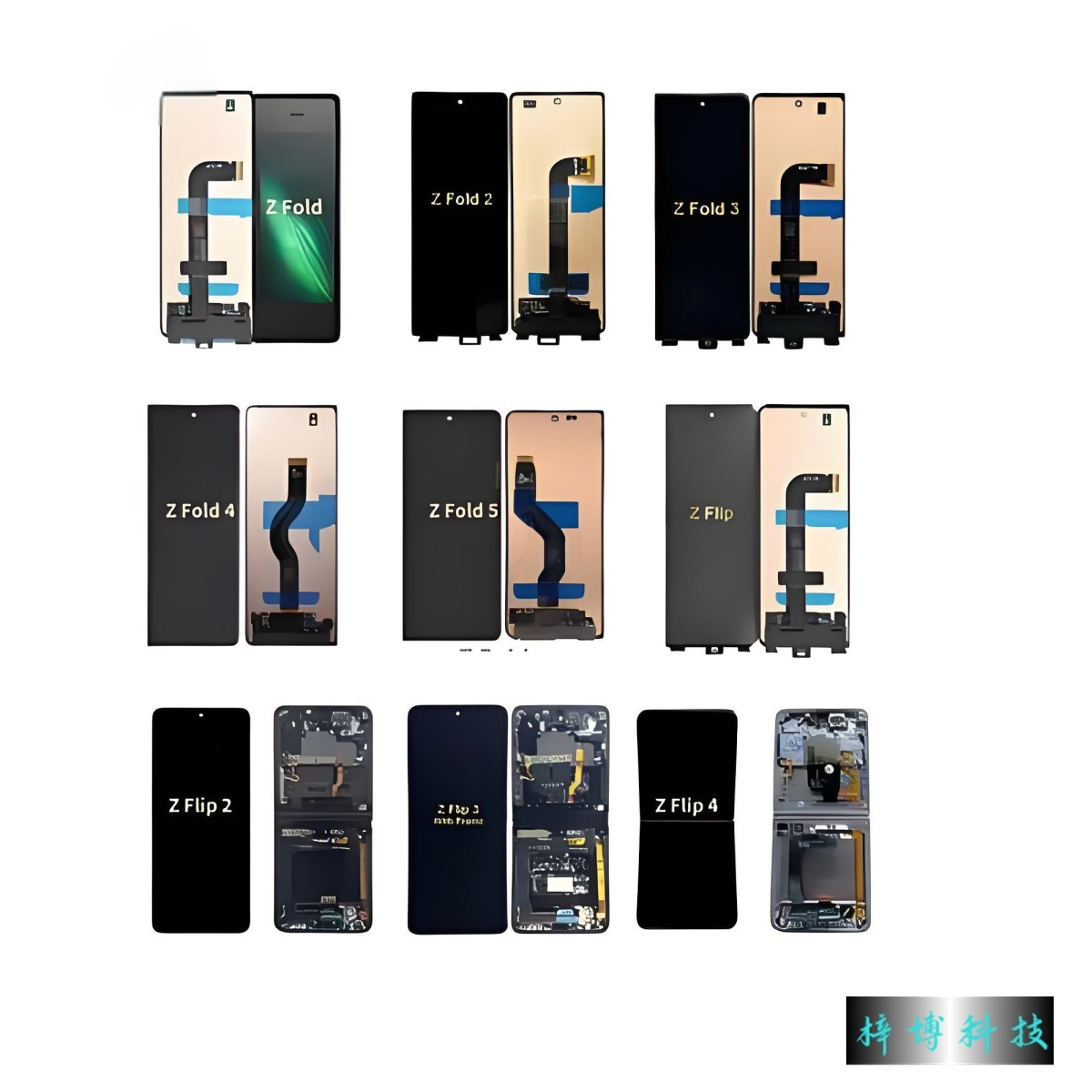
When the pristine display of your Samsung smartphone succumbs to an accidental crack or a sudden visual malfunction, the immediate impact on your daily productivity can be profound. In an era where our mobile devices serve as primary tools for communication, finance, and creative expression, a damaged screen feels less like a minor inconvenience and more like a significant obstacle. Navigating the world of display restoration requires a nuanced understanding of your device’s architecture, warranty status, and the various professional avenues available to ensure your phone returns to its original, flawless state. This guide explores the essential facets of addressing display damage, helping you make informed decisions when your screen requires expert care.
Table of Contents
Assessing the Extent of Display Damage
Before taking any action, it is imperative to conduct a thorough diagnostic assessment of your device. Not every screen issue is identical; some are purely cosmetic, while others compromise the internal functionality of the device. Differentiating between these states is the first step toward a successful restoration.
Differentiating Between Cosmetic and Functional Failures
Surface-level cracks, while unsightly, may not always immediately impact the touch sensitivity or display quality of your Samsung phone. In such instances, the digitizer—the layer responsible for registering your touch—remains intact. However, if you observe dead pixels, persistent flickering, color distortion, or areas of the screen that are completely unresponsive to input, the damage has likely extended to the underlying display panel. The OLED or AMOLED technology found in Samsung devices is incredibly sophisticated, and physical stress often damages the microscopic layers responsible for pixel illumination. Recognizing these signs helps you communicate effectively with technicians, as functional failures necessitate a more complex repair process than simple glass replacement. Often, what appears to be a minor spiderweb crack can conceal deep-seated damage to the flexible circuit boards that drive the display, which is why a professional diagnostic is always preferred over guessing.
The Hidden Risks of Neglecting Screen Damage
It is tempting to continue using a device even after the screen has sustained damage, particularly if the phone still performs basic functions. However, ignoring a cracked screen invites further complications. The structural integrity of the display assembly is compromised, making it susceptible to moisture, dust, and debris ingress. These external contaminants can easily reach the internal components, causing short circuits or oxidation of sensitive logic boards. Furthermore, a cracked display often exerts uneven pressure on the underlying battery or chassis, potentially leading to long-term hardware failure that goes well beyond the screen itself. Addressing the issue promptly not only preserves the aesthetic appeal of your device but also protects your data and internal components from permanent damage. By leaving the screen exposed, you are essentially creating a gateway for environmental hazards that can turn a manageable repair into a complete device replacement.
Professional Restoration Options
When you have determined that your screen requires intervention, the next phase is deciding who should perform the repair. While the digital landscape is filled with DIY tutorials, the complexity of modern Samsung hardware often demands professional-grade equipment and specialized knowledge.
Evaluating Warranty and Authorized Service Providers
The most prudent course of action is to verify the status of your manufacturer warranty or any extended protection plans you may have purchased. Samsung authorized service centers are equipped with genuine components that are calibrated to your specific device model. These centers utilize specialized adhesives and vacuum-sealing equipment to ensure that your device retains its original dust and water-resistance ratings. By choosing an authorized provider, you ensure that the repair does not void your warranty and that the work is backed by a guarantee. This path provides peace of mind, knowing that your smartphone is being handled by technicians who adhere to the strict quality standards set by the manufacturer. They perform rigorous post-repair testing to verify that sensors, haptic motors, and display uniformity meet the factory standards you expect from a premium device.
The Risks Associated with Unauthorized Repair Shops
While third-party repair shops often promise faster turnaround times and lower costs, it is vital to be aware of the inherent risks. Unauthorized technicians may use aftermarket parts that differ in color calibration, refresh rate, and build quality compared to original Samsung components. Furthermore, improper sealing techniques can leave your device vulnerable to environmental damage. If a repair is performed incorrectly, you may find yourself dealing with persistent ghost touches, sensor calibration errors, or, in the worst-case scenario, the permanent loss of biometric features like under-display fingerprint scanning. Choosing a reputable, certified service provider is an investment in the long-term reliability of your device. It avoids the “cheap fix” trap, where you end up paying for a subpar screen that fails again within months, forcing you to seek professional help anyway.
Advanced Technical Considerations in Display Assembly
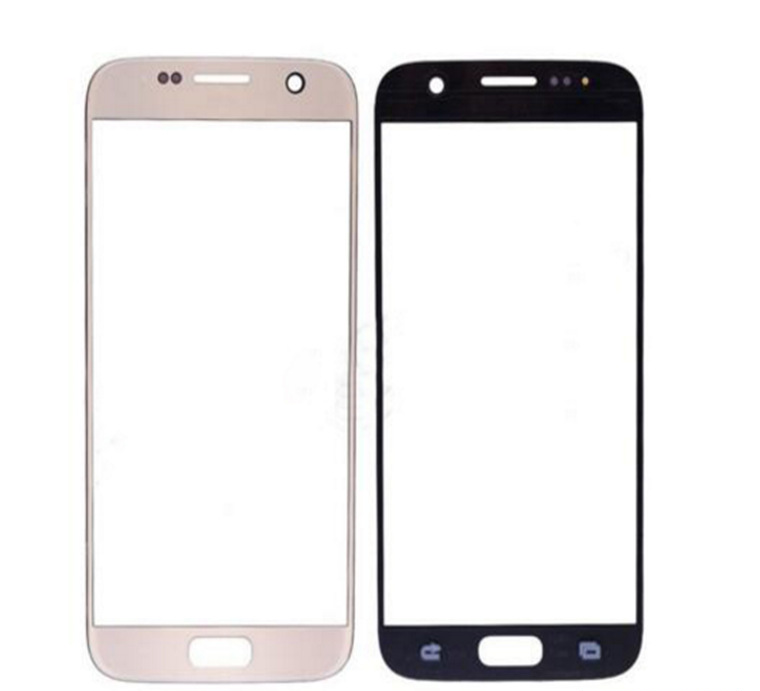
To appreciate the necessity of professional care, one must understand the internal architecture of Samsung’s modern displays. Modern smartphones employ “Infinity Display” technology, where the glass and the display panel are chemically bonded. This design allows for thinner devices and more immersive viewing angles, but it makes the repair process significantly more intricate.
The Complexity of Integrated Components
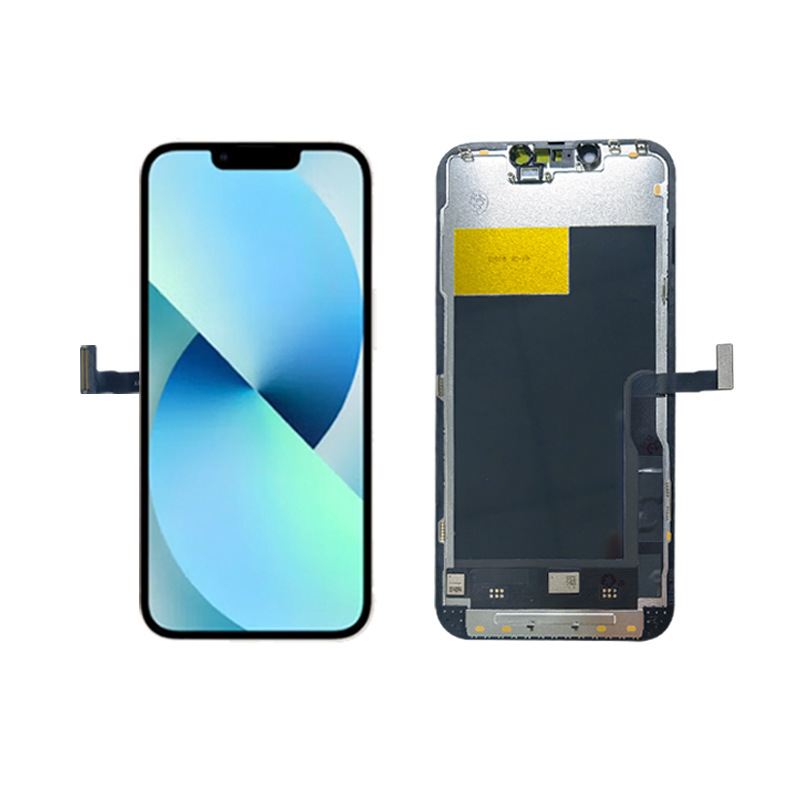
The display assembly is not just a piece of glass; it is a complex stack that includes the light-emitting panel, the touch sensor, the ambient light sensor, and often the biometric scanner. When an authorized technician replaces this assembly, they are effectively replacing a highly calibrated system. If any of these components are improperly aligned, it can lead to erratic behavior, such as the phone failing to adjust its brightness correctly or the fingerprint sensor refusing to recognize your identity. Professional technicians follow exact schematics to ensure that every internal cable and connector is reseated with the correct tension and orientation, something that is nearly impossible to achieve without the specialized tools found in a controlled repair environment.
Preparing Your Device for Professional Maintenance
Once you have selected a professional service center, there are several preparatory steps you should take to ensure the process goes smoothly and your information remains secure. Proper preparation saves time and protects your digital privacy.
Securing Your Personal Data
Prior to submitting your device for any repair, you must perform a comprehensive backup of all your data. Cloud services, such as Samsung Cloud or Google Drive, are excellent tools for synchronizing your contacts, photos, and essential files. Furthermore, you should disable your security features, such as screen locks, patterns, or biometric authentication, if the service center requires access to test the display functionality. If your device is too damaged to operate, ensure that all sensitive accounts are logged out from any secondary devices if necessary. Data privacy is paramount, and taking these precautions ensures that your information remains yours, regardless of the physical status of the hardware.
Streamlining the Repair Workflow
When you visit the service center, provide a concise and accurate description of the symptoms your device is exhibiting. Mention any recent events that might have preceded the screen issues, such as a drop, exposure to high temperatures, or a software update. Being forthright with the technicians allows them to perform a faster and more accurate diagnostic, potentially saving you from unnecessary costs or extended wait times. Maintaining a professional dialogue with the service team helps them manage your expectations regarding the duration of the repair and the specific parts required.
The Future of Screen Technology and Longevity
As smartphone technology continues to advance, the design of display assemblies is becoming increasingly integrated into the overall chassis. This evolution reflects a broader trend toward sleeker, more durable devices, but it also underscores the importance of proper maintenance protocols.
Advancements in Display Durability
Samsung remains at the forefront of display innovation, constantly improving the resilience of their screens through the integration of advanced materials. While no glass is truly indestructible, the latest generations of protective glass are significantly more resistant to impact and scratches than their predecessors. Understanding that these advancements are designed to assist, not replace, careful handling is key to extending the life of your device. These advancements include reinforced ion-exchange processes that toughen the outer surface, but they also necessitate even more precise repair processes to maintain these structural benefits.
Adopting Proactive Maintenance Habits
Preventing display damage is always preferable to repairing it. The use of high-quality tempered glass screen protectors and robust cases is highly recommended. These simple, cost-effective additions act as the first line of defense against accidental drops and pressure. Furthermore, avoiding extreme thermal environments—such as leaving your phone in a hot car—is crucial, as extreme heat can degrade the internal adhesives that hold the display assembly in place. By cultivating these small, daily habits, you significantly reduce the risk of needing professional screen restoration in the future.
Conclusion
Restoring your Samsung phone’s display is a process that requires patience, the right information, and a commitment to quality. By assessing the damage accurately, choosing professional and authorized services, and preparing your data securely, you can ensure that your device is returned to optimal performance. While the prospect of screen damage is always distressing, a methodical approach to restoration guarantees that your smartphone will continue to serve as a reliable companion for years to come.
How to purchase:Online B2B sourcing platform, China purchase, Chinese suppliers – LooperBuy
Related Questions & Answers
1. Does a cracked screen always require a full display assembly replacement?
· In most modern Samsung smartphones, the glass, digitizer, and OLED panel are fused into a single unit. Therefore, even if only the top glass layer is cracked, the entire display assembly usually needs to be replaced to ensure functionality and structural integrity.
2. Can I use my phone’s biometrics after a screen replacement?
· Yes, provided the repair is conducted by an authorized service center using genuine parts. Authorized technicians have the tools to re-calibrate sensors, including the under-display fingerprint scanner, ensuring that all security features continue to work as intended.
3. Will a screen repair affect my device’s water resistance?
· If you use an authorized service center that adheres to manufacturer specifications, your device’s water and dust resistance should be restored. These facilities use specialized, factory-grade seals to ensure the phone is properly protected after the device is opened.
4. How long does a typical professional screen repair take?
· Turnaround times vary based on part availability and the complexity of the specific model. However, authorized service centers often complete screen replacements within a few hours or a single business day if the required components are in stock.
5. What are the signs that my phone’s display damage is affecting its internal hardware?
· Indicators that the damage extends beyond the screen include the device overheating, the phone not turning on, persistent system crashes, or the inability to charge the device. If you notice these symptoms, it is essential to inform the technician so they can perform a complete hardware diagnostic.
Hot Tags:Samsung Display Repair, Smartphone Maintenance, Authorized Service, Display Restoration, Professional Repair, Screen Protection, Samsung Warranty, Hardware Diagnostics, Device Longevity, Mobile Display Integrity, Screen Assembly Replacement, OLED Screen Care, Digital Device Restoration, Professional Technicians, Smartphone Screen Resilience, Genuine Component Replacement, Fingerprint Scanner Calibration, Water Resistance Restoration, Screen Damage Prevention, Tech Support Solutions, Mobile Device Longevity, Precision Hardware Repair, Display Calibration, Smartphone Screen Safety, Authorized Repair Benefits, Screen Replacement Workflow, Data Security Practices, Device Structural Integrity, OLED Technology Care, Premium Device Maintenance