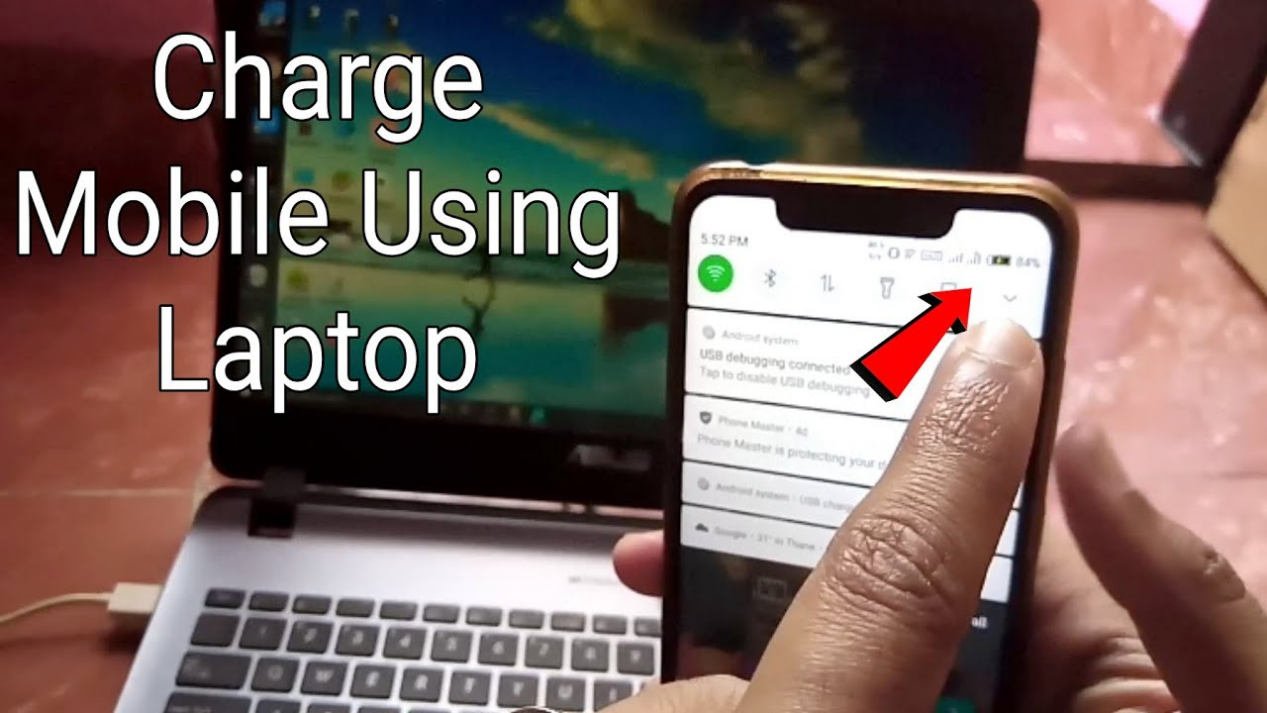
Charging your Android phone using a laptop is a common practice that many people find convenient. Whether you’re on the go, at work, or simply don’t have access to a wall charger, using your laptop can be a practical solution. In this article, we will explore the various methods, benefits, and considerations of charging your Android phone with a laptop, providing you with a comprehensive understanding of this useful technique.
Table of Contents
Understanding the Basics of Charging
What You Need to Charge Your Phone
To charge your Android phone using a laptop, you will need a few essential items. First and foremost, you need a compatible USB cable. Most Android phones come with a USB charging cable that can be connected to a laptop. This cable typically has a USB-A connector on one end and a micro USB or USB-C connector on the other, depending on your phone model. Additionally, ensure that your laptop is charged or plugged into a power source to provide sufficient power to your phone. It’s also helpful to have your laptop’s operating system updated, as this can enhance the charging process and ensure compatibility with your device.
How Charging Works
When you connect your Android phone to a laptop via USB, the laptop supplies power to the phone. The charging process is facilitated through the USB port, which allows for data transfer and power supply. The amount of power delivered can vary based on the laptop’s specifications and the USB port used. For instance, USB 2.0 ports typically provide 0.5A, while USB 3.0 ports can deliver up to 0.9A, and newer USB-C ports can provide even more power, depending on the device. Understanding these differences can help you choose the best method for charging your phone efficiently.
Methods to Charge Your Android Phone with a Laptop
Using a USB Cable
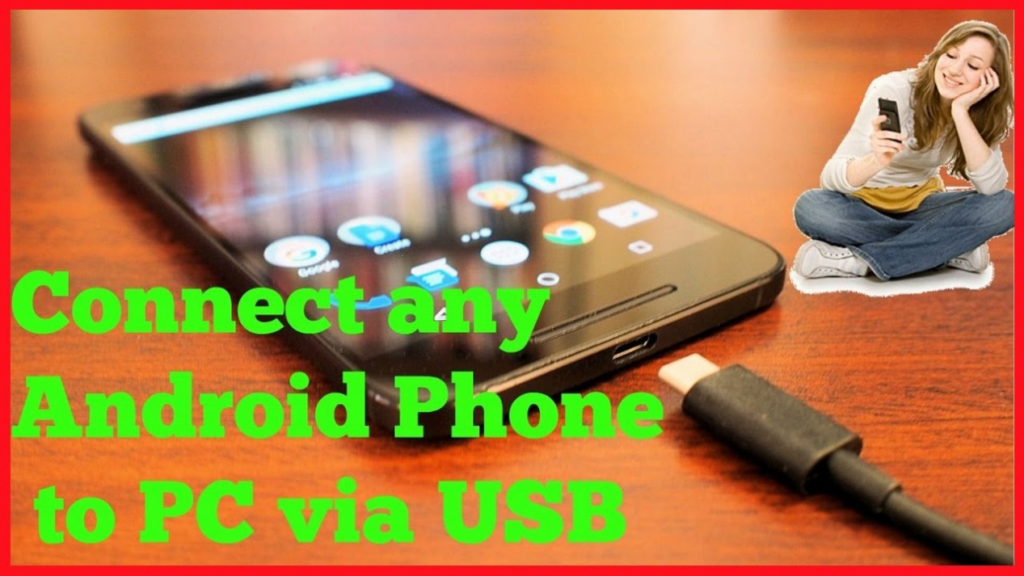
The most straightforward method to charge your Android phone with a laptop is by using a USB cable. Simply connect one end of the cable to your phone and the other end to a USB port on your laptop. Once connected, your phone should begin charging automatically. This method is not only easy but also allows for data transfer, so you can sync your files while your phone charges. However, keep in mind that the charging speed may vary depending on the laptop’s power output and the cable’s quality.
Charging While the Laptop is Off
Interestingly, some laptops allow you to charge your phone even when they are turned off. This feature is often found in newer laptop models that support USB charging. To utilize this feature, ensure that your laptop’s BIOS settings are configured to allow USB charging when the laptop is powered down. This can be particularly useful in situations where you want to charge your phone overnight without keeping your laptop on, saving energy while ensuring your device is ready for use in the morning.
Charging in Sleep Mode
If your laptop is in sleep mode, it may still provide power to the USB ports, allowing you to charge your phone. However, this can vary by laptop model. To check if your laptop supports this feature, refer to the user manual or the manufacturer’s website. Charging in sleep mode can be a great way to keep your phone charged without fully waking your laptop, allowing you to quickly resume work when needed.
Benefits of Charging Your Phone with a Laptop
Convenience
One of the primary benefits of charging your Android phone with a laptop is convenience. If you’re working on your laptop and your phone’s battery is running low, you can easily connect it without needing to find a wall outlet. This is especially beneficial in office environments or during travel, where access to power outlets may be limited. The ability to charge your phone while multitasking can enhance productivity and ensure that you stay connected throughout the day.
Portability
Laptops are portable devices, making them ideal for charging on the go. Whether you’re traveling, at a café, or in a meeting, you can charge your phone without carrying an extra charger. This portability means you can rely on your laptop as a backup charging solution, reducing the number of accessories you need to carry. Additionally, many modern laptops are lightweight and designed for mobility, making them perfect companions for those who are frequently on the move.
Multi-Functionality
Using your laptop to charge your phone allows you to perform multiple tasks simultaneously. You can continue working on your laptop while your phone charges, making it a time-efficient solution. This dual functionality is particularly advantageous for professionals who rely on their devices for communication and productivity. By charging your phone while working, you can ensure that you never miss an important call or notification.
Considerations When Charging Your Phone with a Laptop
Charging Speed
Charging your Android phone via a laptop may not be as fast as using a wall charger. The power output from a laptop’s USB port is typically lower than that of a dedicated charger. If you need a quick charge, consider using a wall charger instead. It’s important to note that while charging from a laptop is convenient, it may not be the best option if you’re in a hurry. Understanding the limitations of laptop charging can help you manage your time effectively.
Battery Health
Frequent charging of your phone using a laptop may impact the battery’s health over time. It’s essential to monitor your phone’s battery performance and avoid overcharging, which can lead to battery degradation. Most modern smartphones have built-in mechanisms to prevent overcharging, but it’s still wise to unplug your phone once it reaches a full charge. Additionally, consider using battery optimization features available on your device to prolong battery life.
Compatibility Issues
Not all laptops provide the same charging capabilities. Some older models may not supply enough power to charge your phone effectively. Always check your laptop’s specifications to ensure compatibility. If you’re using a laptop with limited USB power output, you may find that your phone charges very slowly or not at all. Being aware of these compatibility issues can save you time and frustration when trying to charge your device.
Tips for Efficient Charging
Use High-Quality Cables
Using a high-quality USB cable can significantly improve the charging efficiency. Cheap or damaged cables may not deliver adequate power, leading to slower charging times. Investing in a good quality cable can make a noticeable difference in how quickly your phone charges. Look for cables that are certified for your device to ensure optimal performance and safety.
Keep Your Laptop Updated
Ensure that your laptop’s operating system and drivers are up to date. This can help optimize the charging process and improve overall performance. Regular updates can also enhance security and fix bugs that may affect charging capabilities. By keeping your laptop in top condition, you can ensure that it functions effectively as a charging source for your phone.
Monitor Charging Status
Keep an eye on your phone’s charging status to avoid overcharging. Most Android phones have built-in features that notify you when the battery is fully charged. Additionally, consider using battery management apps that can provide insights into your charging habits and help you maintain battery health. Being proactive about monitoring your charging can extend the lifespan of your device’s battery.
Conclusion
Charging your Android phone using a laptop is a practical and convenient solution for many users. By understanding the methods, benefits, and considerations involved, you can make the most of this charging option. Whether you’re at home, in the office, or on the go, having the ability to charge your phone with your laptop can be a lifesaver. Embracing this method not only enhances your device’s usability but also aligns with the modern lifestyle of multitasking and mobility.
How to purchase:https://looperbuy.com/search?keywords=charge+my+andrid+phone+laptop
Related Questions and Answers
1. Can I charge my Android phone with any laptop?
Yes, as long as the laptop has a USB port and is powered on or configured to allow charging when off.
2. Will charging my phone with a laptop damage the battery?
No, as long as you use a compatible cable and monitor the charging process, it should not damage the battery.
3. How long does it take to charge my phone using a laptop?
Charging time can vary, but it generally takes longer than using a wall charger due to lower power output.
4. Can I use my phone while it is charging from my laptop?
Yes, you can use your phone while it is charging, but it may slow down the charging process.
5. What should I do if my phone is not charging when connected to my laptop?
Check the USB cable for damage, ensure the laptop is powered on, and try a different USB port.