Table of Contents
The Mystery Behind the Charging Halt
Have you ever encountered a situation where your phone stops charging the moment you unlock it? This perplexing issue can be both frustrating and concerning. In this article, we will delve into the possible reasons behind this phenomenon and provide practical solutions to resolve it.
Charging Accessories and Ports
Chargers and Charging Cables
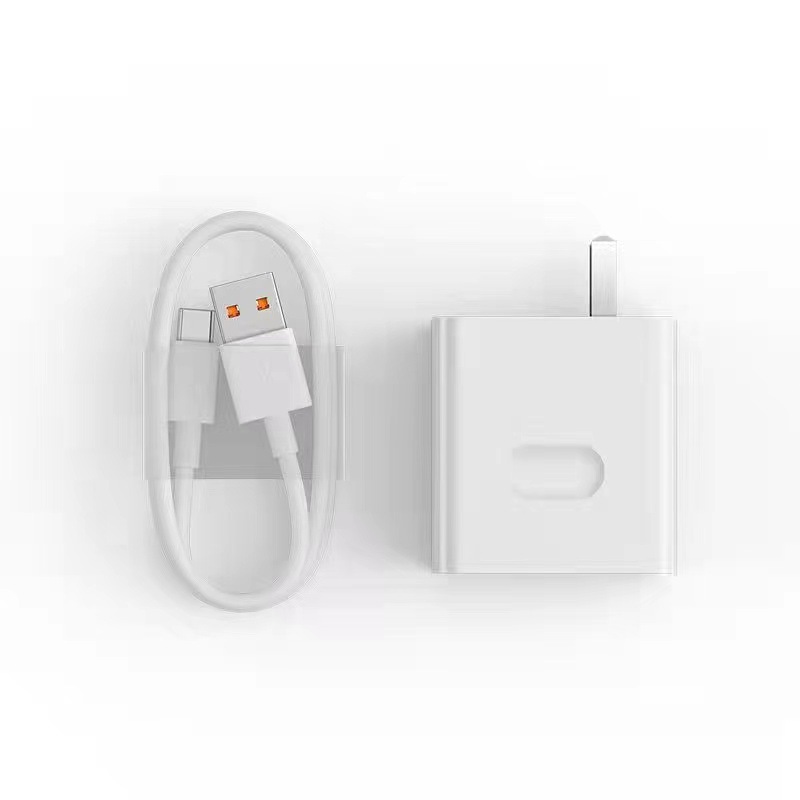
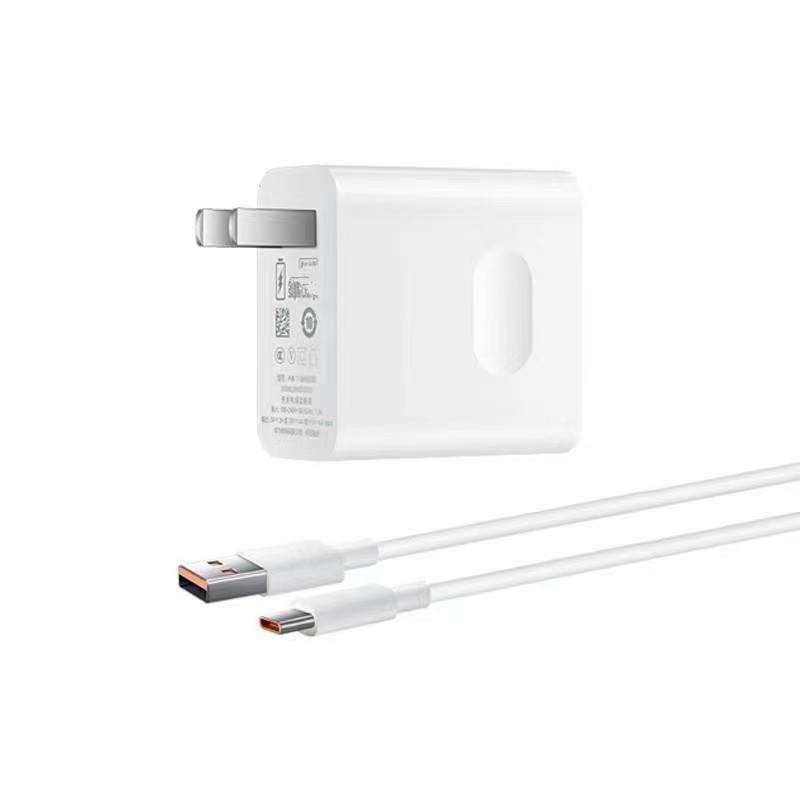
The charging process heavily relies on the quality and condition of the charger and cable. Non – original or low – quality chargers may not supply stable current. Similarly, damaged cables, often caused by long – term use or improper handling, can disrupt the charging process. Trying a different charger and cable can sometimes immediately resolve the issue.
Charging Port
The charging port is a critical component in the charging process. Over time, lint, dust, or other debris can accumulate in the port, leading to poor contact. Using a soft brush or compressed air to clean the port can improve the charging connection. If the port is physically damaged, professional repair may be necessary.
Battery – Related Issues
Battery Health
As the battery ages, its performance naturally declines. A battery with reduced capacity may struggle to handle charging and usage simultaneously. In severe cases, a damaged battery with internal short circuits or leakage can directly affect charging stability. Replacing the battery with a high – quality one, preferably from the original manufacturer or a reputable brand, can often restore normal charging function.
Software Factors
System – Related Problems
Software glitches can sometimes interfere with the charging process. Outdated or incompatible system versions may contain bugs that affect the phone’s charging management. Updating the phone’s system to the latest version can often patch these issues and improve charging performance.
Application Conflicts
Certain applications running in the background may consume excessive power or conflict with the system’s charging management software. Closing unnecessary applications or restarting the phone can help alleviate these conflicts and potentially resolve charging issues.
Security Settings and Background Processes
USB Access Restrictions
Some phones have security settings that restrict USB accessory access when the device is locked. This feature, designed to prevent unauthorized connections, can inadvertently cause charging to stop when the phone is unlocked. Adjusting the settings to allow USB accessories access even when the phone is locked can resolve this issue.
Background Services
Background services like location tracking, Bluetooth, or Wi-Fi can consume power and affect the charging efficiency. Turning off these services or enabling airplane mode while charging can help the phone focus on charging and may prevent charging from stopping when the phone is unlocked.
Hardware Malfunctions
Motherboard Issues
In some cases, the problem may lie within the phone’s motherboard. A short circuit or a malfunctioning connection on the motherboard can disrupt the charging process. If other solutions fail to resolve the issue, it is advisable to consult a professional repair service to diagnose and fix potential hardware problems.

Conclusion
The issue of a phone stopping charging when unlocked can stem from various factors, ranging from charging accessories and port conditions to battery health, software settings, and even hardware malfunctions. By systematically checking and addressing these potential causes, you can often restore normal charging functionality to your device.
How to Purchase:https://looperbuy.com/search?keywords=phone+charger
Frequently Asked Questions
Q: Why does my phone stop charging when I unlock it?
Your phone may stop charging when unlocked due to several reasons. It could be related to security settings that restrict USB accessory access when the device is locked. Additionally, software glitches, application conflicts, or background services consuming power might interfere with the charging process. In some cases, hardware issues like a faulty charging port or motherboard problems could also be the culprit.
Q: How can I fix the charging issue caused by security settings?
To fix charging issues related to security settings, go to your phone’s settings and look for options related to USB accessories access. Enable the setting that allows USB accessories to function even when the phone is locked. This adjustment can often resolve charging disruptions when unlocking the phone.
Q: Will replacing the battery fix the charging problem?
If the charging issue is caused by a degraded or damaged battery, replacing it with a new, high – quality battery can potentially fix the problem. However, if the issue stems from other factors like software glitches, hardware malfunctions, or accessory problems, replacing the battery alone may not resolve the charging halted when unlocking.
Q: How can I determine if the charging problem is software – related?
You can determine if the charging problem is software – related by checking for system updates and installing them if available. Restarting your phone or closing unnecessary applications can also help identify if software – based conflicts are causing the charging issue. If these actions improve charging performance, it suggests that the problem might be software – related.
Q: When should I consider professional repair for charging issues?
If you have tried various solutions such as checking charging accessories, cleaning the port, replacing the battery, updating software, and adjusting security settings without success, it may be time to consider professional repair. Persistent charging issues could indicate underlying hardware problems that require expert diagnosis and repair.
Hot Tags: Unlocking My Phone Stops Charging; Phone Charging Issues; Charging Accessories; Battery Health; Software Glitches; USB Access Restrictions; Background Services; Motherboard Problems; Charging Port; Phone Security Settings