
In the modern era, where remote work, digital entertainment, and late-night browsing have become staples of our daily routines, our relationship with technology has evolved beyond the traditional desk. Many of us find ourselves reaching for our laptops or tablets while lounging in the comfort of our beds. However, this convenience often comes at a cost to our posture, physical health, and even the longevity of our devices. A dedicated computer stand for bed is more than just an accessory; it is an essential investment in ergonomics, productivity, and device maintenance. By elevating your workspace, these versatile tools transform the bed from a place of rest into a functional environment that supports both your body and your technology.
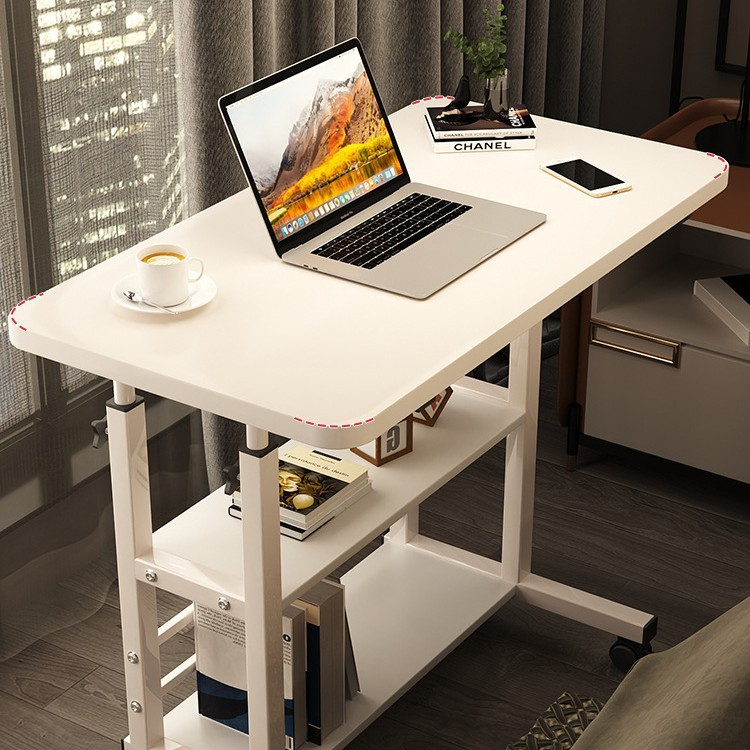
Table of Contents
The Ergonomic Evolution: Why Your Bed Needs a Dedicated Workspace
Many users mistakenly believe that working in bed is inherently bad for their health. While slouching over a device resting directly on your knees is indeed a recipe for neck, back, and wrist pain, the problem lies in the setup rather than the location.
Redefining Your Posture
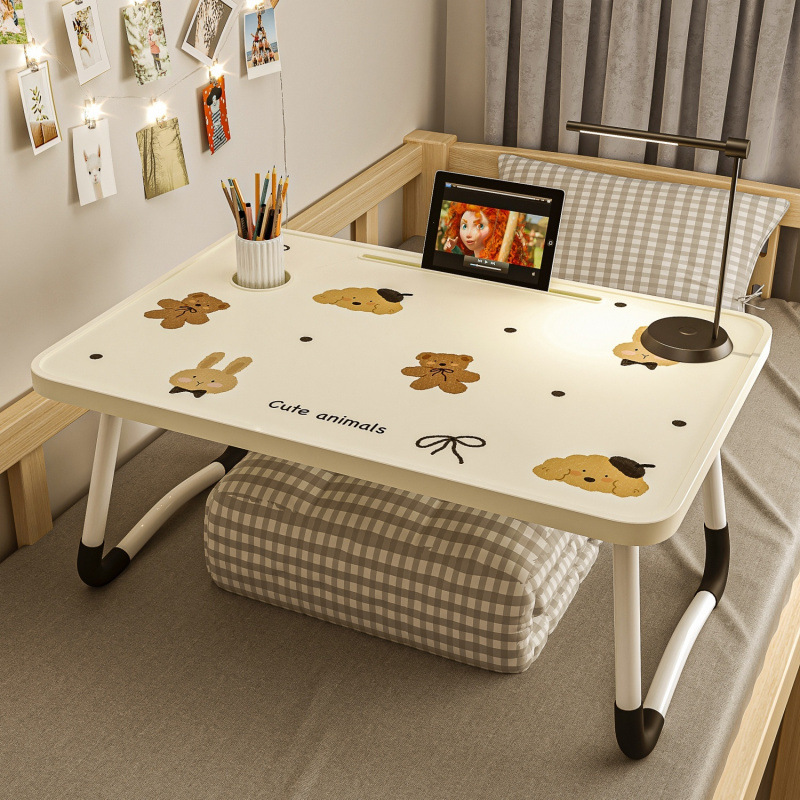
When you place a laptop directly on your lap, you are forced to look down, which creates a sharp angle in the neck. This “tech neck” is a leading cause of cervical spine strain. A proper computer stand for bed acts as a structural bridge, raising the screen to eye level. By aligning the display with your natural field of vision, you can maintain a neutral spine position, significantly reducing the tension in your shoulders and upper back. This is especially important for those who spend hours attending virtual meetings or drafting documents from the comfort of their bedroom.
The Importance of Device Airflow
Laptops are powerful machines that generate significant heat during operation. When placed on soft surfaces like blankets, quilts, or pillows, the cooling vents are often blocked, trapping heat inside the chassis. This thermal throttling not only slows down your computer’s performance but can also lead to long-term component degradation. A computer stand for bed provides a hard, ventilated surface that allows air to circulate freely underneath the device, ensuring that your laptop remains cool even during intense workloads or streaming sessions.
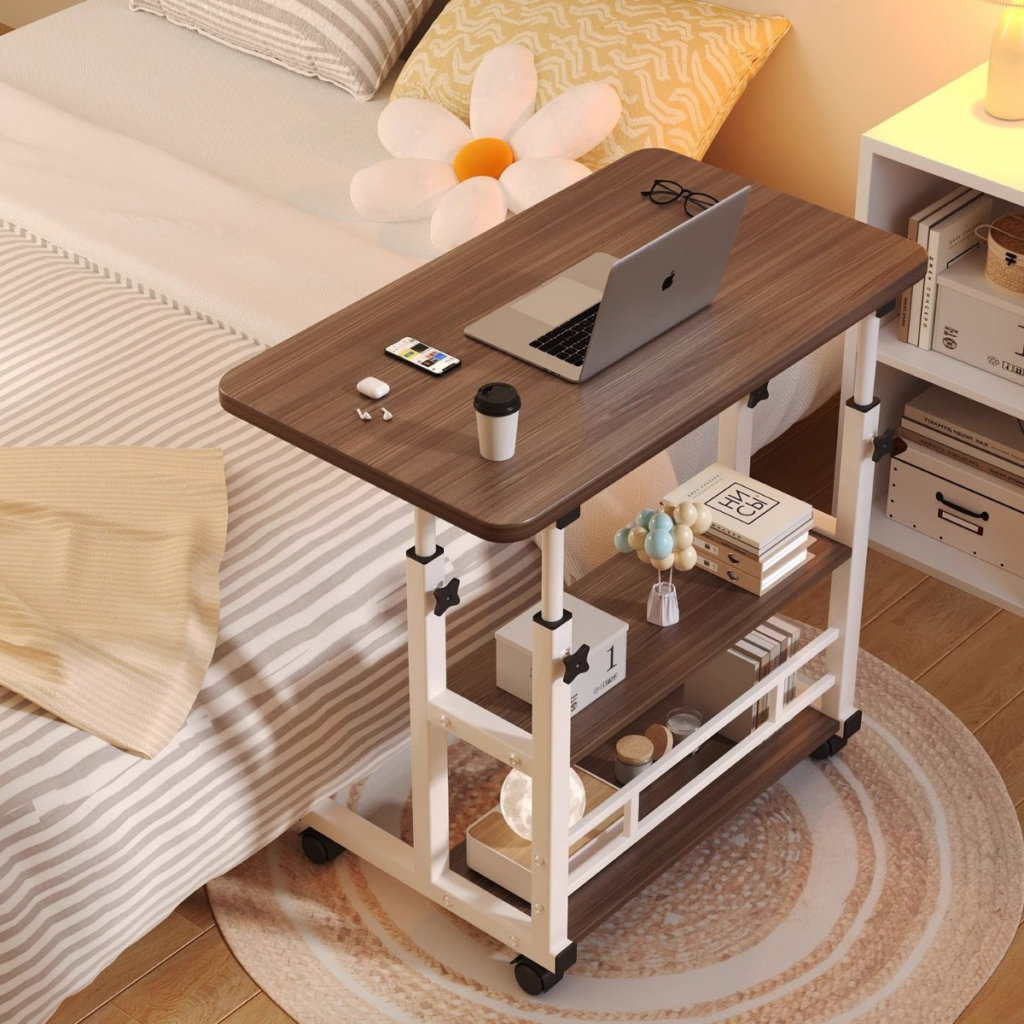
Categorizing the Best Solutions for Bed-Based Computing
Not all stands are created equal, and understanding the different designs available is crucial for finding the right fit for your lifestyle.
Foldable Bed Trays
These are the most common solutions. They typically feature a flat surface with folding legs that allow them to sit securely on top of your mattress. Some models offer tilting capabilities, letting you adjust the angle of the laptop tray while keeping your keyboard flat for typing. These are ideal for users who want a simple, lightweight, and highly portable option. They often come with additional features such as small drawers for stationery or dedicated slots to hold a tablet or smartphone, making them a compact workstation.
Adjustable “Lazy” Arm Stands
If you prefer to lie flat or use a tablet, an adjustable arm stand is a game-changer. These stands clamp onto the side of the bed frame or slide under the mattress, featuring a flexible, articulating arm that suspends your device in mid-air. This design allows you to position your screen directly above your face or at any angle you desire, completely removing the weight of the device from your body. It is the ultimate luxury for binge-watching shows or reading e-books without any manual exertion.
Ergonomic Lap Desks with Cushioned Bases
For those who prefer a more grounded feel, lap desks with integrated bottom cushions provide stability while conforming to the shape of your legs. These often include built-in mouse pads and wrist rests, making them the most comfortable option for extended periods of focused work, as they maintain the intimacy of the “laptop on lap” feel while protecting your skin from direct heat and providing an ergonomic surface. They are incredibly portable and can easily be moved from the bed to the couch.
Advanced Considerations for the Modern User
As you refine your choice, consider the specific nuances that elevate a good stand to a perfect one. The intersection of aesthetics, functionality, and technology is where the best products reside.
The Rise of Smart Stands
With the integration of technology into every aspect of our lives, some modern computer stands now come equipped with built-in features such as wireless charging pads for smartphones, integrated LED desk lamps for reading, and even USB hubs that expand your laptop’s connectivity. These smart stands turn your bed into a full-fledged productivity hub, reducing cable clutter and ensuring that all your devices remain powered and connected.
Acoustic Benefits and Sound Management
While not immediately obvious, using a stand can also improve your audio experience. When a laptop is placed on a soft surface, the sound from the speakers is often muffled. By elevating the device, you create a cleaner sound path, making it easier to hear audio during meetings or while enjoying media. Some high-end stands are designed to direct sound toward the user, acting as a passive amplifier that enhances the overall listening experience.
Aesthetic Integration into Bedroom Decor
Your bedroom is a sanctuary, and the equipment you add should harmonize with the environment. Fortunately, modern design trends have led to the creation of sleek, minimalist stands that blend seamlessly into bedroom decor. Whether you prefer the industrial look of brushed aluminum or the warm, organic feel of bamboo, there is a stand that complements your personal style. Selecting a product that you find visually appealing encourages you to use it more often, thereby maintaining your ergonomic habits.
Essential Features to Consider Before You Buy
When shopping for a computer stand for bed, it is easy to get overwhelmed by the sheer variety of products available. To make an informed decision, prioritize functionality based on how you intend to use the stand.
Stability and Weight Capacity
The primary concern for any bed-based setup is stability. A wobbly stand is not only frustrating but also risky for your expensive electronics. Look for stands with wide, reinforced legs or those that incorporate non-slip grips on the base. If you use a heavy gaming laptop, ensure the stand’s weight capacity is rated to handle your specific device. Checking the materials and the structural integrity of the joints is vital for long-term usage.
Material Selection: Wood vs. Aluminum vs. Plastic
Each material offers a different balance of weight and durability. Aluminum stands are generally the sturdiest and provide excellent heat dissipation, making them ideal for heavy users. Wood or bamboo options offer a sophisticated, aesthetic appeal that fits well with bedroom decor and is often lighter than metal. Plastic stands are the most affordable and portable, but they may lack the long-term durability and stability of their counterparts. Investing in premium materials often pays off in the form of better support and longer product lifespan.
Adjustability and Multi-Purpose Utility
The best computer stand for bed is one that adapts to your needs. Look for models with independent height and angle adjustments. Some advanced models even feature built-in USB fans for extra cooling, integrated cable management systems, or storage slots for your phone and pens. Consider whether you need a stand exclusively for a laptop or if you also use a tablet or phone, as this will influence whether you need a tray-style or a mount-style stand. The more adaptable the unit, the more value you will derive from it over time.
Portability and Storage
If you live in a smaller space or need to pack your stand away when you aren’t using it, look for low-profile, foldable designs. A good stand should fold down to a thickness that can easily slide under your bed or into a closet. Consider the weight; if you travel frequently, a lightweight, compact model will be your best friend. Modern engineering has made it possible to have robust, high-performance stands that occupy virtually no space when not in active use.
Mastering the Setup: Tips for a Better Experience
Once you have purchased your ideal stand, the way you arrange your surrounding environment can significantly impact your comfort.
Lighting and Visibility
Even with the best stand, eye strain can occur if the ambient lighting is poor. Ensure that your screen is not reflecting bright lights from windows or overhead lamps. Positioning your bed relative to light sources can help, and utilizing the adjustable tilt of your new stand allows you to minimize glare effectively.
Maintaining Proper Peripheral Placement
If you are working for extended hours, you might consider pairing your laptop with a compact wireless keyboard and mouse. This allows you to position the stand at the perfect height for your eyes while keeping your hands in a comfortable, low position on the bed surface or a side tray. This separation of display and input is the gold standard for ergonomics.
Establishing Rituals for Work and Rest
Psychologically, it is beneficial to create a clear distinction between “work time” and “rest time” in the bedroom. Pack away your computer stand when the work is finished. This simple ritual signals to your brain that the productive phase of the day has ended, helping you transition more easily into a state of relaxation and sleep, preserving the sanctuary status of your bedroom.
Conclusion
Investing in a quality computer stand for bed is an investment in your long-term health and your device’s longevity. By choosing a design that aligns with your posture needs, provides adequate ventilation, and fits your storage requirements, you can reclaim your bed as a comfortable, productive, and safe space for all your digital activities. Ultimately, the right equipment allows you to enjoy the convenience of your bedroom without sacrificing the physical well-being or the technological efficiency required in our fast-paced world.
How to purchase:Online B2B sourcing platform, China purchase, Chinese suppliers – LooperBuy
Article Summary:
This article serves as an extensive guide to selecting and utilizing a computer stand for bed. It explores the critical intersection of ergonomics and technology, detailing how proper elevation prevents physical strain and enhances device cooling. The text categorizes various stand designs—such as foldable trays, articulating arms, and cushioned lap desks—and provides actionable advice on material selection, stability, and smart features. By focusing on both health benefits and lifestyle integration, this guide empowers readers to create a highly functional, ergonomic workspace within the comfort of their own bedroom.
Hot Tags:
Computer Stand For Bed; Laptop Bed Tray; Ergonomic Workspace; Adjustable Lap Desk; Bedside Computing; Home Office Setup; Laptop Cooling Stand; Bed-Friendly Desk; Posture Correction; Remote Work Essentials; Tablet Stand; Bedside Technology; Folding Laptop Desk; Ergonomic Furniture; Portable Workstation; Neck Pain Relief; Laptop Accessories; Modern Bedroom Setup; Overbed Table; Tech Comfort; Multifunctional Desk; Adjustable Laptop Stand; Workspace Optimization; Device Health; Laptop Cooling Pad; Bed Lounging Accessories; Minimalist Desk Setup; Home Office Comfort; Student Study Desk; Productivity Tools
Related Questions & Answers
· Are computer stands for bed actually worth the investment?
Yes, they are highly recommended for anyone who regularly uses a device in bed. They not only prevent neck and back pain by positioning the screen at eye level but also protect your laptop from overheating, which can extend the lifespan of your hardware.
· Which type of stand is best for someone who likes to lie flat?
An articulating arm or “lazy” stand is the best choice for lying flat. These stands can be adjusted to suspend your laptop or tablet in the air, allowing you to view the screen comfortably without having to prop yourself up with pillows.
· Can a laptop stand for bed help with laptop performance?
Absolutely. By keeping the device on a solid, elevated surface, you ensure that the cooling vents remain unobstructed. This promotes airflow and prevents the system from getting too hot, which in turn prevents the performance drops associated with thermal throttling.
· How do I ensure the stand will be stable on my soft mattress?
Look for stands with wide-base designs or legs that are designed to grip the surface. Some high-quality bed trays feature lockable joints that maintain rigidity even on softer surfaces. Reading user reviews regarding “wobbliness” is also a smart strategy before purchasing.
· Are there options that work for both bed and desk use?
Yes, many foldable laptop stands are designed to be versatile. Compact, adjustable-height stands are perfect for both a desk setup and for use as a tray on your bed, offering a multi-purpose solution for your various work and leisure environments.