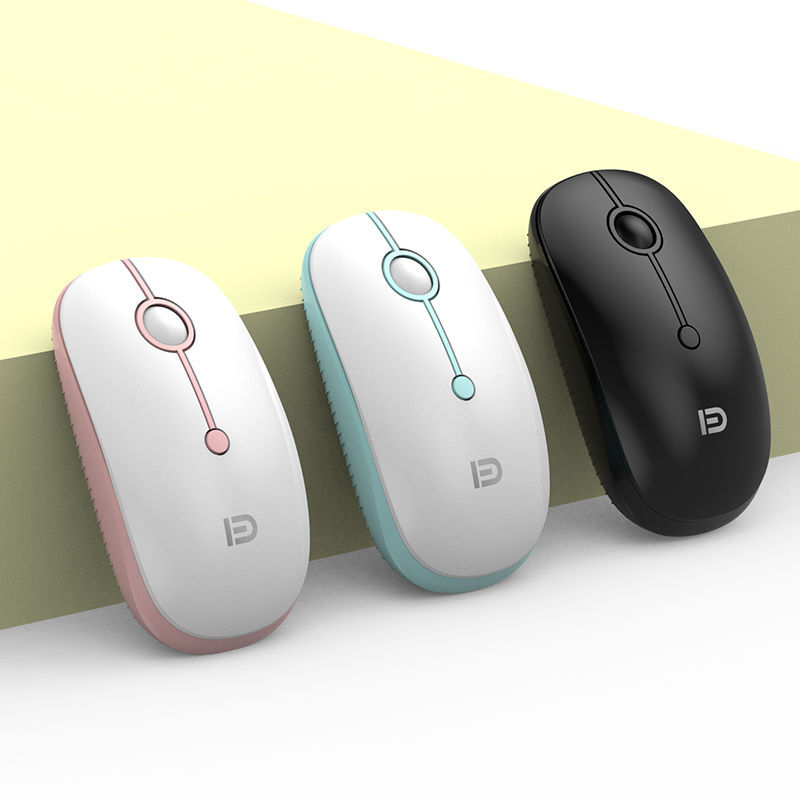
The modern workspace has undergone a silent but profound revolution over the last decade. Gone are the days when a desk was a chaotic web of tangled black cables, snaking from the back of a beige tower to various peripherals. At the center of this transformation is the steady advancement of wireless technology, specifically the refinement of the Bluetooth protocol. While early wireless peripherals were often dismissed as laggy or unreliable, the current generation of Bluetooth computer mice has reached a level of sophistication that challenges the traditional dominance of wired connections. This transition represents more than just a desire for a cleaner aesthetic; it reflects a fundamental shift in how we interact with our digital environments, prioritizing mobility, ergonomics, and multi-device fluidity.
The journey of the computer mouse from a wooden box with two wheels to a sleek, laser-guided instrument of precision is a fascinating study in human-centric engineering. However, the move away from the cord was perhaps the most significant milestone. By removing the physical tether, designers were suddenly free to reimagine the shape and utility of the mouse. The Bluetooth computer mice of today are not just pointing devices; they are specialized tools designed to reduce physical strain, increase productivity across multiple operating systems, and provide a seamless bridge between the physical and digital worlds.
Table of Contents
The Architecture of Wireless Connectivity
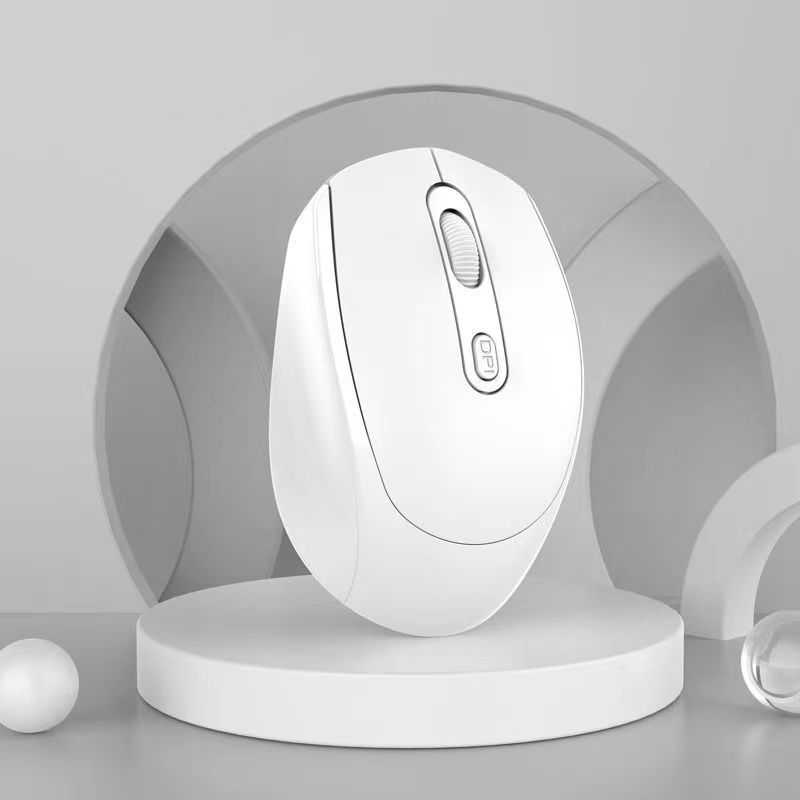
To understand why Bluetooth has become the standard for modern peripherals, one must look at the underlying architecture of the technology. Unlike traditional radio frequency mice that require a proprietary USB dongle, Bluetooth operates on a standardized global frequency. This allows for a direct handshake between the peripheral and the host device, whether that device is a laptop, a tablet, or even a smartphone. This “dongle-free” existence is particularly crucial in an era where laptop manufacturers are increasingly prioritizing thin designs and reducing the number of available ports. A Bluetooth mouse preserves those precious ports for external drives or high-speed charging while maintaining a rock-solid connection.
The evolution of the Bluetooth standard itself has played a massive role in this adoption. With the introduction of Bluetooth Low Energy, the power consumption of wireless mice plummeted. In the past, a wireless mouse might have required a fresh set of batteries every few weeks, creating a constant source of frustration and environmental waste. Today, a high-quality Bluetooth mouse can often operate for months, or even a full year, on a single charge or battery. This reliability has effectively neutralized the “battery anxiety” that once kept professional users tethered to their desks.
Bridging the Gap Between Devices
One of the most compelling features of contemporary Bluetooth computer mice is their ability to manage multiple connections simultaneously. We no longer live in a single-screen world. A creative professional might be editing video on a powerful desktop while simultaneously checking emails on a laptop and taking notes on a tablet. In the past, this would have required three separate mice or a constant, clunky process of unplugging and re-plugging hardware.
Modern Bluetooth technology allows a single mouse to pair with three or more devices at once. With the simple press of a button or a flick of a switch on the underside of the device, the cursor jumps from one screen to another. This multi-device fluidity has fundamentally changed the workflow for millions of people. It allows for a “command center” approach to computing, where the user is the stationary hub and the devices are flexible extensions of their intent. This capability is not just about convenience; it is about the cognitive ease of maintaining a single physical interface while navigating a complex multi-device ecosystem.
Ergonomics and the Human Element
As our time spent in front of screens has increased, so too has the prevalence of repetitive strain injuries. The design of Bluetooth computer mice has evolved to meet this health challenge head-on. Without the “cable drag” that can subtly pull on a mouse and force the user to make micro-adjustments with their wrist, wireless mice offer a more natural range of motion. This freedom has allowed manufacturers to experiment with radical ergonomic shapes that would have been impractical in a wired format.
Verticality and Natural Hand Positions
The rise of the vertical mouse is a perfect example of this ergonomic evolution. By turning the mouse on its side, these devices allow the human hand to rest in a “handshake” position. This orientation reduces the twisting of the forearm bones and relieves pressure on the median nerve. When combined with Bluetooth technology, these vertical mice become incredibly effective tools for long-term health. Because there is no wire to restrict the angle or movement, the user can position the mouse exactly where it feels most comfortable, potentially preventing years of chronic pain and discomfort.
Materials and Tactile Feedback
Beyond the shape, the materials used in modern Bluetooth mice have also seen a significant upgrade. High-end models often feature a mix of textured rubbers, machined aluminum, and premium plastics that are designed to feel comfortable over hours of use. The tactile feedback of the buttons—the “clickiness”—is also a point of intense engineering. Manufacturers now use optical switches in some Bluetooth mice, which use light instead of physical contact to register a click. This not only increases the speed of the response but also drastically extends the lifespan of the device, as there are fewer mechanical parts to wear out over time.
Precision and the Myth of Latency
For a long time, the primary argument against Bluetooth computer mice was the issue of latency. Gamers and high-end designers feared that the split-second delay between moving the mouse and the cursor responding on screen would hinder their performance. While this may have been true in the early 2000s, the gap has narrowed to the point of being virtually imperceptible for the vast majority of users.
The Role of High DPI Sensors
The precision of a mouse is often measured in DPI, or dots per inch. This refers to how sensitive the sensor is to physical movement. Modern Bluetooth mice frequently feature sensors with thousands of DPI, allowing for incredibly fine control. Whether you are masking a complex object in Photoshop or navigating a massive 4K spreadsheet, the precision offered by a modern wireless sensor is staggering. Furthermore, many of these sensors are now “surface-agnostic,” meaning they can track accurately on everything from a glass coffee table to a denim pant leg. This versatility is essential for the modern mobile professional who may find themselves working in a different environment every day.
Polling Rates and Smoothness
Another technical factor is the polling rate, which determines how often the mouse reports its position to the computer. While wired gaming mice still hold the edge in raw polling speed, modern Bluetooth implementations have reached a level of “smoothness” that satisfies even demanding users. The jitter and skipping that characterized early wireless mice are gone, replaced by a fluid, 1:1 movement that feels instinctive. For anyone other than professional eSports athletes, the performance of a high-end Bluetooth mouse is more than sufficient for every imaginable task.
Sustainability and the Future of Power
As we become more conscious of our environmental impact, the way we power our peripherals has come under scrutiny. The shift from disposable alkaline batteries to integrated, rechargeable lithium-ion cells is a major step forward for the Bluetooth computer mice industry. Many modern mice now feature USB-C charging ports, allowing users to quickly top up their device using the same cable they use for their phones or laptops.
Energy Efficiency and Smart Sleep Modes
The intelligence of the hardware also plays a role in sustainability. Modern Bluetooth mice are incredibly efficient at managing their energy consumption. They utilize sophisticated sleep modes that kick in after just a few seconds of inactivity, waking up instantly the moment they are touched. This “instant-on” capability ensures that the user never feels like they are waiting for the technology to catch up, while still preserving hours of battery life. Some models even feature solar charging or energy-harvesting technologies, hinting at a future where we may never need to plug our mice in at all.
The Use of Recycled Materials
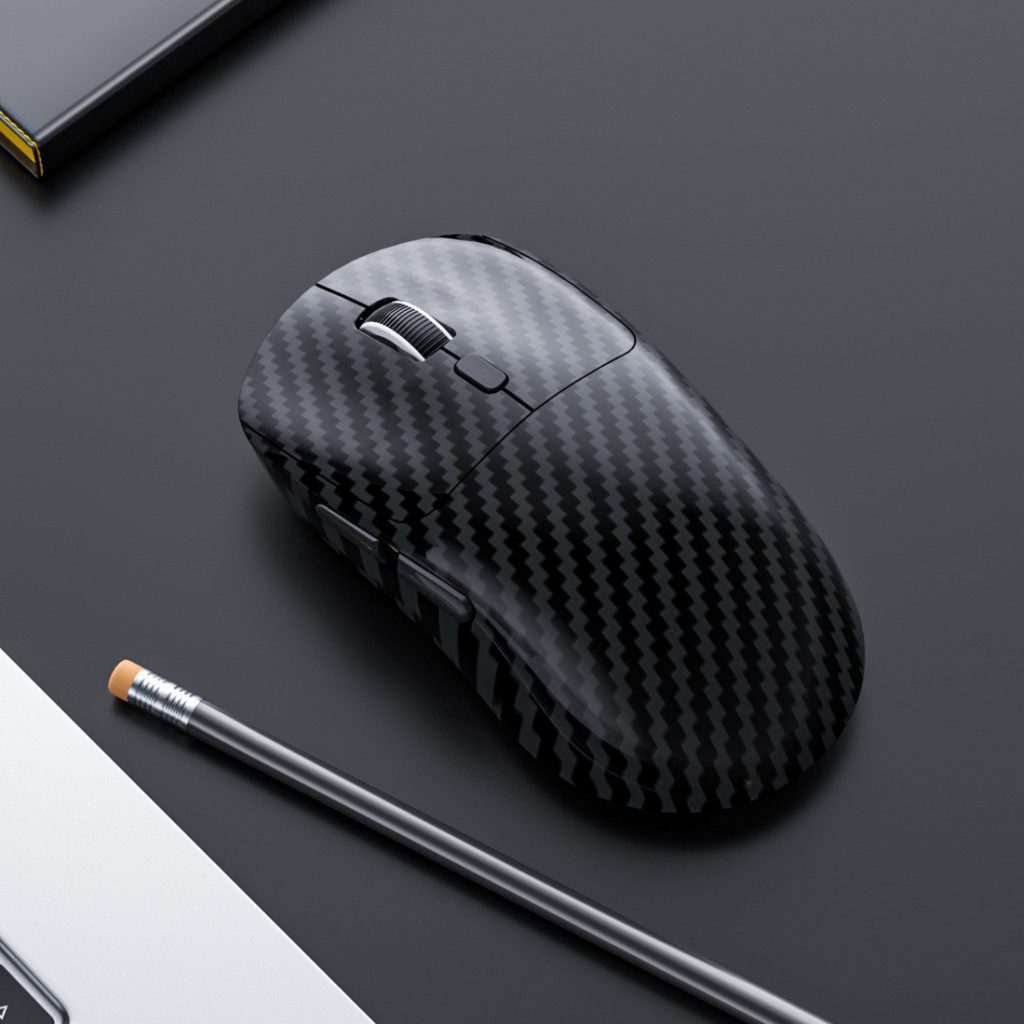
Leading manufacturers are also increasingly turning to post-consumer recycled plastics to build their mouse chassis. By giving a second life to plastics that would otherwise end up in a landfill, the industry is moving toward a circular economy. When you purchase a Bluetooth mouse in 2026, there is a high probability that part of it once existed as a water bottle or a piece of automotive trim. This commitment to sustainability does not come at the cost of durability; these recycled materials are often just as robust and high-quality as virgin plastics.
The Aesthetic of the Minimalist Desk
Beyond the technical and ergonomic benefits, there is a psychological component to the rise of Bluetooth computer mice. A cluttered environment often leads to a cluttered mind. The minimalist “clean desk” movement has gained massive popularity, and the removal of wires is the first step in achieving that aesthetic. A desk with nothing but a sleek laptop and a well-designed Bluetooth mouse feels more intentional and less overwhelming.
The Portability Factor
For students and “digital nomads,” the portability of a Bluetooth mouse is its greatest asset. When you are working from a cramped tray table on an airplane or a small corner of a busy cafe, every square inch of space matters. A compact Bluetooth mouse can be tossed into a bag without worrying about a cord getting tangled or snagged on other items. It allows the user to set up a full, ergonomic workstation in a matter of seconds, regardless of where they are in the world.
Customization and Software Integration
Finally, the software ecosystem that supports these devices has become incredibly powerful. Most high-end Bluetooth mice come with dedicated applications that allow users to remap buttons, create custom macros, and adjust sensitivity on the fly. You can set your side buttons to switch between browser tabs, mute your microphone during a video call, or launch your favorite application. This level of customization transforms the mouse from a simple pointer into a personalized productivity hub that adapts to your specific needs.
Conclusion
The evolution of Bluetooth computer mice is a testament to the power of iterative innovation. What began as a convenient but flawed alternative to the wired mouse has matured into a sophisticated, essential tool for the modern age. By combining the freedom of wireless connectivity with incredible battery life, advanced ergonomics, and precision sensors, Bluetooth mice have earned their place on the desks of professionals and casual users alike. As we continue to move toward an increasingly mobile and multi-device future, the role of the Bluetooth mouse will only become more central to our digital lives. It is no longer just an accessory; it is the primary interface through which we navigate the complexities of the modern world, offering a tether-free experience that empowers us to work better, healthier, and with greater freedom than ever before.
How to purchase:Online B2B sourcing platform, China purchase, Chinese suppliers – LooperBuy
Frequently Asked Questions
1. How do I connect a Bluetooth mouse to my computer for the first time?
To connect your mouse, you first need to ensure that Bluetooth is enabled on your host device. On the mouse itself, there is usually a “connect” or “pairing” button that you must hold down until a light begins to flash. Once the mouse is in pairing mode, go to the Bluetooth settings on your computer or tablet, look for the device name in the list of available peripherals, and click “pair.” The connection should be established almost instantly and will reconnect automatically in the future.
2. Can I use a Bluetooth mouse with an iPad or a smartphone?
Yes, modern mobile operating systems like iPadOS, iOS, and Android have excellent support for Bluetooth mice. Connecting a mouse to a tablet can significantly enhance your productivity, allowing you to use a cursor for precise tasks like text selection, spreadsheet editing, or navigating complex websites. It effectively bridges the gap between a mobile device and a traditional laptop experience.
3. What should I do if my Bluetooth mouse starts lagging or skipping?
If you experience lag, the first step is to check the battery level, as low power can often cause signal weakness. If the battery is full, ensure there are no physical obstructions between the mouse and the computer. Since Bluetooth operates on the 2.4 GHz frequency, it can sometimes face interference from Wi-Fi routers or microwaves. Moving your router further away or updating your computer’s Bluetooth drivers can often resolve these connectivity issues.
4. Is a Bluetooth mouse better than a wireless mouse with a USB dongle?
The “better” choice depends on your specific needs. A Bluetooth mouse is superior for portability and multi-device use since it doesn’t require a USB port or a dongle that can be lost. However, a 2.4 GHz wireless mouse with a dedicated USB dongle often provides a more stable, lower-latency connection that is slightly better for competitive gaming. For general office work, creative tasks, and travel, Bluetooth is usually the more convenient option.
5. How long does the battery typically last in a modern Bluetooth mouse?
Battery life varies depending on the model and usage patterns, but modern efficiency has improved drastically. Mice that use a single AA or AAA battery can often last between 6 and 12 months. High-performance mice with integrated rechargeable batteries usually last between 40 and 70 hours on a single charge of continuous use, but with smart sleep modes, this can translate to several weeks or even months of real-world use before needing a plug.
HOT TAGS:
Bluetooth Computer Mice, Wireless Productivity, Ergonomic Mouse Design, Multi-Device Pairing, Bluetooth Low Energy, Workspace Minimalism, Precision Sensors, Optical Switch Technology, USB-C Rechargeable Peripherals, Digital Nomad Tools, Remote Work Hardware, Vertical Ergonomic Mice, Laptop Accessories 2026, Peripheral Latency Solutions, Eco-Friendly Tech Materials, Human Interface Devices, Wireless Connectivity Trends, Tablet Productivity Tips, Tech Sustainability, Desk Setup Optimization.