In today’s fast-paced digital world, having the right charging cable for your Android device is essential. With various types of cables available, it can be confusing to determine which one is best suited for your needs. This article will explore the different types of charging cables for Android devices, their features, and how to choose the right one for your specific requirements.
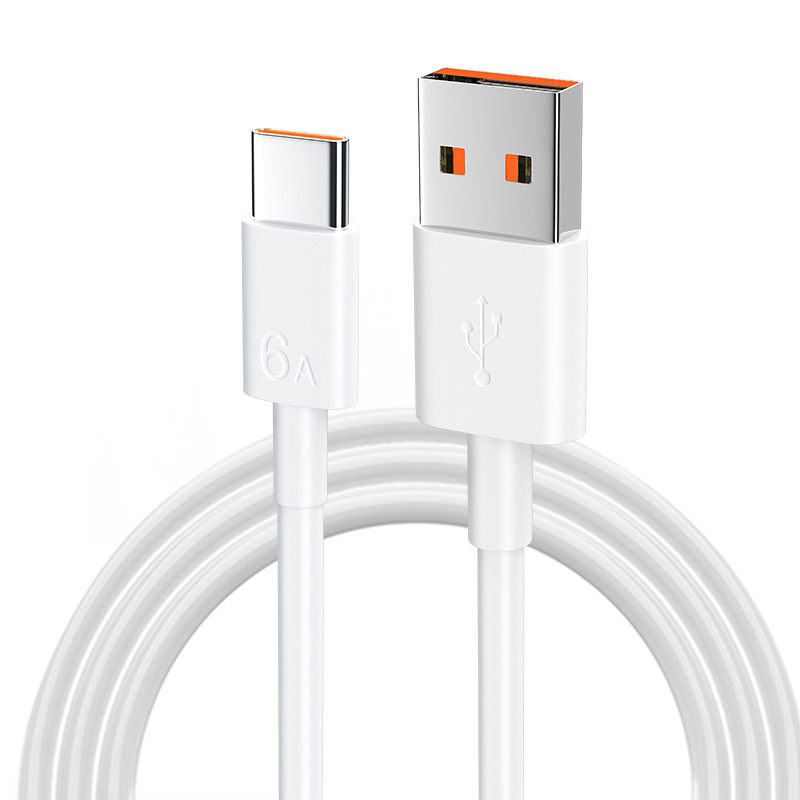
Table of Contents
Understanding Charging Cable Types
When it comes to charging cables for Android devices, there are primarily three types: Micro-USB, USB Type-C, and USB-A. Each type has its unique characteristics and compatibility with different devices.
Micro-USB Cables
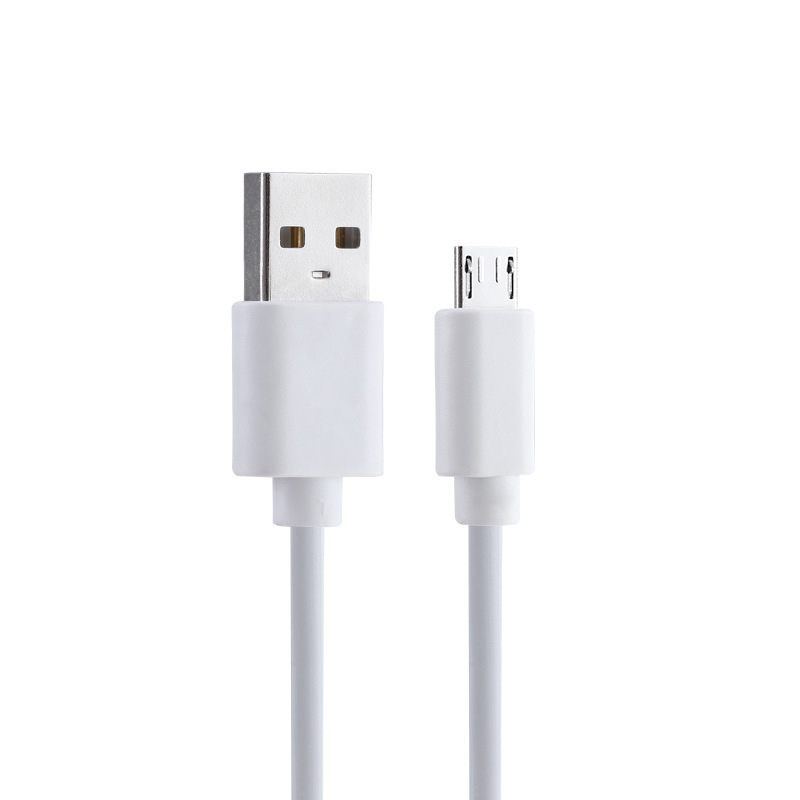
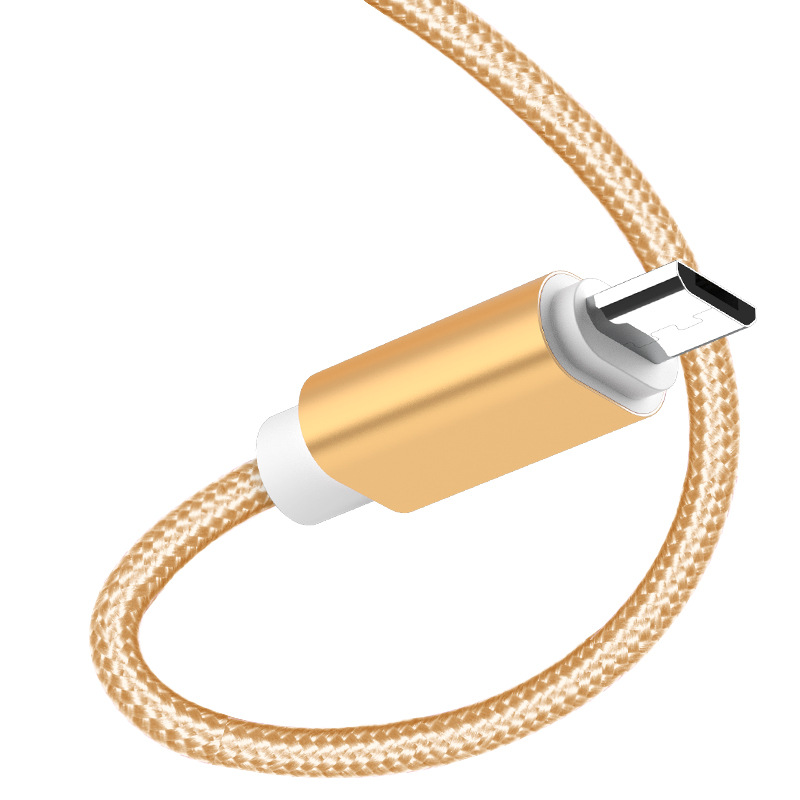
Micro-USB cables have been the standard for Android devices for many years. They are characterized by their small, flat connectors and are widely used for charging smartphones, tablets, and other portable devices.
Features of Micro-USB Cables
- Compatibility: Micro-USB cables are compatible with a wide range of devices, including older Android smartphones and tablets.
- Affordability: These cables are generally less expensive than their USB Type-C counterparts, making them a budget-friendly option.
- Availability: Micro-USB cables are widely available in various lengths and styles, making them easy to find.
However, as technology advances, many manufacturers are transitioning to USB Type-C cables, which offer several advantages over Micro-USB.
USB Type-C Cables
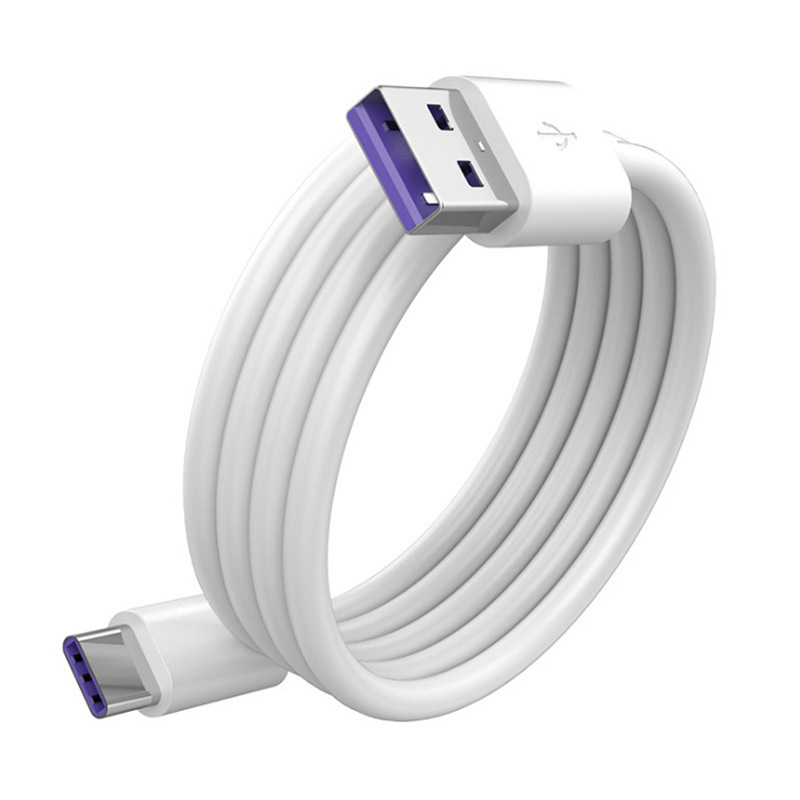
USB Type-C is the latest standard for charging and data transfer. This type of cable features a reversible connector, meaning it can be plugged in either way, which adds convenience for users.
Advantages of USB Type-C Cables
- Faster Charging: USB Type-C cables support faster charging speeds, allowing you to charge your device more quickly than with Micro-USB.
- Higher Data Transfer Rates: These cables can transfer data at much higher speeds, making them ideal for transferring large files or backing up data.
- Universal Compatibility: USB Type-C is becoming the standard for many devices, including laptops, tablets, and smartphones, making it a versatile choice.
USB-A Cables
USB-A cables are the traditional USB cables that have been around for years. They are often used to connect devices to power sources or computers.
Characteristics of USB-A Cables
- Standard Connector: USB-A connectors are larger and can only be plugged in one way, which can be less convenient than USB Type-C.
- Widely Used: These cables are commonly found in many households and offices, making them easy to access.
- Compatibility: While USB-A cables are not directly used for charging Android devices, they are often part of the charging setup, connecting to a power adapter or computer.
How to Choose the Right Charging Cable
When selecting a charging cable for your Android device, consider the following factors:
Device Compatibility
Ensure that the cable you choose is compatible with your specific Android device. Check the device specifications to determine whether it uses Micro-USB or USB Type-C. Many newer Android devices now come equipped with USB Type-C ports, while older models may still rely on Micro-USB.
Charging Speed
If you need faster charging, opt for a USB Type-C cable, as it supports higher charging speeds compared to Micro-USB. Look for cables that support fast charging technology, such as Qualcomm Quick Charge or USB Power Delivery. These technologies can significantly reduce charging time, which is especially beneficial for users who are always on the go.
Durability
Consider the build quality of the cable. Look for cables with reinforced connectors and durable materials to withstand daily wear and tear. Braided cables are often more durable than standard plastic ones. Additionally, some cables come with features like tangle-free designs or detachable connectors, which can enhance their longevity.
Length
Choose a cable length that suits your needs. If you plan to use the cable while charging from a distance, a longer cable may be necessary. However, if portability is a priority, a shorter cable may be more convenient. Standard lengths range from 1 to 10 feet, so consider where you will be using the cable most frequently.
Price
While it can be tempting to go for the cheapest option, investing in a quality cable can save you money in the long run. Look for reputable brands that offer warranties or guarantees on their products. Cheaper cables may not only be less durable but can also pose safety risks, such as overheating or short-circuiting.
Safety Considerations
When using charging cables, especially third-party options, safety should be a top priority. Here are some important safety considerations:
Quality Assurance
Always choose cables from reputable manufacturers. Low-quality cables can lead to overheating, which may damage your device or pose a fire hazard. Look for cables that have been certified by relevant safety standards, such as UL or CE.
Avoiding Counterfeit Products
Be cautious of counterfeit products that may look similar to genuine cables but lack the necessary safety features. These cables can be dangerous and may not provide the performance you expect. Purchase from trusted retailers or directly from the manufacturer to ensure authenticity.
Regular Inspection
Regularly inspect your charging cables for any signs of wear and tear, such as fraying or exposed wires. If you notice any damage, discontinue use immediately to prevent potential hazards.
Using the Right Charger
In addition to using the correct cable, ensure that you are using a compatible charger. Using a charger that is not designed for your device can lead to inefficient charging or even damage. Always check the voltage and amperage ratings of the charger to ensure they match your device’s requirements.
The Future of Charging Cables
As technology continues to evolve, the landscape of charging cables is also changing. Here are some trends and innovations to watch for in the future:
Wireless Charging
Wireless charging technology is becoming increasingly popular, allowing users to charge their devices without the need for cables. This technology uses electromagnetic fields to transfer energy between a charging pad and the device. While it may not be as fast as wired charging, it offers convenience and reduces wear on charging ports. Many modern smartphones now support wireless charging, making it a desirable feature for many users.
USB Power Delivery (PD)
USB Power Delivery is a fast charging protocol that allows devices to negotiate the power they need for charging. This means that a single USB Type-C cable can be used to charge a variety of devices, from smartphones to laptops, at optimal speeds. As more devices adopt this technology, the need for multiple cables will decrease, simplifying the charging process for users.
Enhanced Durability Features
Manufacturers are increasingly focusing on creating cables that can withstand the rigors of daily use. Features such as reinforced connectors, braided exteriors, and flexible designs are becoming standard in high-quality cables. These enhancements not only improve durability but also enhance user experience by reducing the likelihood of cable failure.
Eco-Friendly Options
With growing awareness of environmental issues, some manufacturers are beginning to produce eco-friendly charging cables made from sustainable materials. These cables aim to reduce plastic waste and promote a more sustainable approach to technology. As consumers become more environmentally conscious, the demand for such products is likely to increase.
Smart Charging Cables
The future may also see the rise of smart charging cables that can communicate with devices to optimize charging speeds and efficiency. These cables could adjust the power output based on the device’s needs, ensuring that it charges as quickly and safely as possible. This technology could help prolong battery life and improve overall device performance.
Common Charging Cable Issues
Despite the advancements in charging technology, users may still encounter several common issues with charging cables. Understanding these problems can help you troubleshoot effectively.
Cable Fraying
One of the most common issues with charging cables is fraying, particularly at the connectors. This can occur due to repeated bending or pulling of the cable. To prevent fraying, avoid yanking the cable out of the port and consider using cable organizers to keep them untangled. Additionally, using cable sleeves or wraps can help protect the cable from damage.
Slow Charging
If your device is charging slowly, it may be due to a faulty cable or charger. Ensure that you are using a cable that supports fast charging and that your charger is compatible with your device. Additionally, check for any debris in the charging port that may be obstructing the connection. Cleaning the port gently with a soft brush or compressed air can help improve charging efficiency.
Overheating
Overheating can occur if the cable is of poor quality or if it is being used with an incompatible charger. If you notice your device or cable getting excessively hot, disconnect it immediately and inspect for any damage. Using certified cables and chargers can help mitigate this risk. If overheating persists, consider consulting a professional technician to assess your device.
Inconsistent Connection
If your device frequently disconnects while charging, it may be due to a loose connection or a damaged cable. Inspect both the cable and the charging port for any signs of wear. If the issue persists, consider replacing the cable. Additionally, ensure that the charging port is clean and free of debris, as this can also affect connectivity.
Compatibility Issues
As technology evolves, some older cables may not be compatible with newer devices. For example, a Micro-USB cable may not work with a device that only supports USB Type-C. Always check your device specifications to ensure compatibility before purchasing a new cable.
Additional Tips for Maintaining Charging Cables
To extend the lifespan of your charging cables and ensure optimal performance, consider the following maintenance tips:
Proper Storage
When not in use, store your charging cables properly to prevent tangling and damage. Avoid wrapping them tightly around objects, as this can cause stress on the connectors. Instead, use cable ties or pouches designed for cable storage.
Avoid Extreme Temperatures
Keep your charging cables away from extreme temperatures, both hot and cold. Excessive heat can damage the insulation and connectors, while extreme cold can make the materials brittle. Store cables in a cool, dry place to maintain their integrity.
Use Cable Protectors
Consider using cable protectors or sleeves at the ends of your cables. These accessories can help prevent fraying and damage caused by bending or pulling. They are especially useful for cables that are frequently plugged and unplugged.
Regular Cleaning
Keep your cables clean by wiping them down with a soft, dry cloth. This can help remove dust and debris that may accumulate over time. For stubborn dirt, slightly dampen the cloth with water or a mild cleaning solution, but ensure that no moisture gets into the connectors.
Monitor Charging Performance
Pay attention to how your device charges over time. If you notice a significant decrease in charging speed or efficiency, it may be time to replace your cable. Regularly monitoring performance can help you catch issues early and prevent further damage to your device.
Conclusion
Choosing the right charging cable for your Android device is crucial for ensuring efficient charging and data transfer. By understanding the different types of cables available and considering factors such as compatibility, charging speed, durability, length, and price, you can make an informed decision that meets your needs. Additionally, prioritizing safety by selecting high-quality cables and avoiding counterfeit products will help protect your device and ensure a reliable charging experience.
How to purchase:Online B2B sourcing platform, China purchase, Chinese suppliers – LooperBuy
Frequently Asked Questions
1. What are the advantages of using a USB-C cable over a Micro-USB for Android devices?
USB-C cables offer faster charging speeds, higher data transfer rates, and a reversible connector, making them more convenient and efficient than Micro-USB cables.
2. How can I identify a high-quality and durable charging cable for my Android phone?
Look for cables with reinforced connectors, high-quality materials, and certifications from reputable safety standards. Reading customer reviews can also provide insights into the cable’s durability.
3. Are there any safety concerns when using third-party charging cables with Android devices?
Yes, low-quality or counterfeit cables can pose safety risks, such as overheating or short-circuiting. Always choose cables from reputable manufacturers to ensure safety and reliability.
4. Can I use a USB Type-C cable with a Micro-USB device?
No, USB Type-C cables are not compatible with Micro-USB devices without an adapter.
5. What should I look for in a durable charging cable?
Look for cables with reinforced connectors, high-quality materials, and a warranty or guarantee from the manufacturer.
HOT TAG: Android charging cables, Micro-USB, USB Type-C, fast charging, cable durability, device compatibility, charging speed, cable length, affordable cables, tech accessories, wireless charging, USB Power Delivery, eco-friendly cables, charging safety, smart charging technology, cable fraying, overheating issues, charging efficiency, cable inspection, counterfeit products, proper storage, cable protectors, regular cleaning, charging performance monitoring.