Charging cables are the unsung heroes of our digital lives, quietly powering up our devices day after day. Among the many options available, the “A type charging cable” stands out for its versatility, reliability, and widespread compatibility. Whether you’re a tech enthusiast, a frequent traveler, or simply someone who wants to keep their gadgets running smoothly, understanding the ins and outs of this cable type can make a world of difference. In this comprehensive guide, we’ll explore what makes the A type charging cable unique, how to choose the right one, and how to ensure it lasts as long as possible.
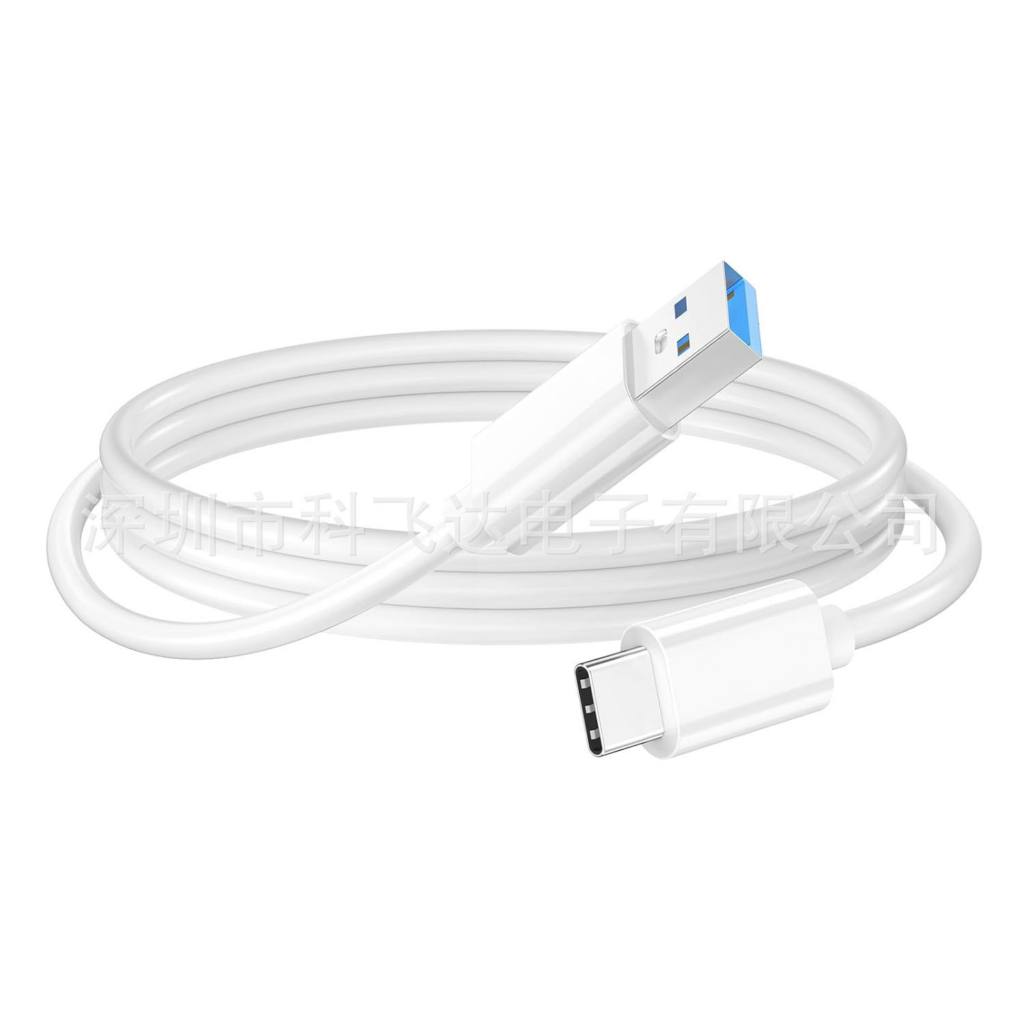
Table of Contents
Understanding the A Type Charging Cable
What Is an A Type Charging Cable?
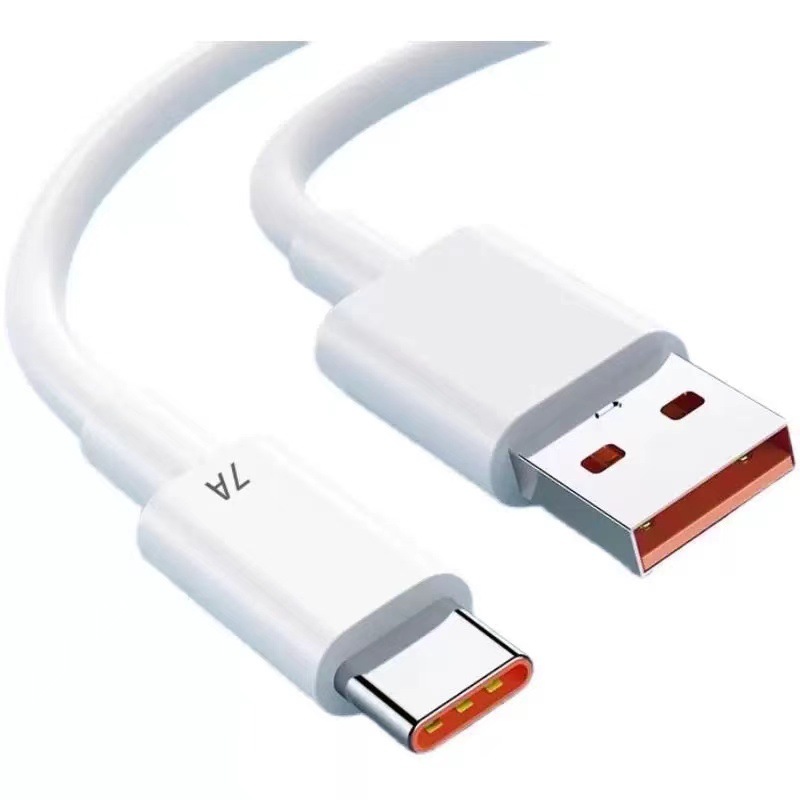
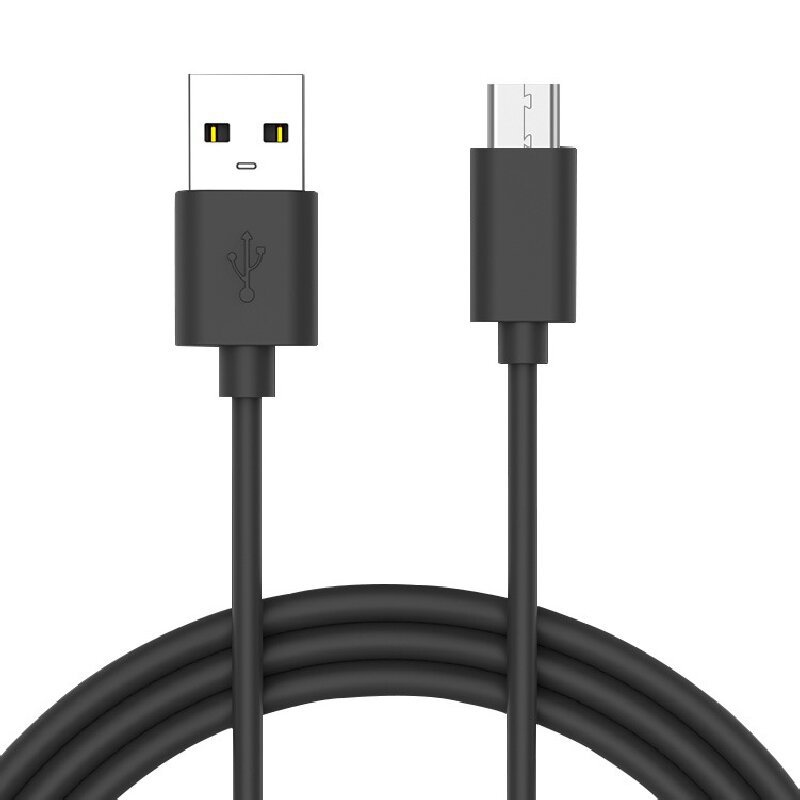
The term “A type charging cable” typically refers to cables featuring a USB Type-A connector on one end. USB Type-A is the classic, rectangular USB plug that has been a standard for decades. You’ll find it on computers, wall chargers, power banks, and countless other devices. The other end of the cable can vary—ranging from Micro-USB, USB-C, to Lightning—depending on the device you need to charge.
Key Features of A Type Charging Cables
A type charging cables are known for their durability, ease of use, and broad compatibility. The USB-A connector is not reversible, meaning it only fits one way, but it’s robust and widely supported. These cables are often used for both charging and data transfer, making them essential for connecting devices like smartphones, tablets, cameras, and more to computers or power sources.
The Evolution of Charging Cables
From USB-A to Modern Connectors
The USB-A connector has been around since the mid-1990s, serving as the backbone of countless charging and data transfer solutions. Over time, new connectors like USB-C and Lightning have emerged, offering faster speeds and more features. However, USB-A remains a staple, especially for legacy devices and accessories.
Why USB-A Still Matters
Despite the rise of newer standards, USB-A’s ubiquity ensures it remains relevant. Many wall chargers, laptops, and car adapters still use USB-A ports, making A type charging cables indispensable for everyday use. They bridge the gap between old and new technology, allowing users to connect modern devices to older hardware seamlessly.
Compatibility: What Devices Use A Type Charging Cables?
Smartphones and Tablets
Most Android devices released before the widespread adoption of USB-C use Micro-USB to USB-A cables. Even today, many budget devices and accessories rely on this configuration. Apple devices, on the other hand, use Lightning to USB-A cables for older iPhones and iPads.
Laptops and Computers
USB-A ports are standard on most laptops and desktop computers, making A type charging cables ideal for syncing and charging devices. They’re also used for connecting peripherals like keyboards, mice, and external drives.
Accessories and Gadgets
From Bluetooth headphones to portable speakers, fitness trackers to cameras, a vast array of gadgets depend on A type charging cables for power and data transfer. Their versatility makes them a must-have in any tech toolkit.
Choosing the Right A Type Charging Cable
Factors to Consider
When shopping for an A type charging cable, several factors come into play:
- Connector Type: Ensure the cable matches your device’s charging port (Micro-USB, USB-C, Lightning, etc.).
- Cable Length: Shorter cables are ideal for travel and reduce voltage drop, while longer cables offer flexibility for home or office use.
- Build Quality: Look for cables with reinforced connectors and braided exteriors for added durability.
- Charging Speed: Some cables support fast charging, while others may only offer standard speeds. Check the cable’s specifications to match your device’s capabilities.
- Data Transfer Rate: If you plan to transfer files, make sure the cable supports high-speed data transfer.
Avoiding Common Pitfalls
Not all cables are created equal. Cheap, poorly made cables can lead to slow charging, data errors, or even damage to your devices. Always buy from reputable brands and check for certifications that guarantee safety and performance.
Power Delivery and Fast Charging Capabilities
Understanding Power Delivery
A type charging cables can support a range of power delivery capabilities, depending on their construction and the devices they connect. While traditional USB-A cables typically deliver up to 2.5W (USB 2.0) or 4.5W (USB 3.0), many modern cables are designed to handle higher wattages, especially when paired with fast-charging adapters. Some premium cables can deliver up to 18W or more, making them suitable for tablets and even some laptops.
Matching Cable and Charger
To achieve the fastest charging speeds, both your cable and charger must support the same fast-charging protocols. Using a high-quality, certified cable ensures that your devices receive the optimal amount of power without overheating or causing damage. Always check the specifications of both your cable and charger to ensure compatibility with your device’s fast-charging requirements.
Wattage Limitations and Safety
It’s important to note that USB-A’s design imposes certain wattage limitations. While USB-C can deliver up to 100W with Power Delivery, USB-A is generally limited to lower power outputs. Attempting to use a USB-A cable for high-wattage devices like modern laptops may result in slow charging or no charging at all. Always use the appropriate cable for your device’s power needs to ensure safety and efficiency.
Durability: What Makes a Cable Last?
Material Matters
The durability of an A type charging cable depends largely on the materials used in its construction. Cables with nylon-braided exteriors are generally more resistant to fraying, tangling, and everyday wear compared to standard plastic-coated cables. Internally, high-quality copper wires and reinforced connectors help prevent breakage and signal loss.
Braided vs. Standard Cables
Braided cables are often marketed as more durable, and for good reason. The braided layer provides extra protection against bending and pulling, which are common causes of cable failure. While they may cost a bit more upfront, their extended lifespan can save you money in the long run by reducing the need for frequent replacements.
Tips for Extending Cable Life
Proper care is essential for maximizing the lifespan of your charging cable. Avoid wrapping cables too tightly, bending them at sharp angles, or exposing them to excessive heat or moisture. Store cables in a cool, dry place and use cable organizers to prevent tangling.
Troubleshooting Common Issues
Slow Charging
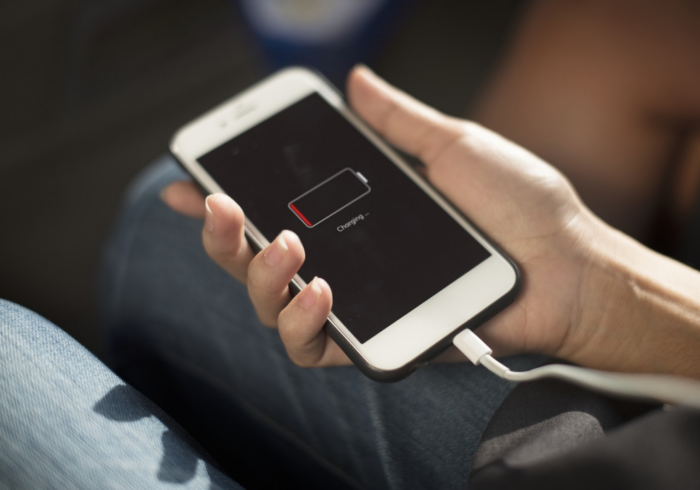
If your device is charging slowly, the issue could be with the cable, charger, or even the device itself. Try using a different cable or charger to isolate the problem. Check for debris in the connectors and ensure that both ends are securely plugged in. If the cable is excessively long, consider switching to a shorter one, as longer cables can increase resistance and reduce charging speed.
Intermittent Connection
An intermittent connection is often caused by a loose or damaged connector. Inspect your cable for visible signs of wear, such as frayed wires or bent pins. If the problem persists, it’s best to replace the cable to avoid potential damage to your device.
Device Not Recognized
If your computer or charger doesn’t recognize your device, the cable may not support data transfer, or it could be damaged. Use a certified cable that supports both charging and data transfer, and try connecting to a different port or device to rule out other issues.
Security Concerns
Using generic or unbranded USB-A charging cables can sometimes pose security risks, such as data theft or malware transmission, especially when charging in public places. Always use trusted cables and avoid connecting to unknown charging stations if you’re concerned about data security.
Environmental Impact and Sustainability
The Hidden Cost of Charging Cables
Every year, millions of charging cables are discarded, contributing to electronic waste and environmental pollution. The materials used in cables—such as plastics, metals, and sometimes hazardous chemicals—can take decades to decompose and may leach toxins into the environment.
Eco-Friendly Alternatives
In response to growing environmental concerns, many manufacturers are now offering eco-friendly charging cables made from recycled or biodegradable materials. These cables are designed to be more durable, reducing the need for frequent replacements and minimizing waste. Choosing sustainable options not only benefits the planet but can also save you money over time, as these cables often come with longer warranties and better build quality.
Responsible Disposal
When it’s time to replace your charging cable, don’t just throw it in the trash. Many electronics retailers and recycling centers accept old cables for proper recycling. By disposing of your cables responsibly, you help reduce the environmental impact of electronic waste.
The Future of Charging: Where Does USB-A Fit In?
Transition to USB-C and Beyond
The tech industry is gradually shifting towards USB-C, which offers faster charging, higher data transfer rates, and a reversible design. However, USB-A’s widespread presence ensures it will remain in use for years to come, especially as a bridge between old and new devices.
Regulatory Changes and Market Trends
Recent regulations, especially in the European Union, are pushing for a universal charging standard, with USB-C set to become the norm for new devices. This shift is expected to reduce electronic waste and simplify charging for consumers. However, as long as legacy devices and accessories remain in circulation, A type charging cables will continue to play a vital role in our digital ecosystem.
Adapting to Change
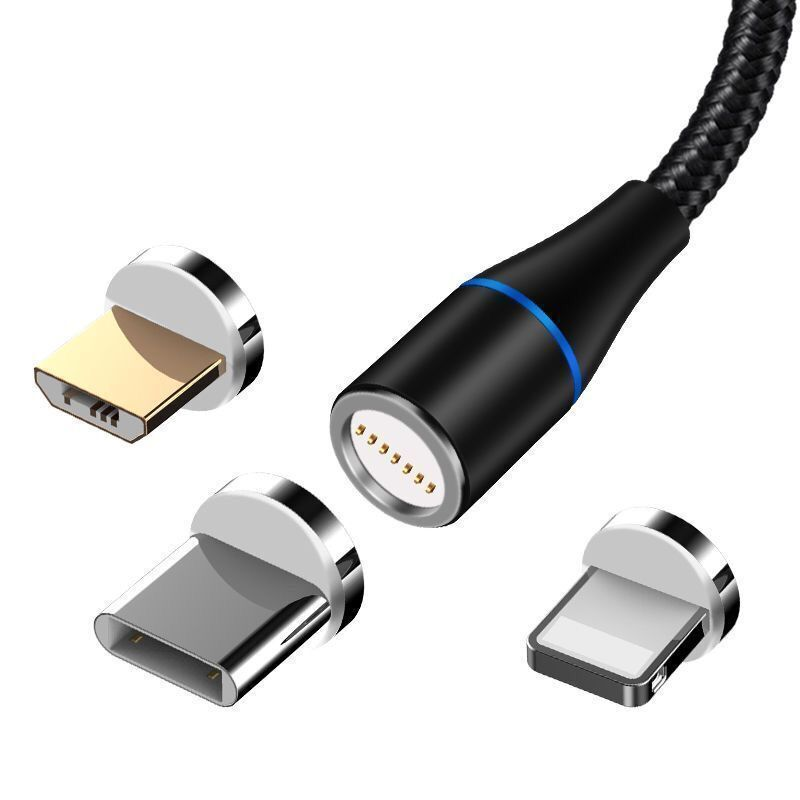
Adapters and multi-connector cables are becoming more popular, allowing users to connect USB-A devices to USB-C ports and vice versa. This flexibility ensures that your investment in A type charging cables remains valuable, even as technology evolves.
User Tips for Getting the Most from Your A Type Charging Cable
Invest in Quality
While it may be tempting to buy the cheapest cable available, investing in a high-quality, certified cable pays off in the long run. Premium cables offer better performance, enhanced safety features, and longer lifespans.
Keep Cables Organized
Tangled cables are more likely to become damaged. Use cable organizers, ties, or cases to keep your cables neat and protected, especially when traveling.
Stay Informed
As charging technology continues to evolve, stay up to date with the latest trends and recommendations. Understanding the capabilities and limitations of your cables helps you make informed decisions and avoid common pitfalls.
Using Extension Cables
If you need extra length, USB-A extension cables can be useful, but be aware that they may reduce charging speed and data transfer rates due to increased resistance. For best results, use the shortest cable necessary for your setup and ensure all components are high quality.
Conclusion
How to purchase:https://looperbuy.com/search?keywords=a+type+charging+cable&globalType=china
A type charging cables are a cornerstone of modern connectivity, offering unmatched compatibility and reliability. By understanding their features, choosing the right cable for your needs, and practicing proper maintenance, you can ensure your devices stay powered up and ready for action. As technology continues to advance, the humble USB-A connector will remain a vital link in our digital lives, bridging the gap between generations of devices.
Frequently Asked Questions
1. What is the difference between USB-A and USB-C charging cables?
USB-A is the traditional rectangular connector found on most computers and chargers, while USB-C is a newer, smaller, and reversible connector that supports faster charging and data transfer. USB-C is becoming the standard for new devices, but USB-A remains widely used for compatibility with older hardware.
2. Can I use an A type charging cable to charge any device?
You can use an A type charging cable as long as the other end matches your device’s charging port (such as Micro-USB, USB-C, or Lightning). Always check your device’s requirements before using a cable to ensure compatibility.
3. How can I tell if my A type charging cable supports fast charging?
Check the cable’s specifications or packaging for terms like “fast charging,” “Quick Charge,” or “Power Delivery.” High-quality cables from reputable brands will list their supported charging speeds. Using a cable that doesn’t support fast charging may result in slower power delivery.
4. What should I do if my charging cable stops working?
First, inspect the cable for visible damage or debris in the connectors. Try using the cable with a different charger or device to rule out other issues. If the cable is damaged or still doesn’t work, it’s best to replace it to avoid potential safety hazards.
5. How do I maintain my charging cable to make it last longer?
Handle your cable gently, avoid sharp bends, and unplug it by gripping the connector. Store it neatly when not in use, and regularly clean the connectors. Inspect the cable for wear and replace it if you notice any damage.
HOT TAG: USB-A charging cable, charging cable maintenance, device compatibility, fast charging, cable buying guide, USB-C transition, cable care tips, tech accessories, data transfer, mobile charging solutions, power delivery, cable durability, eco-friendly charging, electronic waste, regulatory trends, cable troubleshooting, sustainable tech, cable recycling, user tips, future of charging, USB-A wattage limitations, extension cable effects, security concerns, public charging safety, cable lifespan, braided cable benefits, responsible disposal, universal charging standard, market trends, legacy device support, charging speed optimization, cable material comparison, high-wattage charging, safe charging practices, cable organization, travel charging solutions, multi-connector cables, adapter usage, environmental impact, consumer electronics accessories, portable device charging, USB-A vs USB-C, charging cable innovation, sustainable materials, e-waste reduction, charging cable recycling, tech sustainability, charging cable safety, charging cable troubleshooting, charging cable care, charging cable selection, charging cable future, charging cable trends