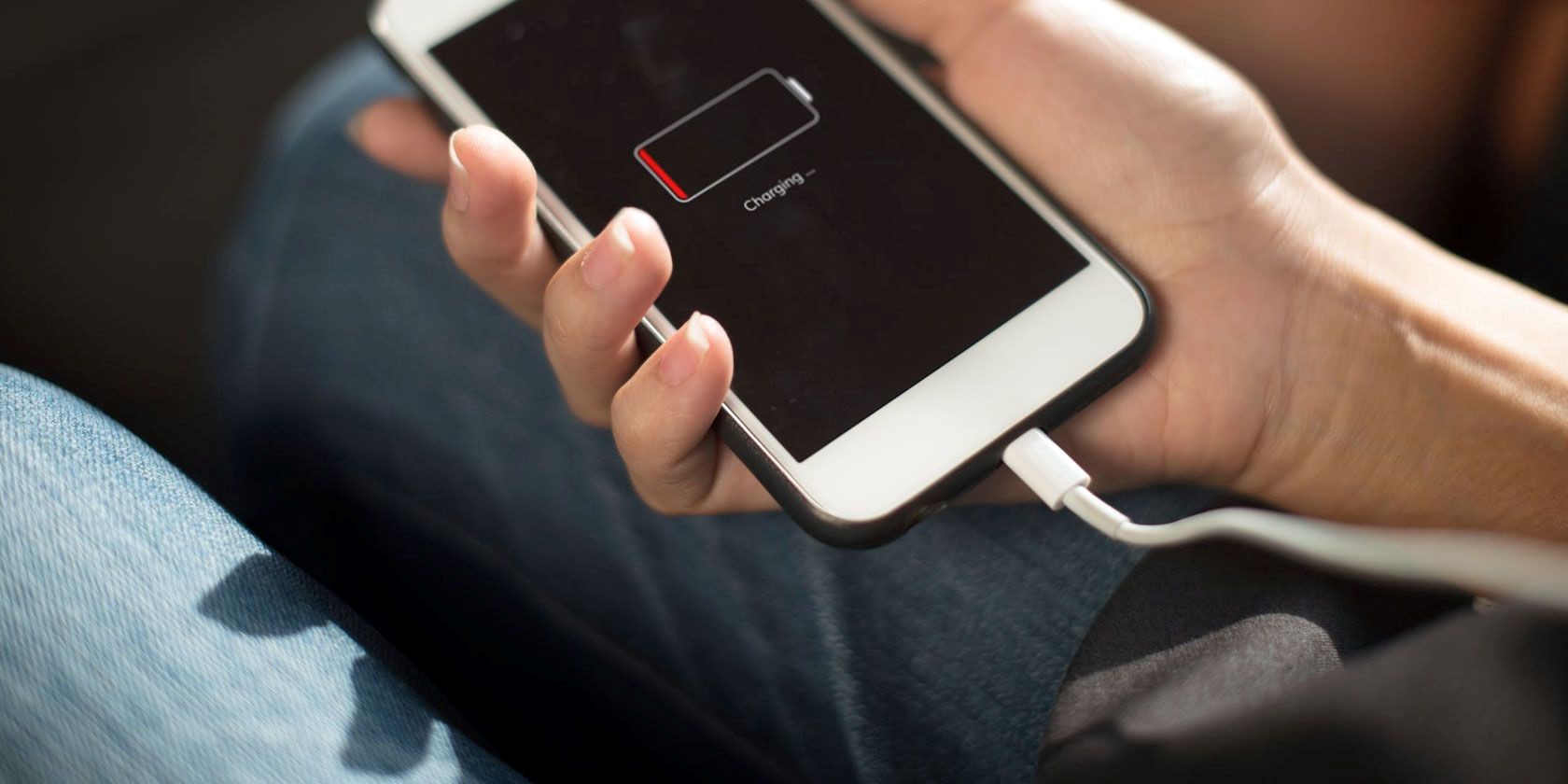
In today’s fast-paced world, a smartphone is an essential tool for communication, entertainment, and productivity. However, one common frustration many users face is slow charging. If you’ve ever found yourself waiting impatiently for your phone to charge, you might be wondering, “Why is my phone charging slow?” This article will explore the various reasons behind slow charging and provide practical solutions to help you get your device back to full power quickly.
Table of Contents
Understanding Slow Charging
What Causes Slow Charging?
There are several factors that can contribute to a phone charging slowly. Understanding these can help you identify the issue and take appropriate action. Each of these factors can significantly impact how quickly your device reaches a full charge, and being aware of them can help you troubleshoot effectively.
Faulty Charging Equipment
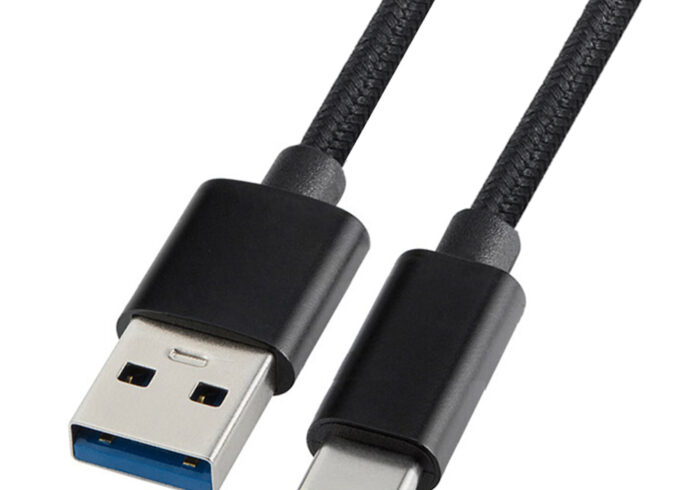
One of the most common reasons for slow charging is the use of faulty or incompatible charging equipment. This includes the charging cable, adapter, and even the power source. If your cable is frayed or damaged, it may not transfer power efficiently. Similarly, using a low-quality adapter or one that is not designed for your specific device can lead to slower charging speeds. It’s essential to use original or certified accessories that meet the specifications of your device to ensure optimal performance. Additionally, consider the age of your charging equipment; older cables and adapters may not support the latest fast-charging technologies.
Dirty Charging Port
Over time, dust, lint, and other debris can accumulate in your phone’s charging port. This buildup can obstruct the connection between the charging cable and the port, resulting in slower charging. Regularly cleaning your charging port can help maintain a good connection and improve charging speed. You can use a soft brush or a can of compressed air to gently remove any debris. It’s a simple maintenance step that can make a significant difference in your charging experience. Keeping the port clean not only helps with charging speed but also prolongs the life of your device.
Background Applications
Many smartphones run multiple applications in the background, consuming power and resources. If you are charging your phone while using resource-intensive apps, such as games or video streaming services, the charging process can slow down significantly. Closing unnecessary applications can help speed up charging. Additionally, some phones have a feature that allows you to see which apps are consuming the most battery. By managing these applications and limiting their background activity, you can enhance your phone’s charging efficiency. This is particularly important if you find yourself in a situation where you need a quick charge before heading out.
Battery Health
The health of your phone’s battery plays a crucial role in charging speed. Over time, batteries degrade and lose their ability to hold a charge effectively. If your battery is old or damaged, it may charge slowly or not at all. In such cases, replacing the battery may be necessary to restore normal charging speeds. Many smartphones have built-in diagnostics that can provide information about battery status. If your device shows signs of battery swelling or overheating, it’s crucial to seek professional help immediately, as these can be signs of a failing battery that could pose safety risks.
Temperature Effects
Extreme temperatures can affect charging efficiency. Charging your phone in very hot or cold conditions can slow down the process. Ideally, your phone should be charged in a cool, dry environment to ensure optimal performance. High temperatures can cause the battery to enter a protective mode, reducing charging speed to prevent damage. Conversely, charging in cold conditions can also slow down the chemical reactions within the battery, leading to slower charging times. It’s best to avoid leaving your phone in direct sunlight or in a cold car while charging.
Solutions to Speed Up Charging
Use the Right Charger
Always use the charger that came with your phone or a certified replacement. Using a charger with the correct voltage and amperage is essential for efficient charging. If you’re unsure, check the specifications provided by the manufacturer. Many modern smartphones support fast charging, but this requires a compatible charger. Using a charger that delivers insufficient power can lead to prolonged charging times. Investing in a high-quality charger can significantly enhance your charging experience.
Clean the Charging Port
Regularly inspect and clean your phone’s charging port. Use a soft brush or compressed air to remove any debris that may be obstructing the connection. Be gentle to avoid damaging the port. A clean charging port ensures a secure connection, which is vital for efficient charging. If you notice that your phone is still charging slowly after cleaning the port, it may be worth checking the cable and adapter for any signs of wear or damage.
Limit Background Activity
To speed up charging, close any unnecessary applications running in the background. You can also enable airplane mode while charging, which disables all wireless communications and can help your phone charge faster. This is particularly useful if you are in a hurry and need to maximize charging speed. Additionally, consider turning off features like Bluetooth and Wi-Fi if they are not needed during the charging process.
Avoid Using Your Phone While Charging
Using your phone while it is charging can generate heat and drain the battery simultaneously. To maximize charging speed, avoid using your device for heavy tasks while it is plugged in. Activities such as gaming, video streaming, or even browsing the internet can significantly slow down the charging process. If possible, set your phone aside while it charges to allow it to reach full power more quickly.

Check Battery Health
If your phone continues to charge slowly despite trying the above solutions, it may be time to check the battery health. Many smartphones have built-in diagnostics that can provide information about battery status. If the battery is degraded, consider replacing it. A healthy battery is crucial for optimal charging performance, and addressing battery issues can lead to a noticeable improvement in charging speed.
Optimize Charging Settings
Some smartphones have built-in features that optimize charging speed. Check your device settings for options like “fast charging” or “battery saver” modes. Enabling these features can help improve charging efficiency. Additionally, some devices offer adaptive charging, which adjusts the charging speed based on your usage patterns. Familiarizing yourself with these settings can help you make the most of your device’s capabilities.
Use a High-Quality Cable
Invest in a high-quality charging cable that is compatible with your device. Cheap or generic cables may not provide the necessary power for fast charging. Look for cables that support fast charging standards. A good cable not only enhances charging speed but also reduces the risk of overheating and damage to your device. Always check for certifications and reviews before purchasing a new cable.
Avoid Extreme Temperatures
Ensure that your phone is charged in a temperature-controlled environment. Avoid leaving your phone in direct sunlight or in extremely cold conditions while charging. If you notice that your phone is getting too hot while charging, it may be beneficial to remove any cases that could trap heat. Keeping your device at a moderate temperature can help maintain battery health and improve charging efficiency.
Restart Your Phone
Sometimes, a simple restart can resolve software glitches that may be affecting charging speed. Restart your device and see if that improves the charging process. This can clear temporary files and refresh the system, potentially leading to better performance. If you frequently experience slow charging, consider restarting your phone regularly as part of your maintenance routine.
Update Software
Keeping your phone’s software up to date can also help improve performance, including charging speed. Manufacturers often release updates that fix bugs and enhance device functionality. Regularly check for software updates and install them to ensure your device is running optimally. This not only helps with charging but can also improve overall device performance and security.
Conclusion
If you find yourself asking, “Why is my phone charging slow?” remember that there are multiple factors at play. By understanding the causes and implementing the solutions outlined in this article, you can significantly improve your phone’s charging speed. Regular maintenance, using the right equipment, and being mindful of your phone’s usage while charging can make a world of difference. With a little attention and care, you can ensure that your device is always ready to go when you need it.
Related Questions and Answers
1. What should I do if my phone charges slowly even with a new charger?
If your phone continues to charge slowly with a new charger, check the charging port for debris, ensure the cable is compatible, and consider checking the battery health. If the problem persists, it may be worth consulting a professional technician.
2. Can using my phone while charging damage the battery?
While it may not immediately damage the battery, using your phone for intensive tasks while charging can generate heat and reduce overall battery lifespan. It’s best to limit usage during charging to preserve battery health.
3. How can I tell if my charging cable is faulty?
Look for visible signs of wear, such as fraying or exposed wires. If your phone charges intermittently or not at all with the cable, it may be faulty. Testing with a different cable can help confirm the issue.
4. Is it safe to use third-party chargers?
It is generally safe to use third-party chargers as long as they are certified and compatible with your device. Always check for quality and reviews before purchasing to avoid potential damage to your phone.
5. What is fast charging, and how does it work?
Fast charging is a technology that allows devices to charge at a higher power level than standard charging. It typically requires a compatible charger and cable to work effectively, significantly reducing charging time compared to traditional methods.
How To Purchase:https://looperbuy.com/search?keywords=Phone+Charging