Table of Contents
Introduction
In today’s fast-paced digital world, USB data cables have become indispensable tools for connecting devices, transferring data, and charging smartphones, tablets, and other electronics. Among the various types available, the Micro USB cable remains a staple for millions of users globally. Despite the rise of newer standards like USB-C, Micro USB cables continue to power legacy devices, including Android smartphones, gaming controllers, and smart home accessories. This article delves into the intricacies of selecting the perfect Micro USB data cable, exploring its technical specifications, durability, compatibility, and maintenance tips. Whether you’re a tech enthusiast or a casual user, this guide will equip you with the knowledge to make an informed purchase.
Understanding Micro USB Technology
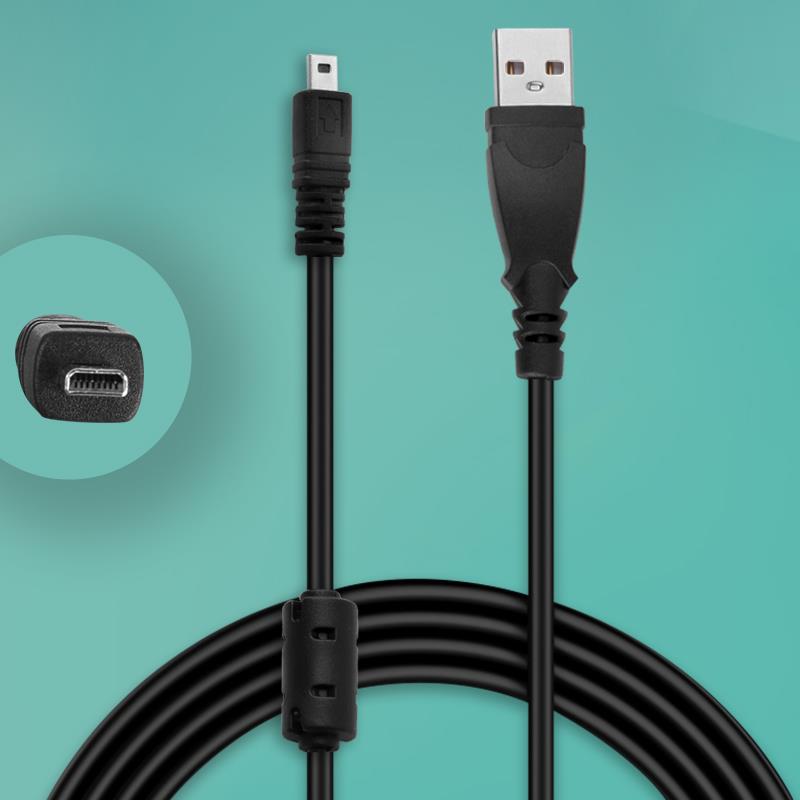
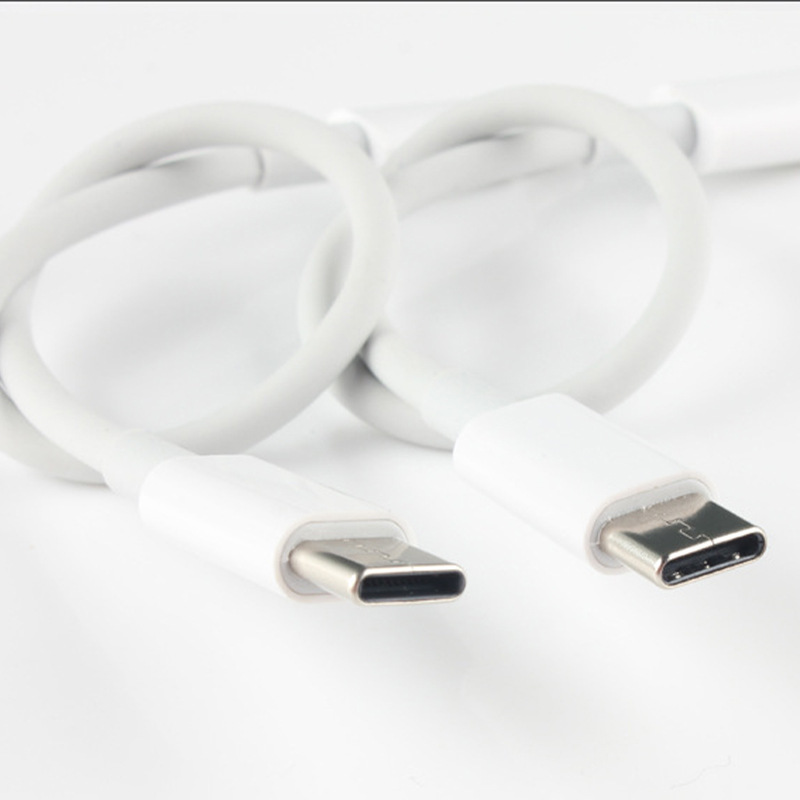
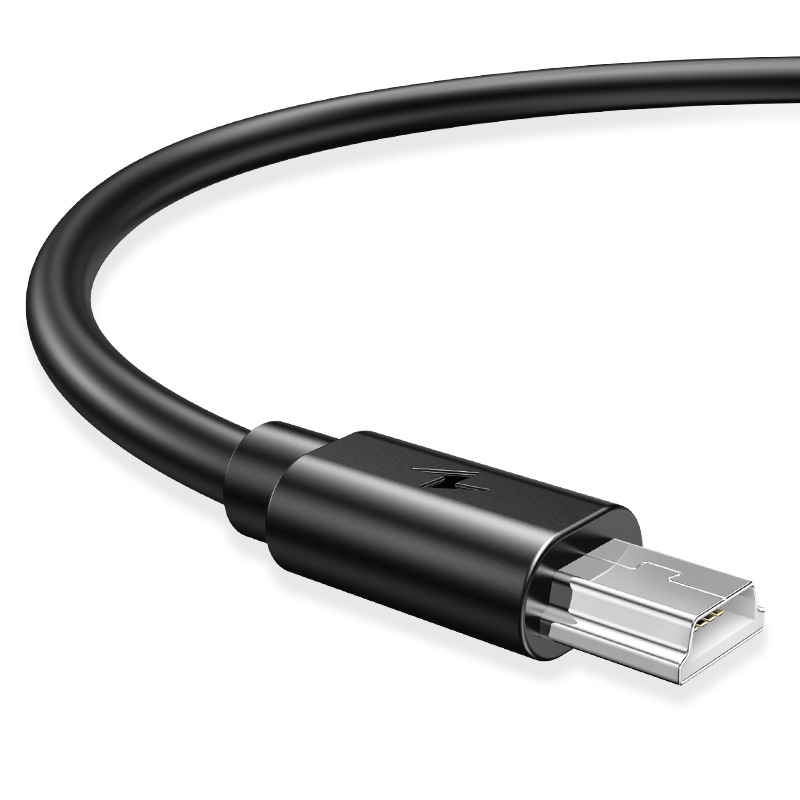
Micro USB cables were introduced in the mid-2000s as a smaller, more durable alternative to their predecessors. They feature a 5-pin design that supports both data transfer and charging capabilities. The standard Micro USB connector measures just 6.85mm x 1.8mm, making it ideal for compact devices.
Key Features of Micro USB Cables
- Data Transfer Speeds: Modern Micro USB cables support USB 2.0 standards, offering speeds up to 480 Mbps. While not as fast as USB 3.0, this is sufficient for everyday tasks like file sharing, photo backups, and music transfers.
- Charging Capabilities: Most Micro USB cables are rated for 2.4A output, enabling fast charging for compatible devices. However, charging speed also depends on the power adapter and device’s hardware.
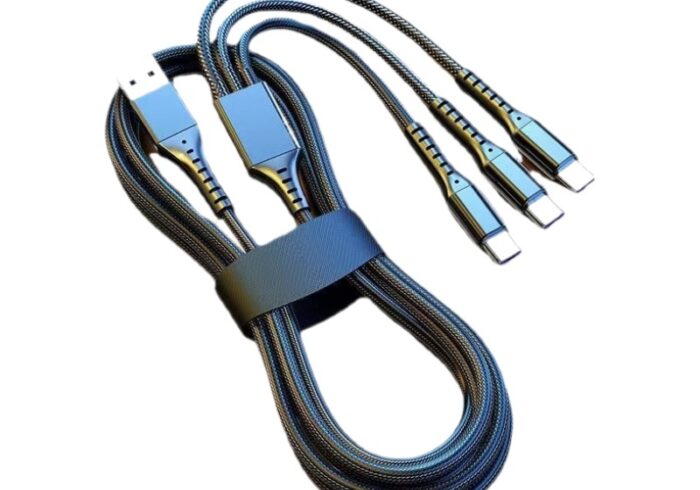
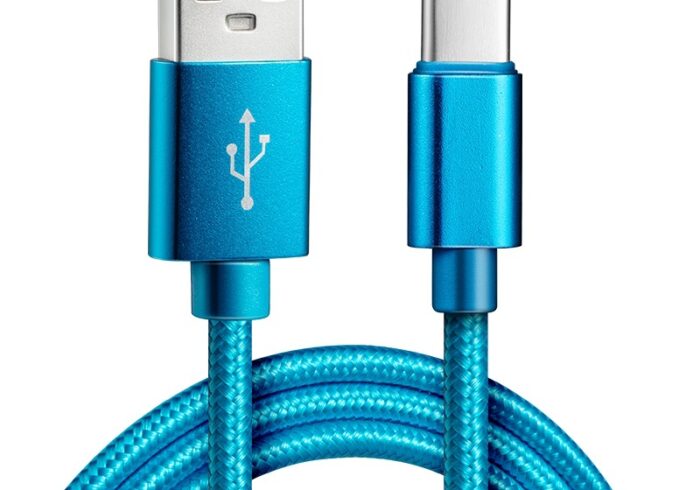
- Durability: High-quality cables use reinforced connectors and nylon-braided jackets to resist fraying and bending.
Why Micro USB Still Matters in 2025
Despite the shift toward USB-C, Micro USB remains relevant for several reasons:
- Legacy Device Support: Billions of devices, including older smartphones, e-readers, and Bluetooth speakers, still rely on Micro USB ports.
- Cost-Effectiveness: Micro USB cables are generally cheaper than USB-C alternatives, making them budget-friendly options.
- Universal Compatibility: Almost all Android devices released before 2017 use Micro USB, ensuring widespread accessibility.
How to Choose the Right Micro USB Cable
Selecting the best cable involves balancing performance, durability, and price. Here’s what to consider:
1. Cable Length
Shorter cables (0.5–1 meter) are ideal for charging near power outlets, while longer options (2–3 meters) offer flexibility for bedside or desk use. Avoid excessively long cables, as they may suffer from signal loss.
2. Build Quality
- Connector Reinforcement: Look for cables with aluminum or rubberized connectors to prevent breakage.
- Jacket Material: Nylon-braided cables outlast plastic ones, resisting tangles and wear.
- Strain Relief: The area where the cable meets the connector should have reinforced rubber to withstand bending.
3. Data Transfer vs. Charging-Only Cables
Some cables are designed solely for charging, omitting data wires to reduce costs. Ensure the product description specifies “data sync” if you need file transfer capabilities.
4. Certification
Opt for cables certified by the USB Implementers Forum (USB-IF) to guarantee compliance with safety and performance standards.
Common Issues With Micro USB Cables and How to Fix Them
Even the best cables can encounter problems. Here’s how to troubleshoot:
1. Slow Charging
- Cause: Dust or debris in the port, outdated firmware, or a damaged cable.
- Solution: Clean the port with a soft brush, update your device’s software, or replace the cable.
2. Intermittent Connection
- Cause: Loose connectors or frayed wires.
- Solution: Wiggle the connector gently to ensure a snug fit. If the issue persists, replace the cable.
3. Overheating
- Cause: Using a low-quality cable with inadequate insulation.
- Solution: Switch to a certified cable and avoid charging in extreme temperatures.
Maintenance Tips for Prolonging Cable Lifespan
- Avoid Sharp Bends: Store cables loosely to prevent kinks.
- Clean Regularly: Use a dry cloth to wipe off dirt and oil.
- Unplug Gently: Pull the connector, not the cable, to prevent stress on the wires.
The Future of Micro USB
While USB-C is gradually replacing Micro USB in flagship devices, the latter will persist in budget segments and IoT devices for years. Manufacturers are also exploring hybrid cables that support both standards, offering backward compatibility.
Conclusion
Micro USB cables remain a reliable, affordable solution for millions of users worldwide. By prioritizing build quality, length, and certification, you can ensure a cable that lasts. Always check reviews and avoid counterfeit products to safeguard your devices.
How to Purchase:https://looperbuy.com/search?keywords=usb+data+cable+micro+usb
Related Questions and Answers
Q: Can I use a Micro USB cable for fast charging?
A: Yes, but only if your device and power adapter support fast charging. Use a cable rated for 2.4A or higher.
Q: Are all Micro USB cables the same?
A: No. Quality varies based on materials, certification, and manufacturing. Cheap cables may lack data wires or have subpar insulation.
Q: How long do Micro USB cables typically last?
A: With proper care, high-quality cables can last 2–3 years. Frequent bending or rough handling shortens lifespan.
Q: Can a damaged Micro USB cable harm my device?
A: Yes. Frayed cables may short-circuit, causing overheating or battery damage. Replace them immediately.
Q: Is Micro USB compatible with USB-C devices?
A: No. USB-C uses a different connector shape and pin configuration. However, adapters are available for backward compatibility.
Hot Tags: Usb Data Cable Micro Usb; Micro Usb Cable Durability; Fast Charging Micro Usb; Best Micro Usb Cables 2025; Micro Usb Vs Usb C; Nylon Braided Micro Usb; Micro Usb Data Transfer Speed; Cheap Micro Usb Cables; Micro Usb Troubleshooting; Legacy Device Charging Cables