Table of Contents
Introduction to Computer Radiator Fans
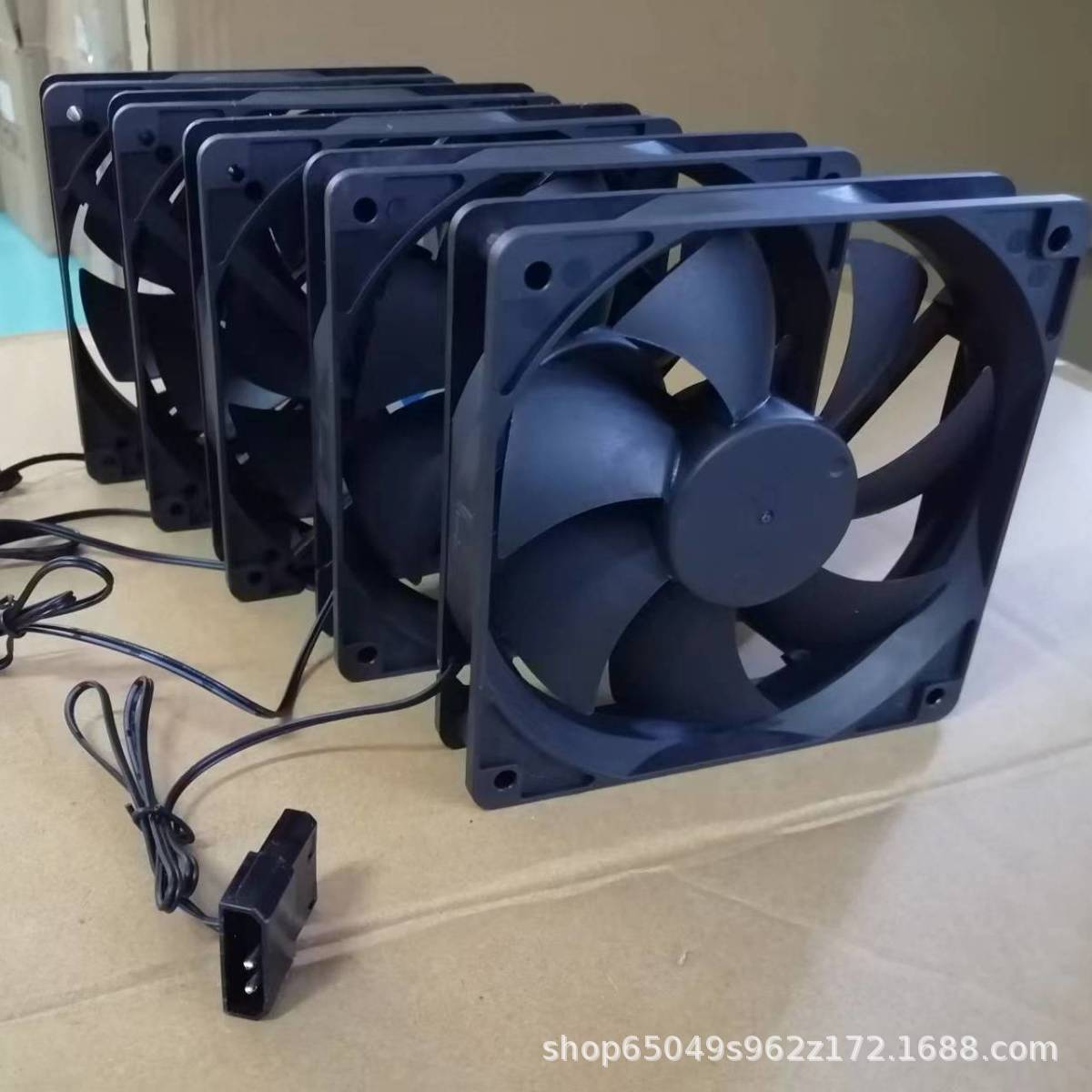
Computer radiator fans are critical components in modern cooling systems, ensuring optimal thermal management for CPUs, GPUs, and high-performance PCs. As hardware becomes more powerful, efficient heat dissipation is essential to prevent thermal throttling, extend component lifespan, and maintain system stability. This guide explores the types of radiator fans, selection criteria, installation best practices, and emerging technologies to help enthusiasts and professionals maximize cooling efficiency.
Types of Computer Radiator Fans
Air Cooling Radiator Fans
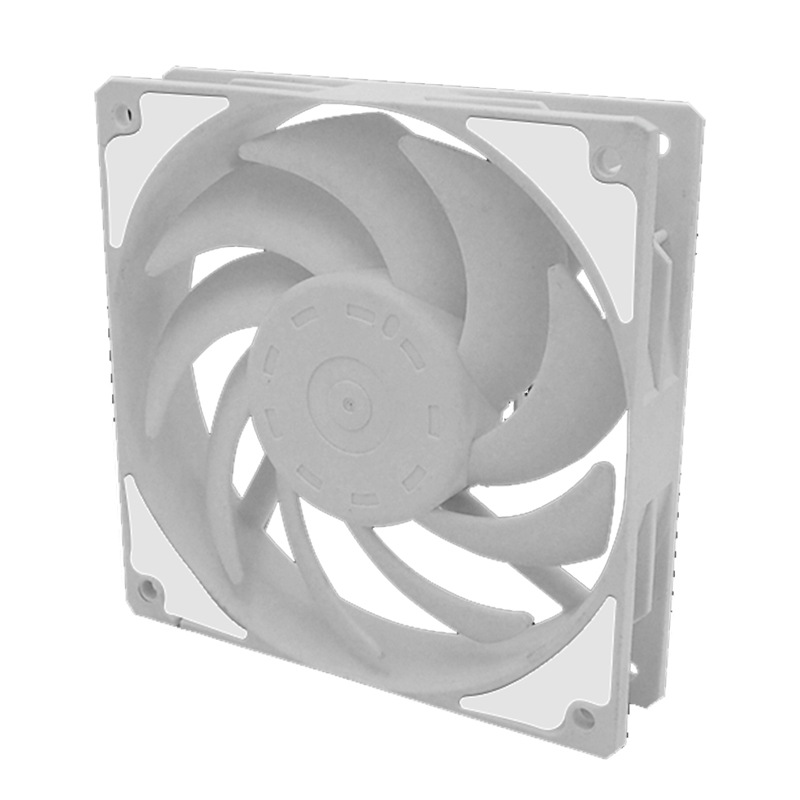
- Static Pressure Fans: Designed to push air through dense heatsinks or radiators. Ideal for liquid cooling systems.
- High Airflow Fans: Optimized for open-case environments, prioritizing volume of air moved over pressure.
- PWM (Pulse Width Modulation) Fans: Enable precise speed control via motherboard or software.
Liquid Cooling Radiator Fans
- Push-Pull Configurations: Dual fans mounted on either side of a radiator for enhanced cooling.
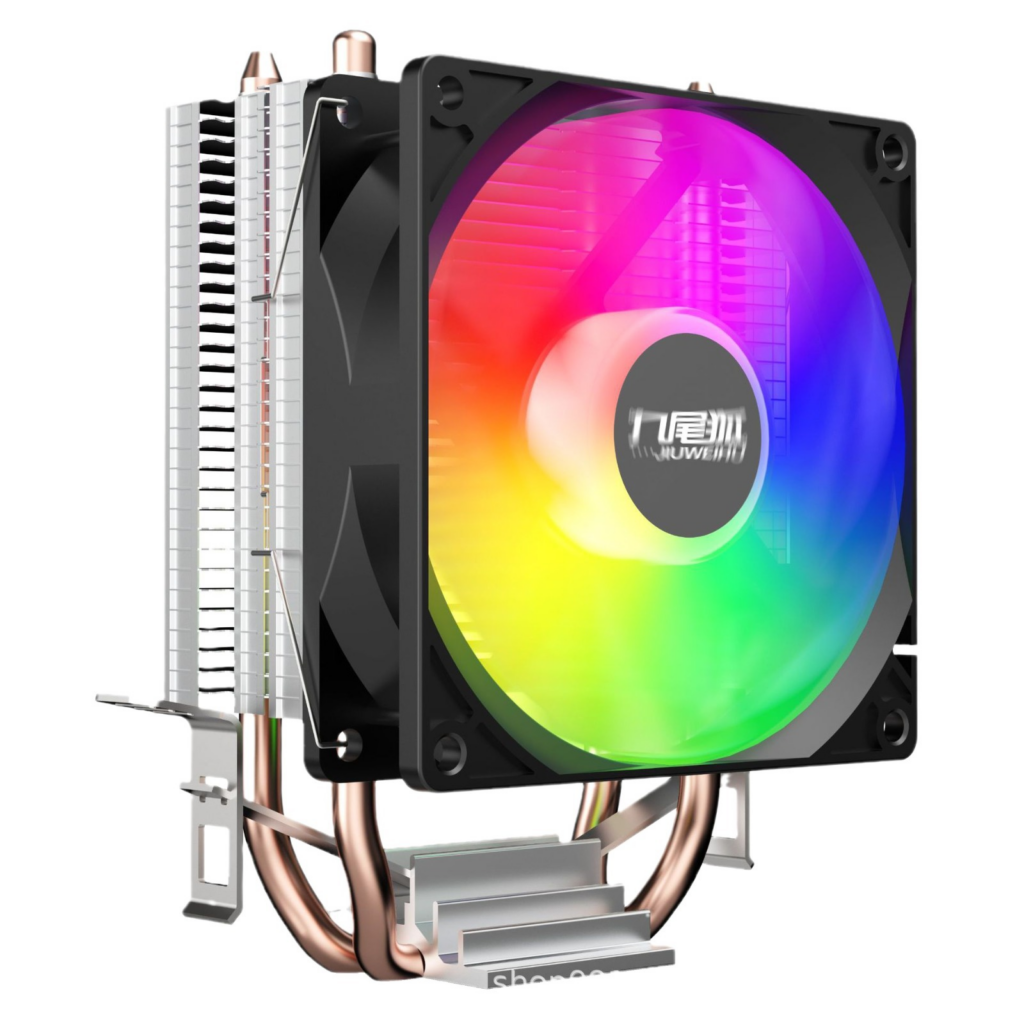
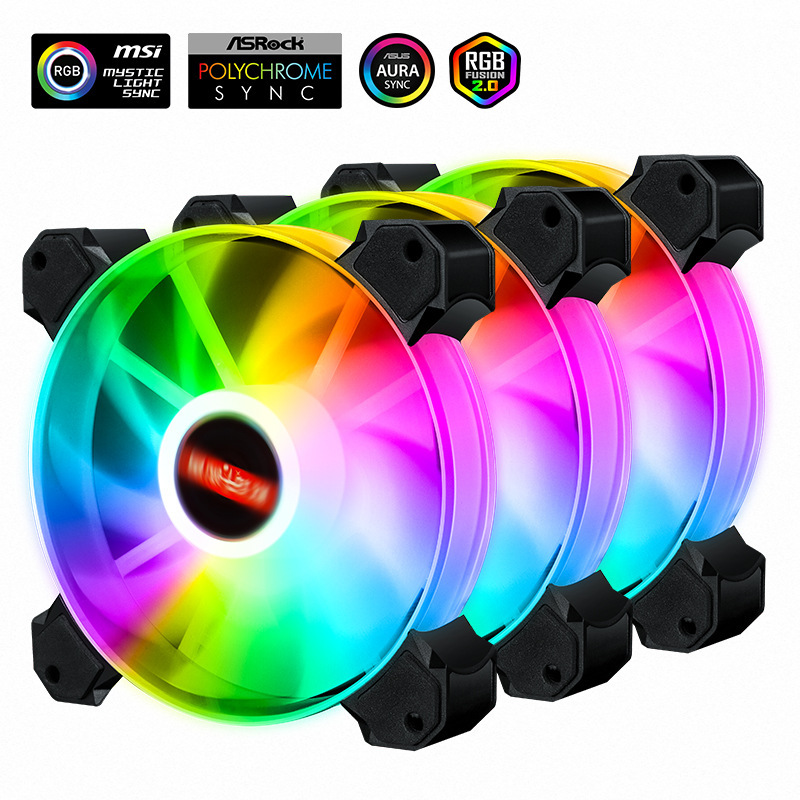
- RGB Lighting Models: Aesthetic-focused fans with customizable lighting, popular in gaming builds.
Hybrid Cooling Solutions
- AIO (All-in-One) Coolers: Pre-assembled systems integrating pumps, radiators, and fans.
- Custom Loop Fans: High-end setups using specialized fans for extreme overclocking.
Key Selection Criteria for Radiator Fans
Performance Metrics
- CFM (Cubic Feet per Minute): Measures airflow volume. Aim for 50–80 CFM for standard radiators.
- Static Pressure (mmH2O): Critical for dense radiators; 2.0–3.0 mmH2O is ideal.
- Noise Level (dBA): Look for fans below 30 dBA for silent operation.
Physical Compatibility
- Radiator Size: Match fan size (120mm, 140mm) to radiator dimensions.
- Mounting Hardware: Ensure screw holes align with radiator or case mounts.
Advanced Features
- Bearing Types:
- Hydraulic Dynamic Bearings (HDB): Long lifespan (150,000+ hours) and low noise.
- Dual Ball Bearings: Durable but slightly noisier.
- Software Integration: Compatibility with tools like Corsair iCUE or NZXT CAM for real-time monitoring.
Installation Best Practices
Step 1: Preparing the Radiator
- Cleaning: Remove dust from radiator fins using compressed air.
- Thermal Paste Application: Apply a pea-sized amount on the CPU/GPU before mounting.
Step 2: Fan Orientation
- Intake vs. Exhaust:
- Front/Radiator Mount: Intake configuration pulls cool air into the case.
- Top/Rear Mount: Exhaust setup expels hot air.
Step 3: Wiring and Control
- PWM Connections: Plug 4-pin PWM fans into motherboard headers for automatic speed adjustment.
- Fan Hubs: Use hubs like the DeepCool FH-10 to manage multiple fans.
Maintenance and Troubleshooting
Routine Maintenance
- Dust Removal: Clean fan blades and radiators every 3–6 months using anti-static brushes.
- Lubrication: Apply synthetic oil to sleeve-bearing fans annually.
Common Issues
- Excessive Noise: Solution: Tighten loose screws, replace worn bearings, or adjust fan curves.
- Inefficient Cooling: Solution: Reapply thermal paste, check fan orientation, or upgrade to higher-static-pressure models.
Emerging Trends in Radiator Fan Technology
Smart Cooling Systems
- AI-Driven Fan Control: Algorithms adjust fan speeds based on real-time temperature data.
- IoT Integration: Remote monitoring via mobile apps (e.g., ASUS AI Suite).
Sustainability Innovations
- Low-Power Designs: Fans consuming ≤1W at idle to reduce energy use.
- Recycled Materials: Blades and frames made from post-consumer plastics.
High-Performance Designs
- Magnetic Levitation (MagLev) Fans: Near-silent operation with 200,000-hour lifespans.
- Hybrid Liquid-Air Coolers: Combine traditional fans with vapor chamber technology.
Conclusion
Selecting and optimizing computer radiator fans requires balancing performance, noise, and compatibility. By prioritizing static pressure for radiators, leveraging PWM control for efficiency, and staying updated on trends like MagLev technology, users can achieve superior thermal management. Regular maintenance and smart upgrades ensure long-term reliability, making radiator fans a cornerstone of high-performance computing.
How to Purchase:https://looperbuy.com/search?keywords=computer+radiator+fans
Related Questions & Answers
· How do I choose between static pressure and airflow fans?
Use static pressure fans for radiators or dense heatsinks and airflow fans for open-case environments.
· Can I mix different fan brands in a push-pull setup?
Yes, but ensure they have similar CFM and static pressure ratings to avoid imbalance.
· Why is my radiator fan vibrating excessively?
Check for imbalanced blades, loose screws, or worn bearings. Replace the fan if necessary.
· Are RGB fans less efficient than non-RGB models?
RGB fans may have slightly lower airflow due to added lighting components, but high-end models minimize this difference.
· How often should I replace thermal paste?
Reapply thermal paste every 1–2 years or if CPU/GPU temperatures rise abnormally.
Hot Tags: Computer Cooling Solutions; High-Performance Radiator Fans; PWM Fan Control; Static Pressure Optimization; RGB Cooling Fans; Liquid Cooling Systems; MagLev Fan Technology; PC Thermal Management; Silent PC Builds.