Table of Contents
The Essential Role of Laptop Computer Stands in Modern Workspaces
In today’s digital age, laptops have become an integral part of our daily lives, used for work, study, and entertainment. However, using a laptop for extended periods can lead to discomfort and health issues like neck and back pain, poor posture, and repetitive strain injuries. This is where a laptop computer stand comes into play. A laptop computer stand can transform your workspace, offering numerous benefits that enhance both comfort and productivity. In this guide, we’ll delve into the different types of laptop computer stands, their features and benefits, and provide valuable insights to help you choose the perfect stand for your needs.
Types of Laptop Computer Stands
Desktop Laptop Stands
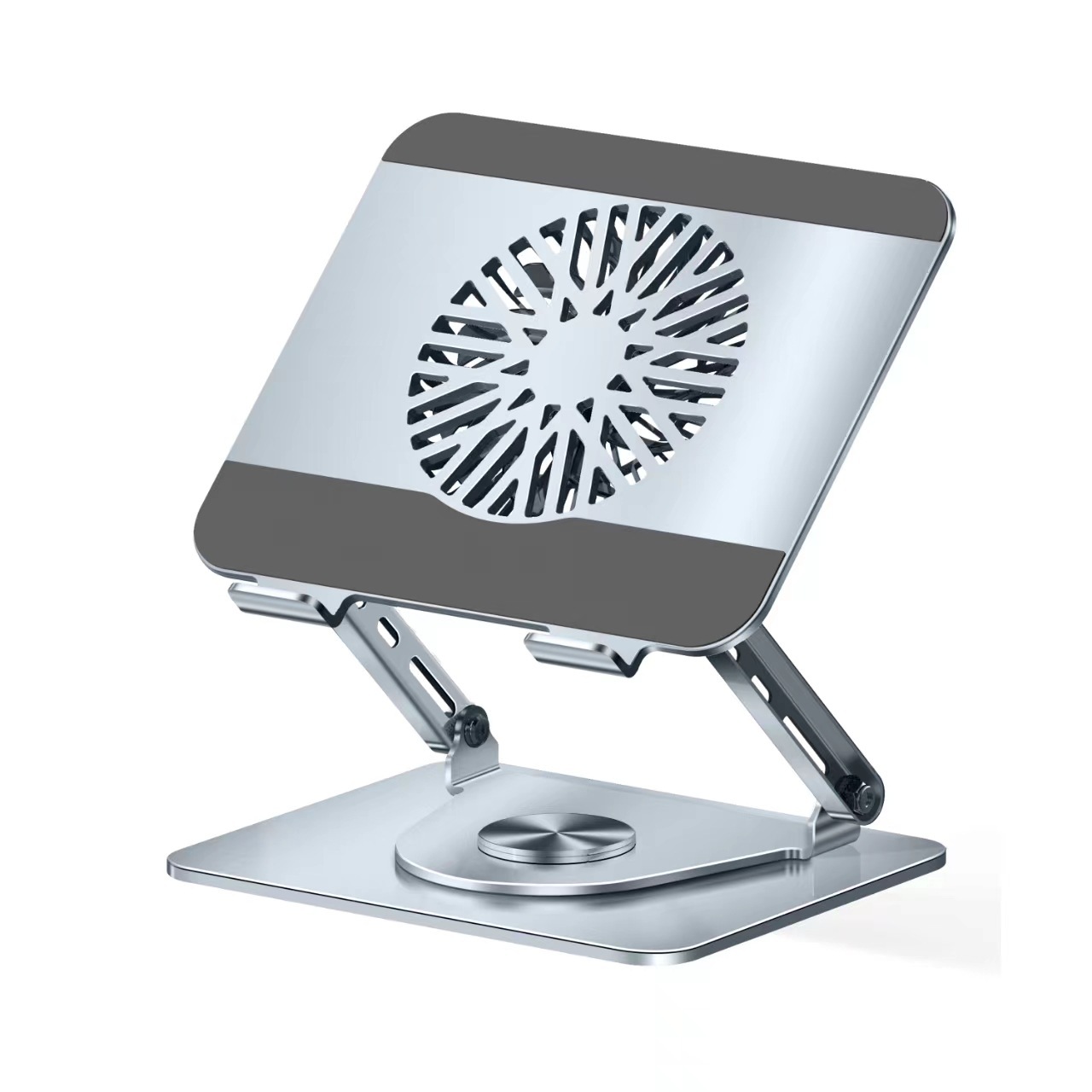
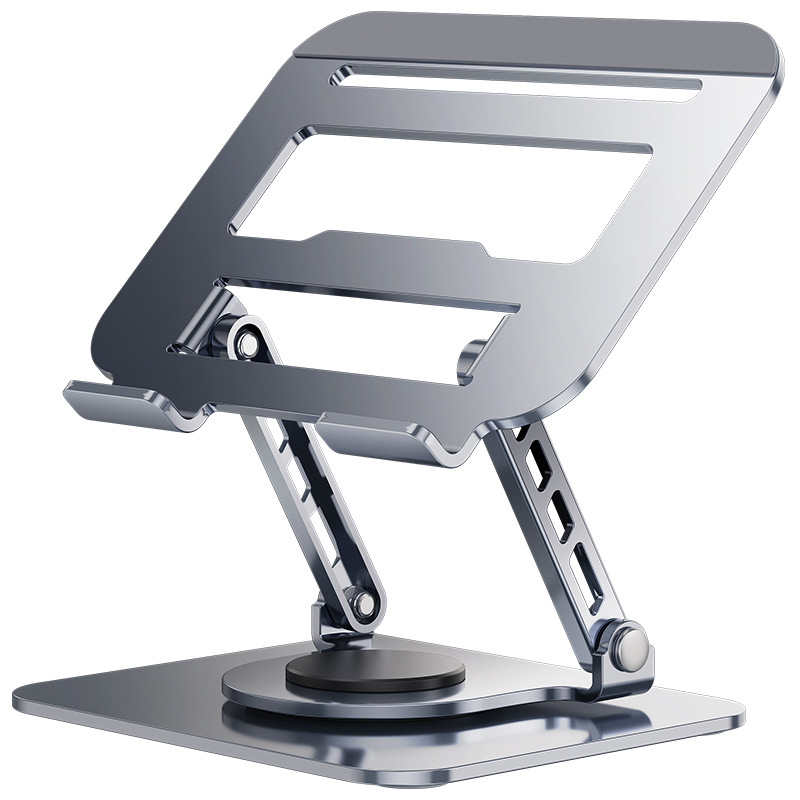
Desktop laptop stands are designed for use at a fixed workstation. They are typically larger and more robust, offering stability and a range of adjustment options. These stands are ideal for those who spend long hours at their desk and prioritize ergonomic comfort. Many desktop stands feature adjustable heights and angles, allowing you to position your laptop screen at eye level to reduce neck strain. Some models also include built-in cooling systems or cable management solutions to enhance your overall workflow.
Portable Laptop Stands
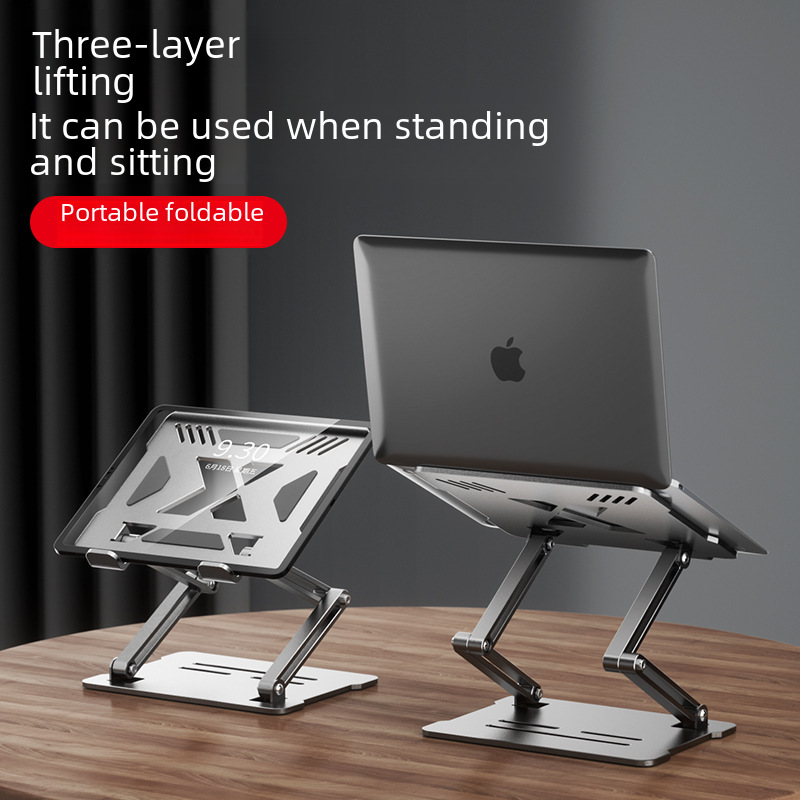
For professionals who are constantly on the move, portable laptop stands are a great solution. These stands are lightweight and compact, making them easy to carry in a bag or backpack. They are perfect for use in coffee shops, co-working spaces, or while traveling. Despite their small size, portable stands often offer sufficient adjustability to provide ergonomic benefits. Some portable stands can even be folded flat for convenient storage.
Multi-Functional Laptop Stands
Multi-functional laptop stands go beyond the basic functionality of elevating your laptop. These advanced stands may include additional features such as built-in USB hubs, wireless charging pads, or even docking stations. They can serve as a central hub for connecting multiple devices, helping to declutter your workspace and improve organizational efficiency. Multi-functional stands are particularly useful for those who use a variety of peripherals with their laptop and want a streamlined setup.
Features and Benefits of Laptop Computer Stands
Ergonomic Design
One of the primary benefits of using a laptop computer stand is the improvement in ergonomic design. By elevating your laptop to eye level, stands help maintain a neutral posture, reducing strain on your neck, back, and shoulders. This can significantly decrease the risk of developing musculoskeletal disorders. Additionally, some stands offer adjustable keyboard trays or platforms, allowing you to position your hands at a comfortable angle for typing and minimizing wrist strain. The ergonomic design not only enhances comfort but also promotes better overall health and well-being during prolonged laptop use.
Enhanced Cooling and Ventilation
Laptops are prone to overheating, especially when placed on soft surfaces or used for intensive tasks. Overheating can lead to reduced performance, battery drain, and even hardware damage. Laptop computer stands address this issue by creating space between the laptop and the surface, improving airflow and heat dissipation. Some stands incorporate cooling fans or vents to further enhance the cooling effect. By keeping your laptop at an optimal temperature, stands help maintain its performance and extend its lifespan.
Space Optimization and Cable Management
A laptop computer stand can help optimize desk space by elevating your laptop and creating room underneath for storage or other accessories. This is particularly beneficial for those with limited workspace or those who want to keep their desk organized. Many stands also feature cable management systems, helping to keep cables tidy and reduce clutter. This not only improves the aesthetic appeal of your workspace but also minimizes the risk of tripping over cables or damaging them.
Protection from Damage
Placing your laptop on a stand can provide an added layer of protection against accidental spills or debris. The elevated position keeps your laptop away from potential spills of liquids like coffee or water, which could cause significant damage. Additionally, some stands are made of durable materials like aluminum or steel, offering sturdy support and reducing the risk of your laptop being knocked over or scratched.
Increased Productivity
With improved ergonomics, better cooling, and a more organized workspace, laptop computer stands contribute to increased productivity. When you’re comfortable and free from physical discomfort, you can focus better on your tasks and work for longer periods without fatigue. The ability to position your laptop at an optimal viewing distance also reduces eye strain, allowing you to maintain concentration and efficiency. Furthermore, stands with built-in features like USB hubs or wireless charging can enhance workflow by providing easy access to essential devices and reducing the time spent searching for cables or connectors.
How to Choose the Right Laptop Computer Stand
Assess Your Needs
Before selecting a laptop computer stand, it’s important to assess your specific requirements. Consider factors such as your work environment, the type of work you do, and how often you travel. If you have a permanent workstation, a desktop stand with advanced ergonomic features may be suitable. On the other hand, if you’re frequently on the move, a portable stand that prioritizes lightweight and compact design would be more appropriate. Think about any additional features you might need, such as cooling systems or cable management, based on your laptop usage patterns.
Compatibility
Ensure that the laptop computer stand you choose is compatible with your laptop model and size. Stands are typically designed to accommodate a range of laptop sizes, but it’s essential to check the specifications to confirm compatibility. Some stands may have weight limits or specific height adjustments, so make sure your laptop falls within these parameters. Additionally, consider the type of connection your laptop requires if you plan to use peripherals with the stand. For example, if the stand has a built-in USB hub, verify that it supports the necessary USB version and provides sufficient ports for your devices.
Build Quality and Durability
Invest in a laptop computer stand made from high-quality materials to ensure durability and longevity. Stands constructed from materials like aluminum or steel are generally more robust and resistant to wear and tear compared to those made from plastic. The build quality also affects the stability and reliability of the stand. Look for stands with a sturdy base and secure locking mechanisms to prevent your laptop from slipping or the stand from collapsing. A well-built stand will provide reliable support for your laptop and withstand daily use.
Adjustability and Customization
Opt for a laptop computer stand that offers a high degree of adjustability to accommodate different user preferences and work scenarios. Adjustable features may include height, angle, and tilt settings. Height adjustment allows you to position your laptop screen at eye level for optimal viewing comfort. Angle and tilt adjustments enable you to customize the screen orientation to reduce glare and optimize visibility based on lighting conditions. Some stands also allow you to adjust the keyboard or mouse platform separately, providing further customization for ergonomic typing and navigation.
Brand Reputation and Reviews
Research the reputation of the brand and read customer reviews to gain insights into the performance and reliability of the laptop computer stand. Established brands with a positive track record are more likely to offer high-quality products and good customer support. Customer reviews can provide valuable feedback on aspects such as ease of use, durability, and effectiveness of the stand in meeting ergonomic needs. Pay attention to both positive and negative reviews to get a balanced view and make an informed decision.
Budget
Set a budget for your laptop computer stand purchase, keeping in mind that investing in a quality stand can provide long-term benefits. While there are affordable options available, higher-priced stands often offer more advanced features, superior build quality, and better warranty coverage. Consider your budget in relation to your priorities, such as ergonomic requirements, additional features, and brand reliability. It’s advisable to prioritize ergonomic benefits and durability over cost alone, as a well-designed stand can significantly improve your comfort and productivity.
Conclusion
Laptop computer stands have become indispensable tools for enhancing the ergonomics, comfort, and efficiency of modern workspaces. With various types and features to choose from, these stands address common issues associated with prolonged laptop use, such as poor posture, neck and back pain, overheating, and workspace clutter. By carefully considering your needs, compatibility, build quality, adjustability, brand reputation, and budget, you can select a laptop computer stand that perfectly suits your requirements. Investing in a quality stand not only improves your physical well-being but also boosts productivity and creates a more organized and pleasant working environment.
How to Purchase:https://looperbuy.com/search?keywords=laptop+computer+stand
Related Questions and Answers
Q: What are the main types of laptop computer stands?
A: The main types of laptop computer stands include desktop laptop stands, portable laptop stands, and multi-functional laptop stands. Desktop stands are designed for fixed workstations and offer robust ergonomic features. Portable stands are lightweight and compact, ideal for those on the move. Multi-functional stands include additional features like USB hubs and wireless charging pads, serving as a central hub for connecting multiple devices.
Q: How do laptop computer stands improve ergonomics?
A: Laptop computer stands improve ergonomics by elevating the laptop screen to eye level, reducing neck strain and promoting a neutral posture. Some stands also provide adjustable keyboard trays or platforms, allowing users to position their hands at a comfortable angle for typing and minimizing wrist strain. These adjustments help maintain proper alignment of the spine and reduce the risk of musculoskeletal disorders.
Q: What are the benefits of using a laptop computer stand for cooling and ventilation?
A: Laptop computer stands enhance cooling and ventilation by creating space between the laptop and the surface, improving airflow around the device. This helps dissipate heat more effectively, preventing overheating and maintaining optimal laptop performance. Some stands incorporate cooling fans or vents to further enhance the cooling effect, protecting the laptop’s hardware and extending its lifespan.
Q: How can laptop computer stands optimize workspace and manage cables?
A: Laptop computer stands optimize workspace by elevating the laptop and creating room underneath for storage or accessories. This helps declutter the desk and maximize available space. Many stands also feature cable management systems, such as channels or clips, to keep cables organized and reduce tangling. This improves the aesthetic appeal of the workspace and minimizes the risk of tripping over cables or damaging them.
Q: What factors should be considered when choosing a laptop computer stand?
A: When choosing a laptop computer stand, consider factors such as your specific needs (e.g., permanent workstation or frequent travel), compatibility with your laptop model and size, build quality and durability, adjustability and customization options, brand reputation and customer reviews, and your budget. Assessing these factors will help you select a stand that meets your ergonomic requirements and enhances your overall work experience.
Hot Tags: Laptop Computer Stand; Desktop Laptop Stand; Portable Laptop Stand; Multi-Functional Laptop Stand; Ergonomic Design; Cooling and Ventilation; Space Optimization; Cable Management; Productivity Enhancement; Build Quality