In the digital age, the mouse is an indispensable tool for computer users, whether for work, gaming, or casual browsing. Among the various options available, mini computer mice have gained popularity due to their compact size and portability. This article will explore the benefits of mini computer mice, their features, how to choose the right one, and tips for maximizing their use.
Table of Contents
Understanding Mini Computer Mice
What is a Mini Computer Mouse?
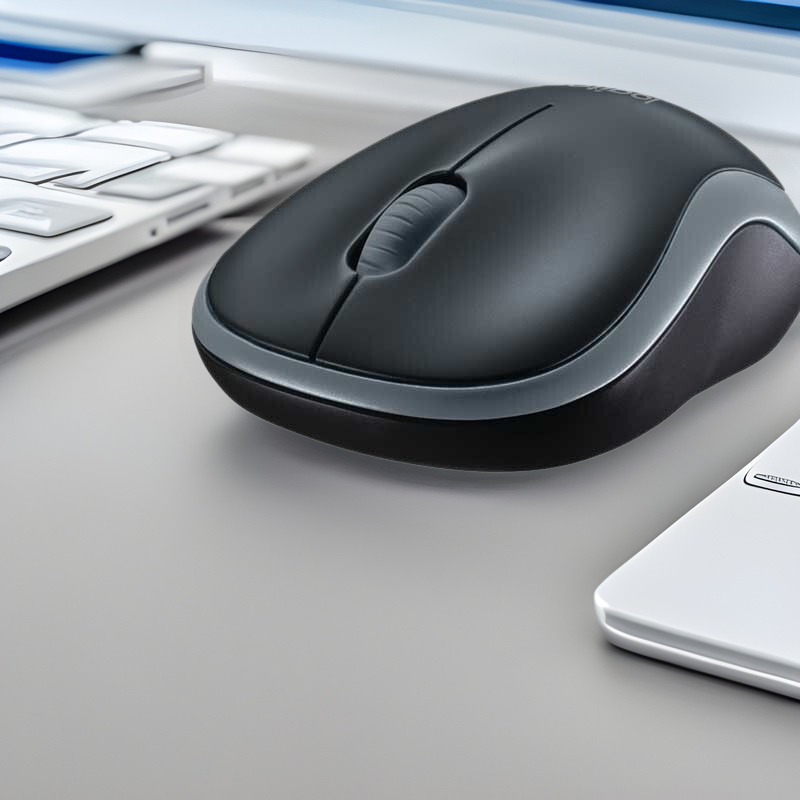
A mini computer mouse is a smaller version of a traditional mouse, designed for portability and ease of use. These mice are typically lightweight and compact, making them ideal for users who are frequently on the go. Mini computer mice can be wired or wireless and are compatible with various devices, including laptops, tablets, and desktop computers.
The Appeal of Mini Computer Mice
The appeal of mini computer mice lies in their convenience and functionality. Their compact size makes them easy to carry in a laptop bag or even a pocket, allowing users to maintain productivity wherever they are. Additionally, many mini mice offer the same features as their larger counterparts, including customizable buttons, adjustable DPI settings, and ergonomic designs.

Benefits of Using Mini Computer Mice
1. Portability
One of the most significant advantages of mini computer mice is their portability. Their small size allows users to easily transport them without taking up much space. This is particularly beneficial for travelers, students, and professionals who need to work on the go.
2. Comfort
Despite their smaller size, many mini computer mice are designed with ergonomics in mind. They can provide a comfortable grip and reduce strain on the wrist, making them suitable for extended use. Some models even feature contoured shapes that fit the hand well, ensuring a comfortable experience.
3. Versatility
Mini computer mice are versatile and can be used with various devices, including laptops, tablets, and desktop computers. They often connect via USB or Bluetooth, making them compatible with a wide range of operating systems. This versatility allows users to switch between devices seamlessly.
4. Cost-Effective
Mini computer mice are often more affordable than larger models, making them an excellent option for budget-conscious consumers. Despite their lower price point, many mini mice still offer high-quality performance and features, providing great value for money.
5. Aesthetic Appeal
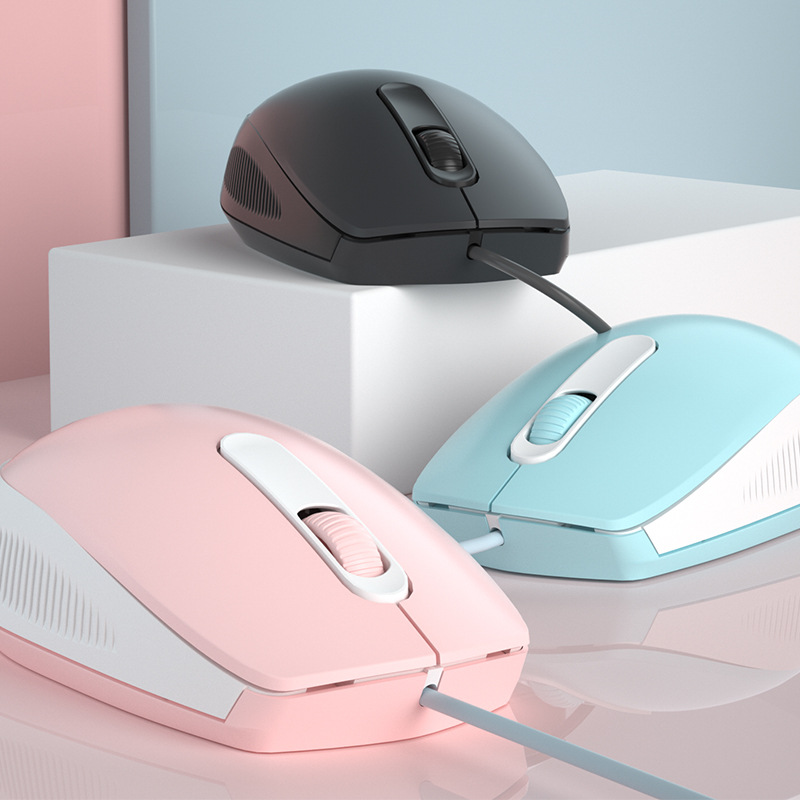
Mini computer mice come in various colors and designs, allowing users to express their personal style. Whether you prefer a sleek, modern look or a fun, colorful design, there is a mini mouse to suit your taste.
Types of Mini Computer Mice
1. Wired Mini Mice
Wired mini mice connect directly to a computer via a USB port. They are often favored for their reliability and consistent performance, as they do not require batteries or charging. Wired mini mice are an excellent choice for users who prefer a straightforward, no-fuss option.
2. Wireless Mini Mice
Wireless mini mice connect to a computer via Bluetooth or a USB receiver. They offer the convenience of a clutter-free workspace, as there are no cables to manage. Wireless mini mice are ideal for users who value mobility and flexibility.
3. Gaming Mini Mice
Gaming mini mice are designed specifically for gamers, offering features such as customizable buttons, adjustable DPI settings, and enhanced tracking capabilities. These mice are often lightweight and ergonomically designed to provide comfort during long gaming sessions.
4. Travel Mini Mice
Travel mini mice are specifically designed for portability, often featuring compact designs that can easily fit into a laptop bag or pocket. Many travel mini mice are wireless and come with a protective case or pouch for added convenience.
Choosing the Right Mini Computer Mouse
1. Assess Your Needs
When selecting a mini computer mouse, consider your specific needs. Think about how you plan to use the mouse, whether for work, gaming, or casual browsing. Understanding your requirements will help you choose the right model.
2. Evaluate the Size and Shape
The size and shape of the mini mouse are crucial for comfort and usability. Ensure that the mouse fits comfortably in your hand and allows for easy access to buttons. Some users may prefer a more contoured design, while others may opt for a flatter profile.
3. Check the Connectivity
Consider how you want to connect your mini mouse to your device. Wired mice offer reliability, while wireless options provide flexibility. If you choose a wireless mouse, ensure that it is compatible with your device’s operating system and has a reliable connection method.
4. Look for Additional Features
Many mini computer mice come with additional features that can enhance usability. Look for options with customizable buttons, adjustable DPI settings, and ergonomic designs. These features can improve your overall experience and productivity.
5. Read Reviews
Before making a purchase, read reviews from other users to gauge the quality and performance of the mini mouse you are considering. This can provide valuable insights into its durability, comfort, and functionality.
Tips for Using Mini Computer Mice
1. Maintain a Clean Surface
To ensure optimal performance, keep the surface where you use your mini mouse clean and free of debris. Dust and dirt can interfere with tracking and responsiveness, so regularly clean your workspace.
2. Adjust Settings for Comfort
Take the time to adjust the settings of your mini mouse to suit your preferences. This may include changing the DPI settings for sensitivity or customizing buttons for specific functions. Personalizing your mouse can enhance your overall experience.
3. Use a Mouse Pad
Using a mouse pad can improve tracking and precision, especially on uneven surfaces. Choose a mouse pad that complements your mini mouse and provides a smooth surface for optimal performance.
4. Store Properly
When not in use, store your mini mouse in a safe place to prevent damage. If it is a wireless model, remove the batteries or turn it off to conserve power. Proper storage will help prolong the life of your mouse.
5. Keep Software Updated
If your mini mouse comes with software for customization, ensure that it is regularly updated. Software updates can improve performance and add new features, enhancing your overall experience.

Conclusion
Mini computer mice are a practical and stylish solution for users seeking portability and functionality. With their compact size, comfort, and versatility, these mice are ideal for a variety of applications, from work to gaming. By understanding the different types available, how to choose the right one, and tips for maximizing their use, you can enjoy the many benefits of mini computer mice.
How to purchase:Online B2B sourcing platform, China purchase, Chinese suppliers – LooperBuy
Frequently Asked Questions
1. What are the benefits of using a mini computer mouse?
Mini computer mice offer portability, comfort, versatility, cost-effectiveness, and aesthetic appeal, making them ideal for various users.
2. How do I choose the right mini computer mouse for my needs?
Consider your specific needs, evaluate the size and shape, check the connectivity options, look for additional features, and read reviews before making a purchase.
3. Can I use a mini computer mouse for gaming?
Yes, there are mini computer mice designed specifically for gaming, offering features such as customizable buttons and adjustable DPI settings.
4. How do I maintain my mini computer mouse?
Keep the surface clean, adjust settings for comfort, use a mouse pad, store it properly, and keep software updated to ensure optimal performance.
5. Are mini computer mice compatible with all devices?
Most mini computer mice are compatible with a wide range of devices, including laptops, tablets, and desktop computers. However, it’s essential to check compatibility before purchasing.
HOT TAG: mini computer mice, ergonomic design, portable mouse solutions, gaming mouse features, user experience, productivity tools, wireless vs wired mice, compact technology, mouse maintenance tips, innovative mouse designs.