Table of Contents
Introduction to Wireless Mice
In the digital age, a reliable computer mouse is essential for both productivity and leisure. With the rise of wireless technology, users now have the freedom to choose from a wide variety of wireless mice that cater to different needs and preferences. This article aims to provide a comprehensive guide to selecting the best wireless mouse, exploring various features, types, and top recommendations available in the market today.
Understanding Wireless Mouse Technology
What is a Wireless Mouse?
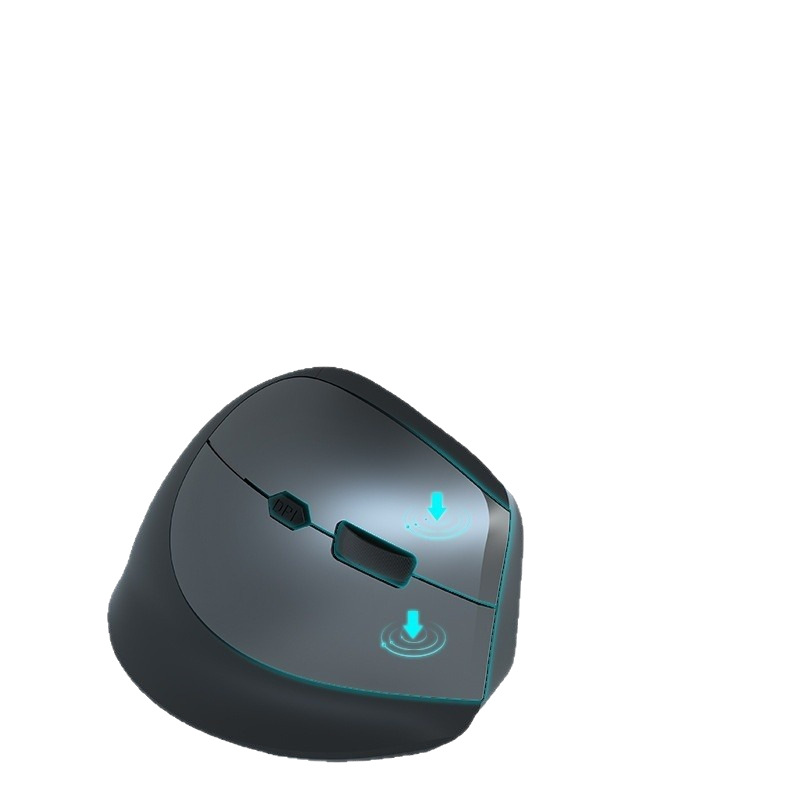
A wireless mouse is a pointing device that connects to a computer without the need for a physical cable. Instead, it uses radio frequency (RF) or Bluetooth technology to communicate with the computer, providing users with greater flexibility and mobility.
How Wireless Mice Work
- Radio Frequency (RF): Most wireless mice use RF technology, which involves a small USB receiver that plugs into the computer. The mouse communicates with the receiver via radio waves, typically operating on a frequency of 2.4 GHz.
- Bluetooth: Bluetooth mice connect directly to the computer’s Bluetooth capabilities, eliminating the need for a USB receiver. This is particularly useful for laptops and devices with limited USB ports.
Advantages of Wireless Mice
- Freedom of Movement: Wireless mice allow users to move freely without being tethered to a cable, making them ideal for presentations and mobile work.
- Reduced Clutter: Without cables, users can maintain a cleaner and more organized workspace.
- Portability: Many wireless mice are compact and lightweight, making them easy to carry for on-the-go use.
Types of Wireless Mice
Standard Wireless Mice
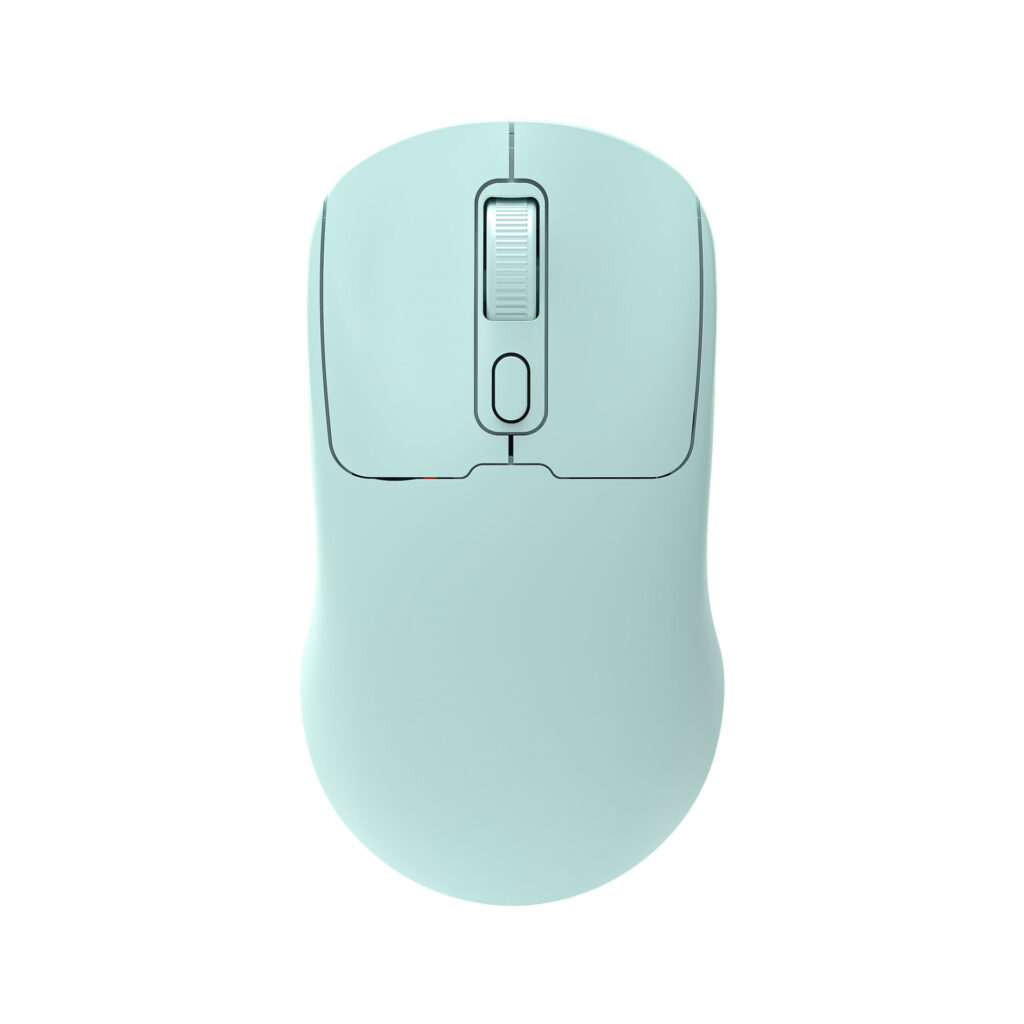
Standard wireless mice are designed for everyday use, offering basic functionality and comfort. They are suitable for general tasks such as browsing, document editing, and casual gaming.
Features of Standard Wireless Mice
- Ergonomic Design: Many standard wireless mice feature ergonomic shapes that provide comfort during extended use.
- Adjustable DPI: Users can adjust the mouse’s sensitivity (DPI) to suit their preferences, allowing for precise control.
Gaming Wireless Mice
Gaming wireless mice are specifically designed for gamers, offering advanced features and high-performance capabilities.
Key Features of Gaming Wireless Mice
- High DPI Settings: Gaming mice often have higher DPI settings, allowing for faster and more accurate movements.
- Customizable Buttons: Many gaming mice come with programmable buttons that can be customized for specific in-game actions.
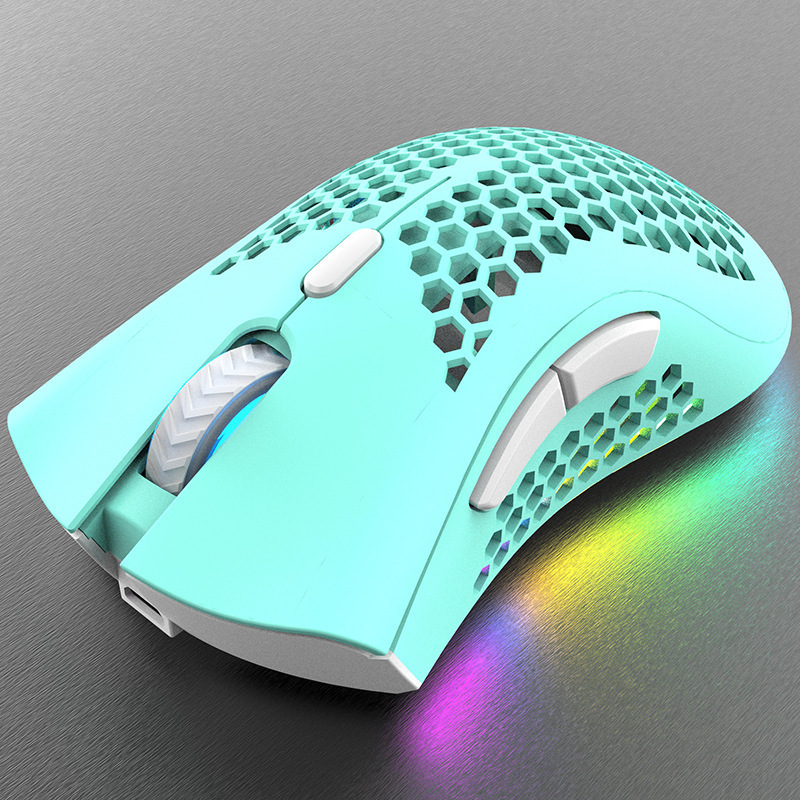
- RGB Lighting: Aesthetic features such as customizable RGB lighting are popular among gamers, allowing for personalization.
Travel Wireless Mice
Travel wireless mice are compact and lightweight, making them ideal for users who frequently work on the go.
Characteristics of Travel Wireless Mice
- Compact Size: These mice are designed to fit easily into laptop bags or pockets.
- Battery Life: Travel mice often feature extended battery life to accommodate users who may not have access to charging options.
Features to Consider When Choosing a Wireless Mouse
Battery Life
Battery life is a crucial factor when selecting a wireless mouse. Users should consider how often they are willing to replace or recharge batteries.
Types of Battery Options
- Rechargeable Batteries: Some wireless mice come with built-in rechargeable batteries, offering convenience and sustainability.
- Disposable Batteries: Others use standard AA or AAA batteries, which may require more frequent replacements.
Connectivity Options
The method of connectivity can impact the user experience. Users should consider whether they prefer RF or Bluetooth connectivity.
Pros and Cons of Connectivity Types
- RF Connectivity: Offers a stable connection and typically lower latency, but requires a USB port for the receiver.
- Bluetooth Connectivity: Saves USB ports and is compatible with a wider range of devices, but may have slightly higher latency.
Ergonomics and Comfort
Comfort is essential for prolonged use. Users should look for mice that fit well in their hands and provide adequate support.
Ergonomic Features to Look For
- Shape and Size: Mice come in various shapes and sizes, so users should choose one that fits their hand comfortably.
- Grip Style: Different grip styles (palm, claw, fingertip) can affect comfort and control.
Top Recommendations for Wireless Mice
Best Overall Wireless Mouse
Logitech MX Master 3
The Logitech MX Master 3 is widely regarded as one of the best wireless mice on the market. It features an ergonomic design, customizable buttons, and advanced tracking capabilities.
Key Features
- Ergonomic Design: Designed for comfort during long hours of use.
- Customizable Buttons: Users can program buttons for specific functions, enhancing productivity.
- Long Battery Life: Offers up to 70 days of use on a single charge.
Best Gaming Wireless Mouse
Razer Viper Ultimate
The Razer Viper Ultimate is a top choice for gamers, offering high-performance features and a lightweight design.
Key Features
- High DPI Settings: Up to 20,000 DPI for precise control.
- Ultra-Lightweight Design: Weighs only 74 grams, allowing for quick movements.
- Customizable RGB Lighting: Personalize the mouse with Razer Chroma RGB.
Best Travel Wireless Mouse
Microsoft Surface Mobile Mouse
The Microsoft Surface Mobile Mouse is an excellent option for travelers, combining portability with functionality.
Key Features
- Compact Size: Easily fits into bags or pockets.
- Bluetooth Connectivity: No USB receiver required, saving valuable ports.
- Long Battery Life: Up to 12 months on a single AA battery.
Conclusion
Choosing the right wireless mouse is essential for enhancing productivity and comfort in both work and leisure activities. By understanding the different types of wireless mice, their features, and the factors to consider when making a purchase, users can find the perfect mouse to meet their needs. Whether for gaming, travel, or everyday use, the right wireless mouse can significantly improve the user experience.
As you consider the perfect wireless mouse to enhance your computing experience, don’t miss the chance to explore a wide selection of top-quality options at LooperBuy. Discover your ideal mouse today: https://looperbuy.com.
Related Questions & Answers
· What are the best wireless mice for gaming? The best wireless mice for gaming include options like the Razer Viper Ultimate and Logitech G Pro Wireless, known for their high DPI settings and customizable features.
· How do I choose the right wireless mouse for my needs? Consider factors such as ergonomics, battery life, connectivity options, and whether you need features like customizable buttons or high DPI settings.
· What is the average battery life of a wireless mouse? Battery life varies by model, but many wireless mice offer between 6 months to 2 years of use on standard batteries, while rechargeable models can last several weeks on a single charge.
· Are Bluetooth mice better than RF mice? Bluetooth mice save USB ports and are compatible with more devices, while RF mice typically offer lower latency and a more stable connection.
· Can I use a wireless mouse with a tablet? Yes, many tablets support wireless mice via Bluetooth, allowing for a more traditional computing experience.
Hot Tags: Wireless Mouse; Gaming Mouse; Travel Mouse; E-Commerce; Ergonomics; Battery Life; Connectivity Options; Productivity Tools; Computer Accessories